


GitHub’s October 13 update adds AI Scan metrics to security overview. Security teams can now examine findings and developer responses across an organization or enterprise instead of assembling every observation from individual pull requests. The useful decision is where to expand the rollout, where to improve review, and where to investigate before spending more.
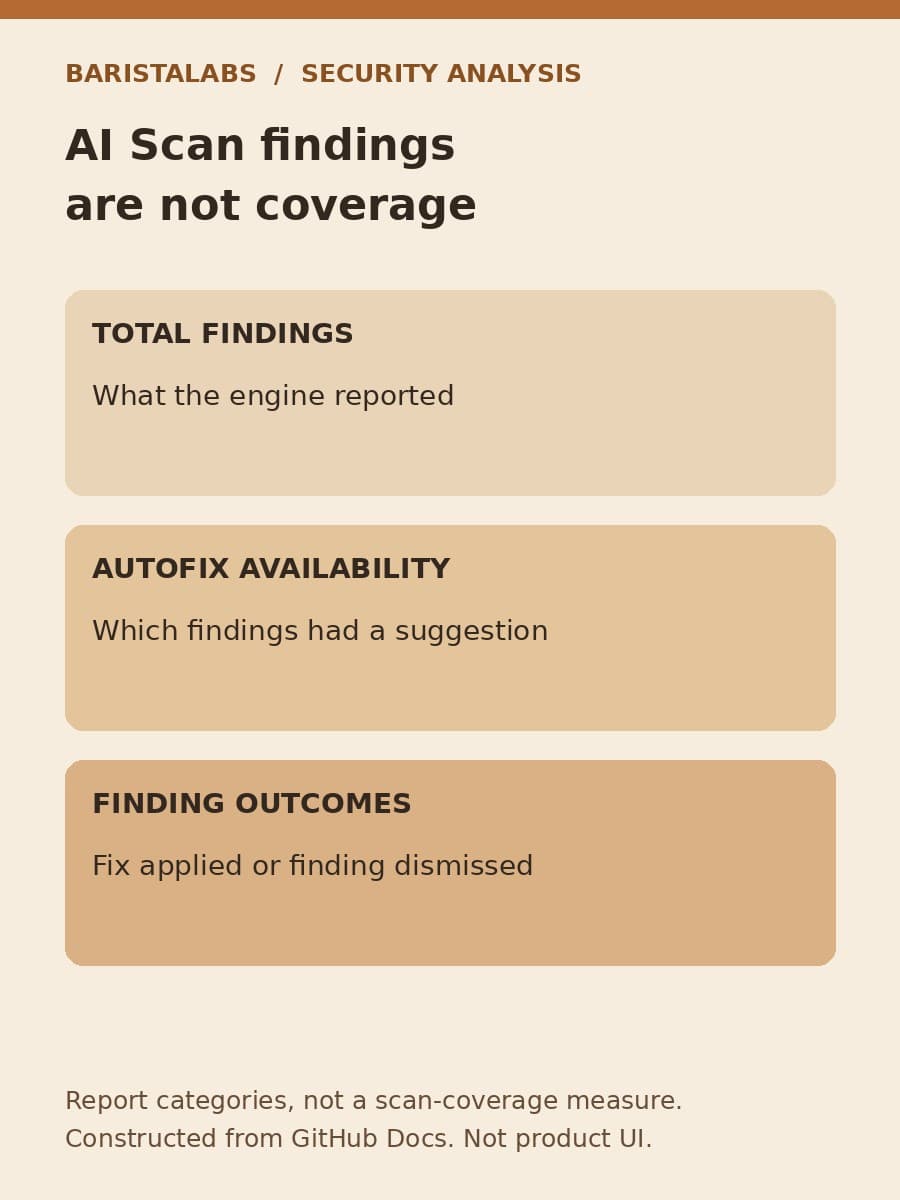
The report is not a coverage score. A finding count describes what the engine reported in the selected view; it does not tell you how many vulnerabilities remain undetected. Keep that distinction visible when presenting the results to someone who controls the budget.
Find the separate AI Scan report
The release announcement renames “CodeQL pull requests” to “Code scanning on pull requests.” Select the AI Scan tab rather than combining its figures with CodeQL. The announced reporting feature is a public preview on github.com for Code Security or Advanced Security customers, not an Enterprise Server release.
The metric definitions are the starting point for a management assessment. Treat suggestion availability, applied fixes and dismissals as separate observations, not interchangeable signs of success.
Read the outcome groups before comparing results
GitHub documents three useful parts of the AI Scan tab. It shows total findings, the number and percentage with Copilot Autofix suggestions, and a time chart split by whether a suggestion was available. It also shows separate outcome shares for findings with and without a suggestion: a fix was applied or the finding was dismissed.
Those distinctions prevent a common reporting mistake. Autofix availability is not autofix acceptance. A finding can have a suggestion without that suggestion being used. Likewise, a dismissal should not be presented as a repaired defect. Read the actual outcome label rather than substituting the more flattering description “resolved.”
The date range and filters apply to all AI Scan metrics in the report. Save those selections alongside any screenshot or written summary. Compare the same repository group over comparable periods, and show the finding count next to a percentage. A high rate based on a small group deserves a different conversation from the same rate across substantial activity.
Do not transfer CodeQL-specific definitions to AI Scan merely because the tabs share a page. The documentation describes CodeQL metrics for pull requests merged into default branches and lists detailed CodeQL measures such as mean time to remediate. The AI Scan section lists its own metrics. Use those definitions rather than assuming every CodeQL chart or inclusion rule also applies to the AI Scan tab.
The date picker selects when findings were created
The viewing instructions add an important detail: the date picker filters by when alerts or findings were created. A selected week is therefore a group of findings created during that week, not automatically a tally of repairs completed during it.
That distinction changes a management summary. “Outcomes for findings created last week” describes the selection more accurately than “defects fixed last week.” If the same date range is revisited later, record the observation date as well. Do not claim an immutable historical snapshot or assume a refresh schedule that the documentation does not specify.
At enterprise level, the documented owner filter narrows the display by organization. To find the page, open Security and quality, then Insights, then Code scanning on pull requests, then AI Scan. Preserve the exact filter expression used rather than naming a department whose membership may change.
A quiet report is a reason to check the workload, not proof that the code is safe. Our enablement guide covers configuration evidence, and the GA eligibility guide covers activation and billing constraints. Here, keep the interpretation centered on the selected finding population and its displayed outcomes.
Do not promise an AI Scan CSV feed
GitHub’s viewing instructions explicitly limit the Export CSV button to the CodeQL tab. CSV export is not yet available for AI Scan. Do not plan a scheduled spreadsheet import by assuming that the neighboring tab’s export works here too.
For an initial assessment, a dated manual observation is a more honest artifact than an invented export format. The following is a blank BaristaLabs worksheet, not a GitHub schema or a measured result:
Scroll sideways to see all 2 columns.
| Record | What to preserve |
|---|---|
| Finding creation window | Exact start and end selected in the date picker |
| Viewed population | Organization or enterprise view and exact filters |
| Observation time | When the displayed values were read |
| Suggestion availability | Total findings and the displayed count or percentage with suggestions |
| Outcome groups | Displayed outcomes separately for findings with and without suggestions |
| Interpretation | Which underlying examples support the proposed next step |
Use the interface’s wording and leave unavailable values unreported. Do not reverse-engineer a total from a rounded percentage and present the result as a downloaded count. A screenshot can preserve the display, but it is not a machine-readable export or proof that every viewer can see the same population.
Allow time for a finding’s outcome to develop
A creation-date selection also creates a maturity problem. Recently created findings have had less time to receive attention than older findings. Comparing a fresh group with an older group can make the fresh group look less effective even when nobody’s behavior changed. This is a consequence of the selected population, not a performance defect established by the release.
For a recurring assessment, BaristaLabs recommends a consistent observation delay after each creation window closes. State the chosen delay in the assessment notes; it is an analytical convention, not a product setting. If the business needs an immediate view, label recent outcomes as provisional instead of presenting them as directly comparable with a mature period.
The suggested and unsuggested groups also are not randomized experiments. Their defects may differ in difficulty and suitability for an automated fix. A higher applied-fix share in the suggested group does not, alone, establish the time saved by suggestions. To estimate labor savings, collect separate effort evidence and describe how the comparison was made. Keep that estimate apart from the interface’s actual percentages.

Use the report to choose a bounded next step
BaristaLabs recommends reviewing a small sample of the underlying pull requests before expanding adoption. Ask the security owner to assess whether each finding identified a valid concern, whether the resulting change addressed it, and whether a dismissal was justified. These are recommended review questions, not extra dashboard fields or a claim that we tested the feature in a customer environment.
If suggestions are available but fixes are rarely applied, examine their usefulness and the review handoff before assuming developers need more reminders. If many findings lack suggestions, establish who can investigate and write a fix. If the visible workload changed, avoid attributing a changed outcome share to the rollout alone.
Use that examination to propose one next step for a defined repository group: expand adoption, improve the response process, or investigate an unresolved cause. Name the owner, the comparison period and the evidence that would justify another decision. Keep usage costs separate; this report alone does not establish financial return or vulnerabilities prevented.
Findings remain advisory. They neither fail the Code scanning check nor block merges through ruleset requirements. A favorable report does not replace the team’s release controls. It can, however, help a security owner decide where human attention and the next rollout investment are most useful.
BaristaLabs offers AI consulting for teams that need to connect these reports to a practical operating decision. A sanitized report and a few reviewed examples are a useful starting point; proprietary source code is not needed for an initial discussion.
Sources
- GitHub Changelog: Code scanning AI Scan metrics in security overview, October 13, 2026.
- GitHub Docs: Code scanning on pull requests, checked October 20, 2026.
- GitHub Docs: Viewing code scanning metrics for pull requests, checked October 20, 2026.
Security workflow
Review one AI Scan rollout decision
Bring a sanitized report, its selected scope and a few reviewed findings. BaristaLabs can help define a useful next step and how to assess it.
Start with one repository group and a named security owner.
Turn this idea into a pilot
Which workflow should go first?
Use the readiness check to compare impact, effort, risk, owner, and next step before requesting a review.
- 3-5 minutes
- Deterministic score
- No sensitive data
Practical AI Workflow Notes
Want more practical AI operations ideas?
Get short notes on applying AI inside real small-business workflows — from document handling and customer follow-up to internal reporting, compliance, and automation guardrails.