


GitHub made its Copilot model-policy REST API generally available on October 19, 2026. Administrators can now retrieve and update model policies at enterprise, enterprise-team, enterprise-app, and organization scope. For a platform team maintaining an approved-model list, that creates a practical opportunity: review a proposed policy difference before writing it, then read the settings back afterward.
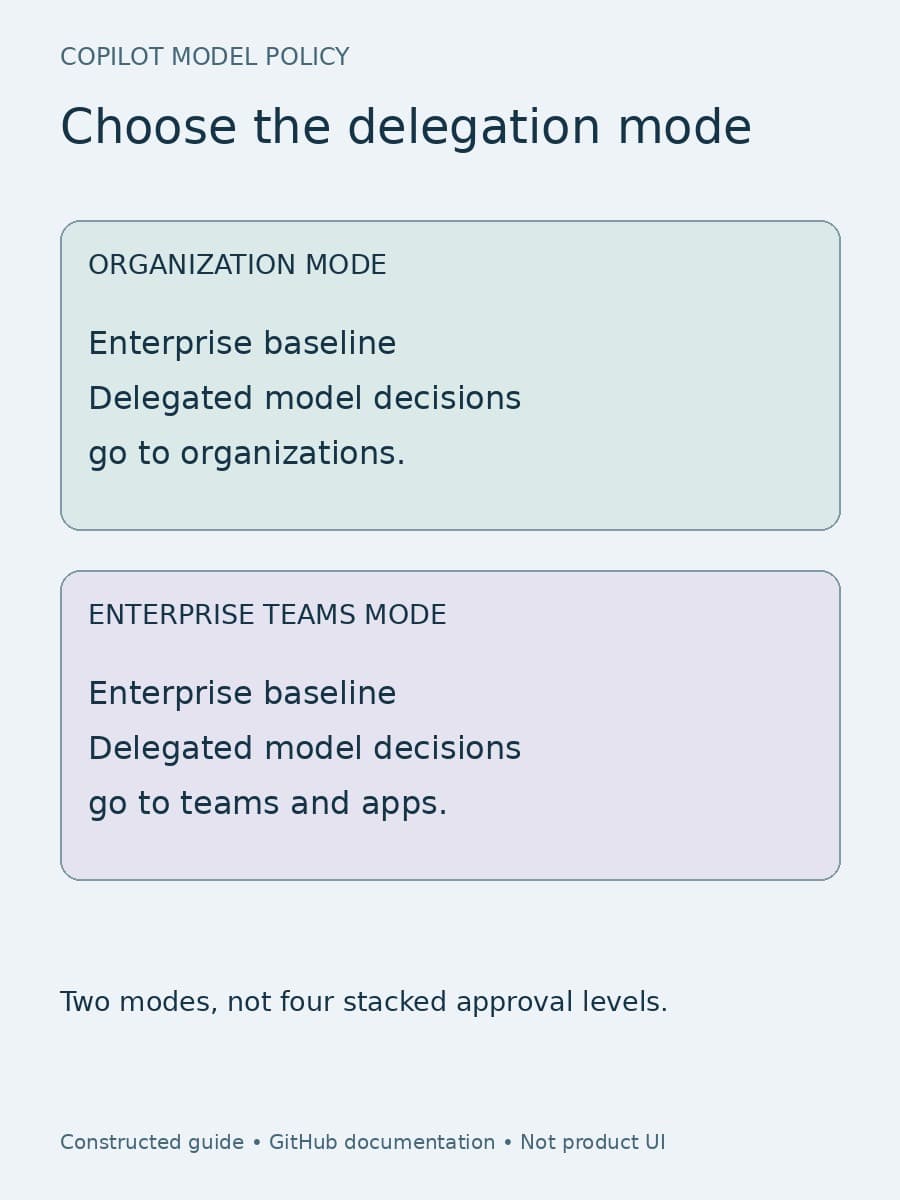
It does not turn four endpoints into four layers of approval. The enterprise’s delegation mode still determines where granular decisions belong. Nor does a successful policy response establish what a particular employee can use. Those distinctions should shape the automation before anyone gives it write permission.
What the API release changes
The October 19 changelog announces generally available GET and PATCH endpoints for four scopes:
Scroll sideways to see all 2 columns.
| Scope | Endpoint listed in the announcement |
|---|---|
| Enterprise | /enterprises/{enterprise}/copilot/model-policies |
| Enterprise teams | /enterprises/{enterprise}/teams/{team_slug}/copilot/model-policies |
| Enterprise apps | /enterprises/{enterprise}/copilot/apps/model-policies |
| Organization | /orgs/{org}/copilot/model-policies |
There is an implementation detail worth resolving before copying these paths into a script. The linked enterprise AI-controls REST reference uses a numeric team_id in its team endpoint, while the announcement uses team_slug. Use the parameter contract in the applicable REST reference and verify the target team with a read-only request before enabling writes. This article preserves the announcement’s spelling rather than silently treating those identifiers as interchangeable.
The useful business change is repeatability, not a new compliance guarantee. A team can build a scheduled inventory, compare it with an approved baseline, and prepare a bounded change for an administrator. Those are proposed operating practices, not additional features promised by the release.
Start with the delegation mode
GitHub’s model-availability guide separates two experiences. In organization mode, enterprise owners can delegate a model decision to organizations. Organization owners can then enable or disable that model; an unconfigured organization follows its applicable default-availability policy. Enterprise owners can also create targeted organization rules.
Enterprise teams mode is a separate opt-in preview. Organization-level model settings are deactivated when it is enabled. Granular model access goes through enterprise teams, and agent-app models are controlled at enterprise level. An API becoming generally available does not make this distinct management mode generally available or activate it for an enterprise.
The enterprise baseline remains important in teams mode. An enterprise-disabled model cannot be enabled by a team, and an enterprise-enabled model remains enabled for teams. Additional team grants are additive: a user in multiple enterprise teams receives the models enabled across those teams. Removing one team grant is therefore not proof that a user has lost access.
Our enterprise-team access guide covers that membership and migration decision. For this API rollout, the immediate requirement is simpler: write down which mode the account uses and which scope is authoritative for the intended change. Do not reconcile organization settings and team settings as though both govern the same account simultaneously.
Read policy state without mistaking it for access
The enterprise REST reference exposes model identifiers and policy states. Team and app representations also include the corresponding enterprise policy and whether a setting is editable. GitHub explicitly warns that these states are not a final access decision for an individual user.
For a proposed team change, preserve the returned model_name, policy_state, enterprise_policy_state, and editable value where provided. A locked setting is a reason to stop and investigate the parent policy, not a reason to retry the same write with broader credentials.
The team and app endpoint descriptions say that enabled configures a policy and optional clears the stored scope-specific policy. Clearing that policy is not an enterprise-wide ban. The reference’s parameter tables also list disabled, while the administration guide says teams have no explicit disabled setting. Given that mismatch, do not build a team-deny workflow from the enum alone. Validate the supported behavior in your account and use an enterprise-level block when the actual intent is to disable a model everywhere.
This is also why a stored baseline should retain default availability rather than only named models. A matching list of explicit rows can conceal a different rule for unconfigured models. Our global-policy guide explains that inheritance issue; the new API provides another way to inspect policy, not a reason to discard its meaning.
Make the first automation read-only
Consider a software company whose platform owner approves a model for a trained engineering team but not for general availability. This is an illustrative scenario, not a reported customer deployment. The first job should collect the enterprise baseline and the relevant team policy, record the account’s delegation mode, and produce a proposed difference. It should not automatically fix every mismatch it finds.
Keep the approved intention beside the observed configuration: which model, which scope, why access is needed, who approved it, and when the exception should be reconsidered. Do not put tokens or sensitive repository contents into that record. A sanitized policy snapshot is enough for the configuration review.
Separate inventory permission from change permission. The enterprise reference distinguishes read and write AI-controls permissions and documents token requirements for each endpoint. Check those requirements for the actual scope and token type; do not assume an enterprise credential is the correct credential for every organization operation. Keep the write credential out of the routine inventory job unless that job genuinely needs it.

Apply one approved difference, then verify it
Before a write, refresh the current state and compare it with the snapshot used for approval. If another administrator changed the same policy, stop for reconciliation instead of blindly replaying an old desired state. This is a caller-side safeguard; the announcement does not promise transactional updates or protection against competing writers.
Keep the first PATCH narrow. Preserve the pre-change state, intended difference, approver, target scope, request time, response, and subsequent GET result. Compare the returned configuration with the approved intention. If the network response is uncertain, read the target before retrying: uncertainty about delivery is not evidence that nothing changed.
Then check the affected access separately. In the example, include a licensed member of the trained team, a person outside it, and someone who belongs to another team that could grant the same model. Record what those representative accounts can actually select in the relevant Copilot experience. This is a recommended verification sample, not a claim that the policy API itself reports effective access or model use.
Plan reversal before granting the exception. If the change causes an unexpected result, have a named owner review the current settings and restore the approved previous configuration where appropriate, followed by readback and access checks. Do not confuse that targeted policy reversal with rolling back from teams mode. GitHub documents that leaving the teams-mode preview returns the enterprise to its previous policy state and does not preserve enterprise-policy changes made after switching modes.
What a useful first rollout should leave behind
The first milestone should be a small, explainable change: one scope, a saved baseline, an approved difference, a matching readback, and documented representative-access checks. Expand automation only after the owner can explain an unexpected grant, a locked row, and a partial or uncertain request without guessing.
Model availability is still only one control. It does not prove that a workload is approved for a provider, that a model was used, or that the resulting code is ready to ship. Keep data-handling review, usage evidence, and software-release approval in their own processes.
BaristaLabs helps teams connect configuration changes to reviewable operating procedures through process automation. For this release, a sensible starting engagement is one sanitized policy inventory and one proposed exception—not an unattended enterprise-wide rewrite.
Sources
Copilot administration
Review one model-policy change
Bring a sanitized policy inventory and one proposed exception. BaristaLabs can help define approval, verification and reversal.
Start with the account’s delegation mode and a named policy owner.
Turn this idea into a pilot
Which workflow should go first?
Use the readiness check to compare impact, effort, risk, owner, and next step before requesting a review.
- 3-5 minutes
- Deterministic score
- No sensitive data
Practical AI Workflow Notes
Want more practical AI operations ideas?
Get short notes on applying AI inside real small-business workflows — from document handling and customer follow-up to internal reporting, compliance, and automation guardrails.