


GitHub’s security overview can now show which repositories have AI Scan for pull requests effectively enabled. The October 6 announcement adds enabled and not-enabled repository counts, a per-repository state, filters and a CSV field. That gives an administrator a way to find repositories that need attention without checking each setting individually.
The useful question is what each row requires next. An enabled repository needs evidence that the intended review work actually happened. A not-enabled repository needs someone to establish why the feature is unavailable or disabled before deciding whether to change it. The export supplies a configuration state, not either answer.
Effective enablement includes more than the repository toggle
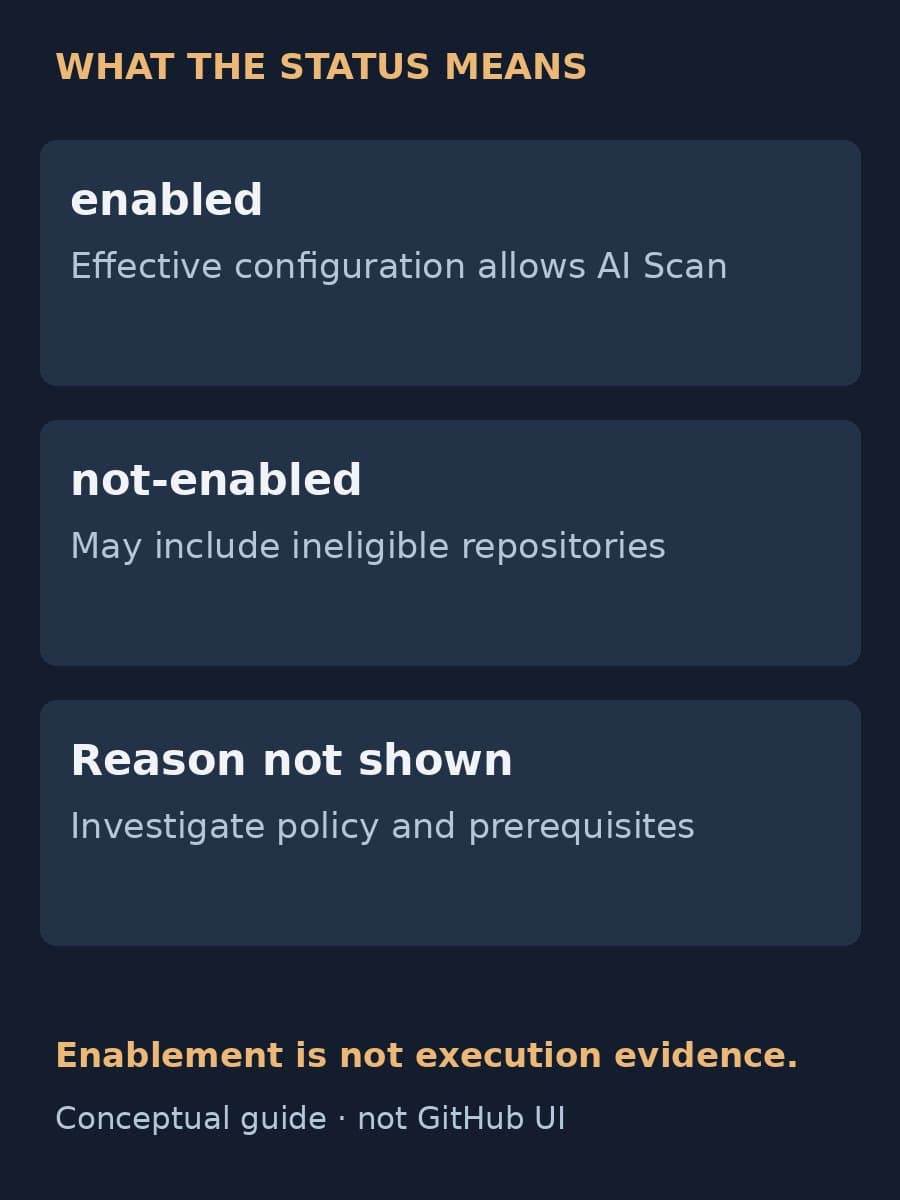
GitHub’s adoption documentation says the enabled state reflects enterprise policy, organization configuration, prerequisites and any repository opt-out. It is the effective result after those conditions apply. A repository-level setting alone does not describe that result.
The not-enabled state needs more care. GitHub says it can include repositories that are ineligible for AI Scan, and security overview does not distinguish the reason. The same displayed state can therefore require different work: investigating a policy, checking prerequisites or confirming an intentional opt-out. Do not assign every not-enabled repository a task to turn on a toggle.
For an administrator, that distinction changes the rollout conversation. Start with the effective state, then ask the repository owner to establish the cause and intended configuration. Record an unresolved cause as unknown rather than assuming someone forgot to enable the feature.
Our earlier AI Scan findings guide covers the scanner’s behavior and enablement APIs. This update adds a way to inspect adoption across repositories; it does not replace the review of individual findings described there.
Use the exact filters and CSV values
In the organization or enterprise Security and quality area, open Coverage. The code scanning summary now shows AI Scan enabled and not-enabled repository counts, while repository rows show each repository’s effective state.
The announcement gives two exact search filters:
code-scanning-ai-scan-pr-scan:enabledcode-scanning-ai-scan-pr-scan:not-enabled
Coverage CSV exports include the column Code Scanning AI Scan for pull requests. Its values are enabled and not-enabled. Keep that spelling when matching rows or joining the export to an internal repository inventory. A script expecting the display phrase “not enabled” would need an explicit conversion before comparing it with the CSV value.
GitHub’s adoption documentation also describes team and repository filters. Preserve the selected scope and export date alongside a saved file so another person can tell which repository set it represents. A count from one selected team should not quietly become the organization’s rollout total.
Coverage state does not establish scan execution
The new field reports effective enablement. It does not report that a particular pull request was scanned, that findings were reviewed or that the repository has no security defects. Those claims need evidence from the work itself.
GitHub’s adoption page separately notes that the generic “Pull request alerts” field is reported as enabled only after code scanning has analyzed at least one pull request since alerts were enabled. That is a different field with a documented execution condition. Do not transfer its meaning to the new AI Scan field just because both appear in security coverage.
For an enabled repository, inspect relevant pull requests and their actual scan activity before reporting successful rollout. Keep the pull request, observation date and review outcome identifiable. If the evidence is absent or inconclusive, say that execution has not been established rather than changing the export’s enabled value to imply a failure.
This also keeps AI Scan distinct from GitHub Code Quality. A neighboring dashboard, AI finding or coverage label is not interchangeable with another product’s settings and results.
Assign follow-up without rewriting the export
BaristaLabs recommends keeping the downloaded state intact and adding local follow-up separately. Associate each repository with an owner and a dated decision. For a not-enabled row, the owner should record the reason when known, whether the state is intentional and what investigation or configuration change comes next. The export itself does not provide that diagnosis.

For an enabled row, ask the owner for evidence from an applicable pull request and the person responsible for reviewing findings. Configuration follow-up and scan review may belong to different people. Naming both prevents an administrator’s completed settings task from becoming an unsupported claim that code review is complete.
On the next export, compare the same repository scope and investigate changes. Keep intended exceptions visible. The decision is which repository needs which follow-up, not how quickly the enabled count can rise.
Sources
- GitHub: Code scanning AI Scan enablement status in security overview, October 6, 2026.
- GitHub Docs: Assessing adoption of security features, accessed October 7, 2026.
The status definitions and export fields above come from GitHub. The ownership and evidence-recording suggestions are BaristaLabs guidance.
AI-assisted code review
Give repository follow-up a clear owner
BaristaLabs can help connect one AI-assisted review workflow to repository ownership, configuration records and evidence of completed review.
Bring a sanitized workflow outline, not proprietary code.