
Automation review packet
The route sketch
Before an AI-built workflow touches a client's records, walk the route it drew.
- 01
1. Trigger
Required
Pins down: Say the event out loud, in the client's words
Why it matters: A new ticket and a reopened ticket aren't the same trigger, even when they look alike on the canvas.
- 02
2. What it reads
Required
Pins down: Name everything the workflow can look at
Why it matters: Read access is where scope quietly grows if nobody draws the line.
- 03
3. What it writes
Required
Pins down: Name everything it can change
Why it matters: This is the line between a draft and a deletion.
- 04
4. The pause
Required
Pins down: Find the node where a person sees it before it lands, and name that person
Why it matters: The canvas is not the guardrail. The pause built into it is.
- 05
5. First live run
Required
Pins down: Run it once on the messiest real example on hand
Why it matters: One clean example doesn't count.
- 06
6. What gets shown after
Required
Pins down: The record a client sees after every run
Why it matters: "It worked" is a claim. A log of what it read, changed, and who approved it is proof.
Six moves, one pass at the canvas, before anyone clicks approve.
The back office looks the same at a landscaping company, a dental practice, and a five-person marketing shop: a spreadsheet nobody fully trusts, a QuickBooks report someone rebuilds by hand every month, a new-hire checklist copied out of an old email thread. Everyone agrees it's wasting time. Almost nobody will say the word "automate" out loud.
Chris Harp runs M&I Technology Consulting, and he sees that hesitation constantly in his small-business clients. Most of them, he told ChannelE2E, aren't yet using automation or even discussing it. Part of the problem is what the word implies. "Automation has this perception of reducing head count," Harp said, so a consultant ends up "swimming upstream" just to reframe it as help rather than replacement. The bigger part, he added, is simpler: "For most clients, they do not know what they do not know."
That gap between what MSPs can build and what clients will approve is exactly what Rewst is trying to close. At FLOW 2026, the company's user conference, Rewst announced AI-native automation capabilities built for that trust gap specifically, not just for the MSPs who were already comfortable building workflows by hand.
The numbers behind the announcement explain the urgency. Rewst, which says it now serves more than 1,500 MSPs worldwide, reports its customers ran more than 19.5 billion automated tasks over the past year, nearly 2.4 times the volume from the year before. In its own 2026 State of MSP Automation Report, 95% of MSPs called automation important or essential to their strategy. FLOW attendance grew 30% year over year. Demand for automation is not the bottleneck anymore. Building it safely, for clients who have never seen a workflow canvas, is.
"If automation always requires a skilled builder, it will never scale," Rewst founder and CEO Aharon Chernin said in the release. The fix Rewst is shipping: describe the problem in plain language, and its AI Agent builds the workflow "on a canvas you can see, edit, and approve." Rewst named onboarding, offboarding, ticket triage, routing, reporting, alert management, documentation, portals, and dashboards as the use cases it expects MSPs to automate first. Existing customers got early access on June 29. ChannelE2E reports the next version opens to more MSP partners for testing at the start of July, with general availability later this year. Underneath the interface, Rewst is also moving its core execution engine to Temporal, the kind of change that matters for how reliably a long-running automation survives a system hiccup without silently dropping a step.
The bottleneck was never the prompt
Here's the part that's easy to miss in a launch announcement built around speed. The hard part of AI-generated automation was never getting a model to write a workflow. Rewst's own demo proves that's solved: describe the job, get a canvas. The hard part is what happens between the canvas appearing and the client trusting it enough to say yes.
A workflow that reads a ticket and drafts a summary is low stakes. A workflow that touches QuickBooks, updates a client record, or closes a ticket on someone's behalf is not, and a business owner who has never automated anything has no built-in way to tell the difference just by looking at a canvas full of nodes.
Alex Williams, also at M&I, put the real value in blunt terms to ChannelE2E: the new capabilities let him connect the AI agent to business applications, QuickBooks included, without asking the client to take that leap of faith on trust alone. "You can safely interface through the API and set up guardrails," he said, "so the client can safely interface with QuickBooks and not have the fear of, 'Oops, I just deleted something.'" Martin Perkins of Tech Cartographer called it plainly: for MSPs still maturing their automation practice, "this removes that barrier to entry." Devin Depuy of Summit IT Solutions is already looking past the individual workflow, toward Automation-as-a-Service, a standing offering that lets clients run their own automations on their own timeline instead of waiting on a project queue.
Every one of those quotes describes the same shift. The canvas is not the trust-building step. What the client does with the canvas is.
The route sketch
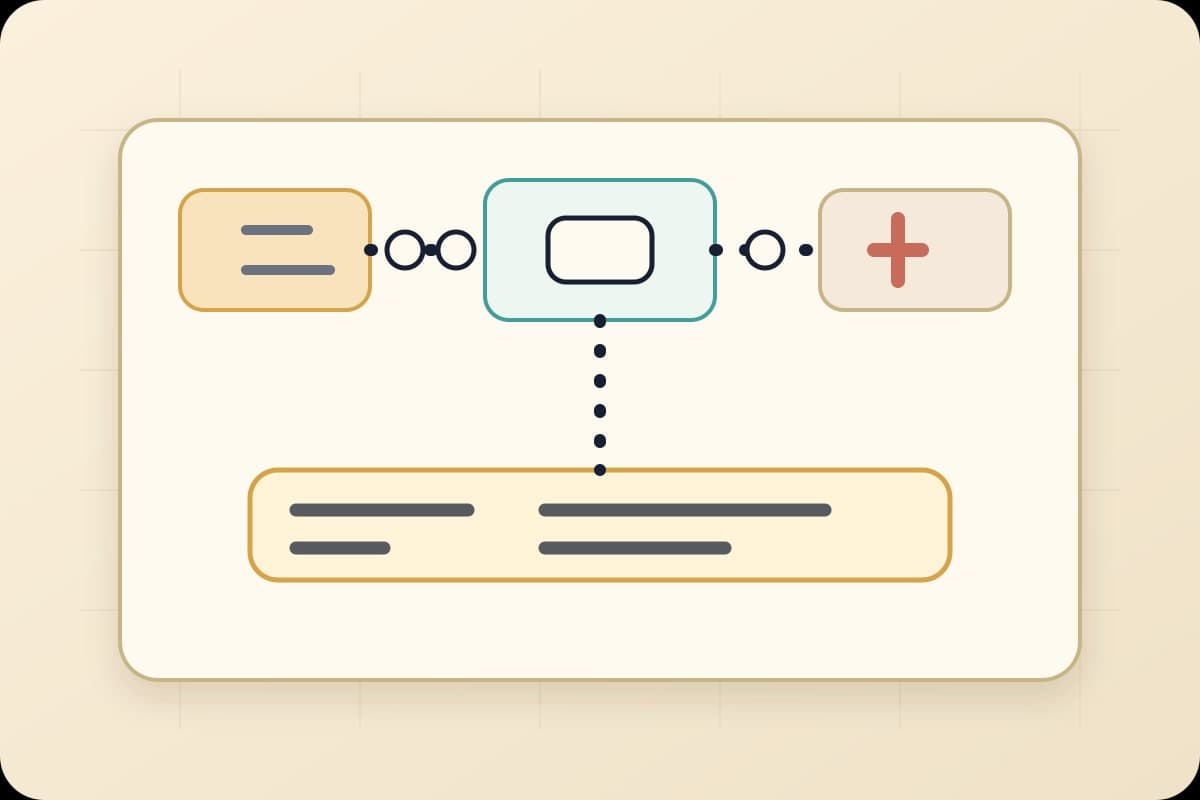
This is not a form you fill out before the agent builds anything. It is five minutes spent at the actual canvas, after the AI Agent has already drawn it, walking it move by move with the person who has to live with what it does. That is different from the workflow compiler brief, which belongs before generation. The route sketch belongs after the canvas exists and before anyone clicks approve.
1. Point at the trigger. Say the event out loud, in the client's words, and check that they are picturing the same moment you are. A new ticket and a reopened ticket are not the same trigger, even when they feel similar on screen.
2. Point at everything the workflow reads. Ask what it is allowed to look at, and name anything that should stay off that list. Read access is where scope quietly grows if nobody draws the line here.
3. Point at whatever it writes. This is the QuickBooks moment Williams was describing, the line between a draft and a deletion. Read it out loud before anyone approves it.
4. Find the pause. Somewhere on the canvas is the spot where a person sees the action before it lands. If you cannot find it, that is the finding, not a technicality. Name who that person is while you are there.
5. Run it once, live, on the messiest real example you have. Not the clean one the client remembers fondly. The one with the missing field, the duplicate name, or the awkward exception nobody wants to talk about.
6. Decide what gets shown after every run from now on. "It worked" is a claim. A record of what it read, what it changed, and who approved it is proof.
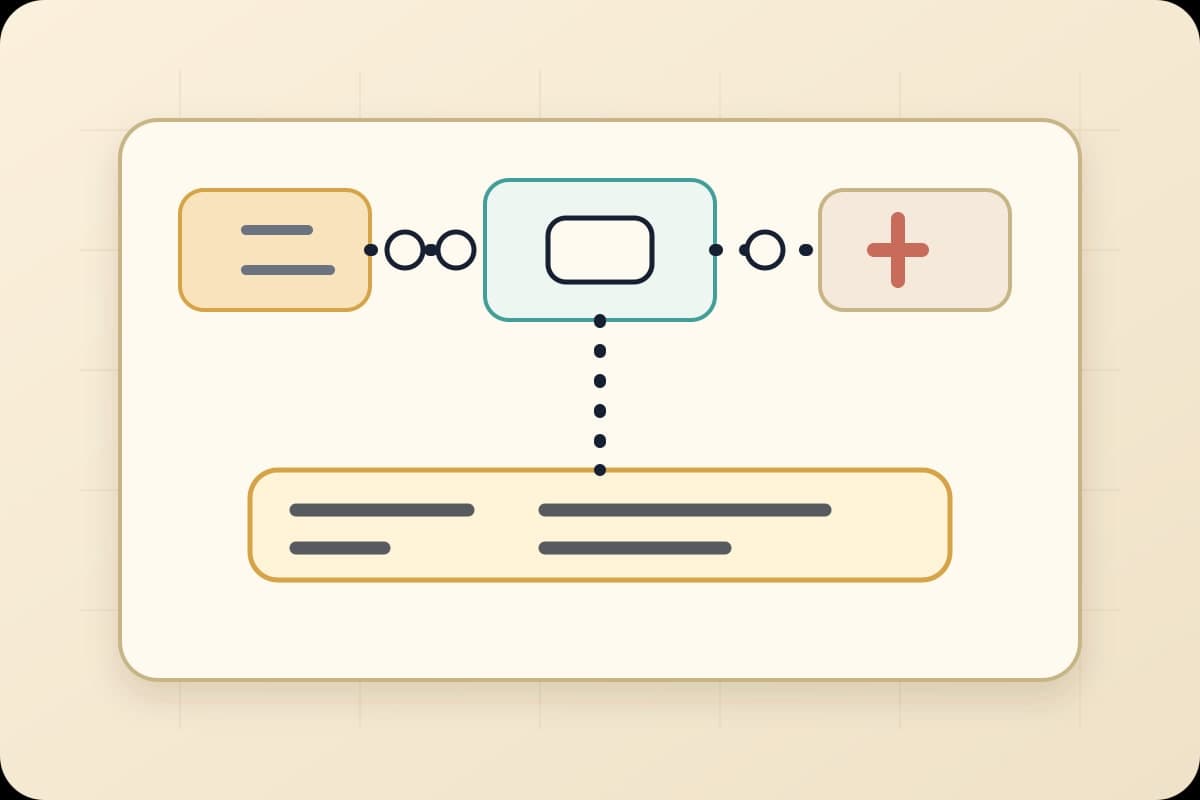
Notice what this walk does not ask for. It never asks the client to read node settings, understand an API call, or evaluate whether a Temporal upgrade makes the engine more durable. It asks what a business owner already knows how to answer about their own business: what starts this, what does it look at, what can it touch, and who is standing at the pause. Williams' QuickBooks guardrail is move three made concrete. Harp's "they do not know what they do not know" is exactly the gap six plain moves at the canvas can close, before an apology has to.
Start with the workflow already causing friction
The route sketch only earns its keep on something specific. Pick the process someone already complained about this month, the one where the weekly workflow audit would land if you ran one: onboarding a new hire, chasing an overdue invoice, routing an alert that keeps landing in the wrong inbox.
Ask the AI agent to build it. Then, before anyone approves the canvas, walk the six moves. If the process owner can't be named, that's the real finding, not a formality to skip. If "what it can write" is still fuzzy, that's the guardrail conversation happening on paper instead of after an incident.
This is close to the same discipline behind choosing a reversible first workflow: start with something you can undo, and make the undo path visible before you need it. The route sketch just applies that discipline to a canvas an AI agent already drew, rather than to a workflow idea still on a whiteboard.
Rewst's early access opened at the end of June, with broader partner testing starting this month and general availability expected later this year. That timeline gives MSPs a real window to build this habit before the tool is in every client's hands. The guardrails that decide what an agent can read and write don't materialize automatically just because the canvas looks finished. Someone still has to draw the route, check it against what the business actually meant, and name what happens the first time it's wrong.
Bring one workflow an AI agent already built, or one you're about to ask for. BaristaLabs will help you turn it into a route sketch your client can approve in five minutes instead of a specification they can't read. Start here.
Before the canvas goes live
Sketch the route before you approve the workflow
Bring one process an AI agent already built, or one you're about to ask for. BaristaLabs will help you walk the generated canvas with the client, naming the trigger, reads, writes, pause, first live run, and proof before it touches QuickBooks or a ticket queue.
Best fit for MSPs and consultants introducing AI-built automation to clients who have never automated anything before.
Turn this idea into a pilot
Which workflow should go first?
Use the readiness check to compare impact, effort, risk, owner, and next step before requesting a review.
- 3-5 minutes
- Deterministic score
- No sensitive data
Practical AI Workflow Notes
Want more practical AI operations ideas?
Get short notes on applying AI inside real small-business workflows — from document handling and customer follow-up to internal reporting, compliance, and automation guardrails.