
An AI prototype is more useful when the agent can run it
Playco says GPT-6 Astra cut manual fixes while building playable game prototypes. The transferable lesson is to let a visual agent execute and observe its work before a person judges the experience.

Sean McLellan
Lead Architect & Founder

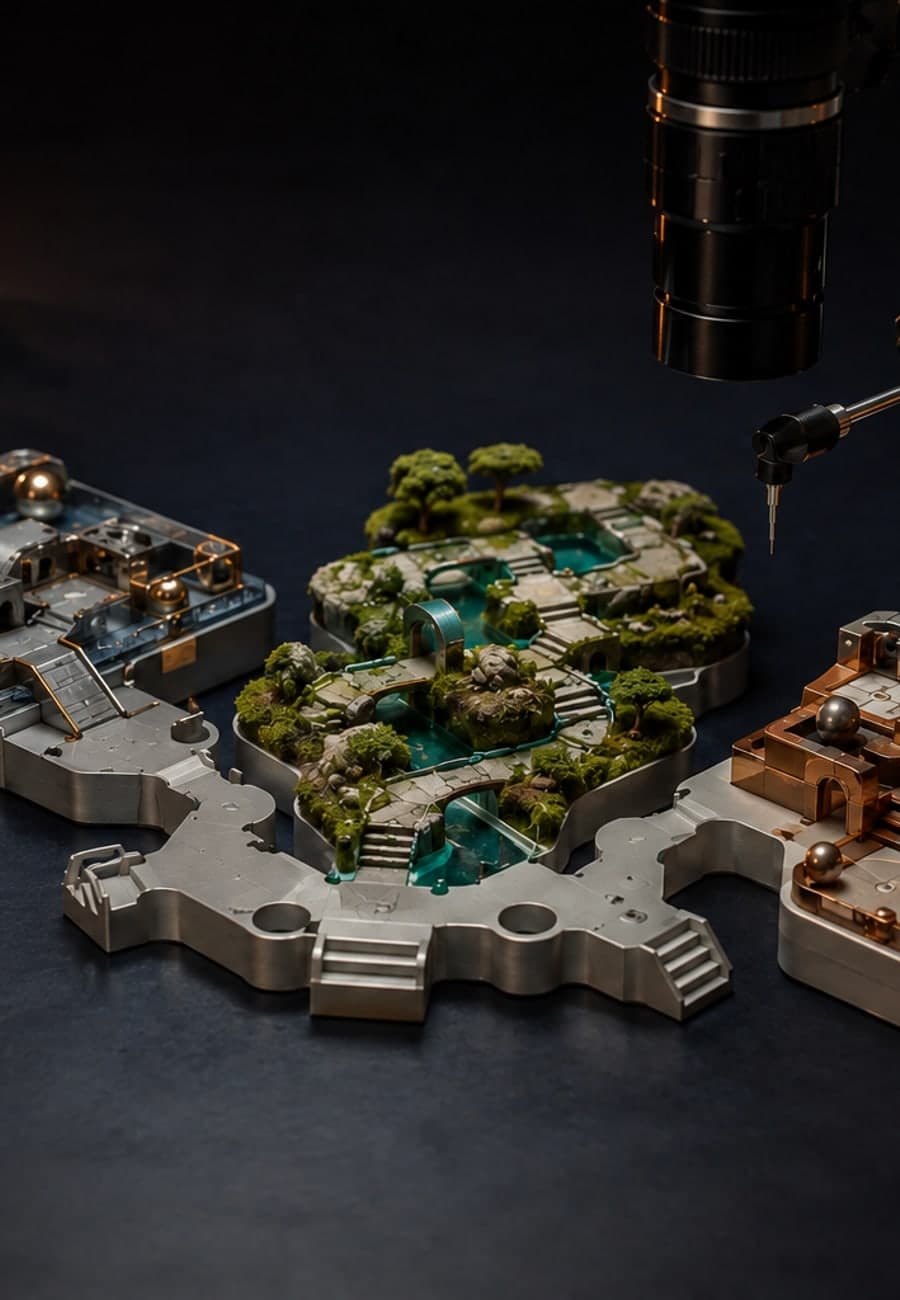
OpenAI published a Playco customer story on September 3 in which an AI agent built playable game prototypes inside development tools, ran them, and inspected the results. Playco reports that GPT-6 Astra produced three themed prototypes from one shared grey-box foundation and required 50% fewer manual fixes than the previous model.
The number is a first-party result from one company, not a general performance promise. The useful development is the working loop around the model: the agent can edit a visual application, execute it, observe what happens, and revise before a developer decides whether the experience is good. This article explains why that loop matters and how to test the same boundary in a website, dashboard, simulation, or other visual workflow.
What did Playco report?
OpenAI's Playco case study describes Playbot as an AI-powered development environment that connects models directly to engines such as Unity and Godot. Within those tools, a model can edit scenes, play and test games, validate changes, and work in parallel.
Playco first created an unthemed grey-box prototype from simple shapes, then made several gameplay and creative iterations. It used that common foundation to produce three themed prototypes. Playco says GPT-6 Astra produced all three in one go, most worked on the first take, and the team made 50% fewer manual fixes than it had with the previous model.
Those claims need their published boundary. The case study does not state how many tasks sit behind the 50% figure, list the acceptance checks, report cost or elapsed time, or provide an independent reproduction. “Worked” also does not mean ready to ship. Playco says developers still changed the prototypes according to gameplay preferences.
OpenAI's broader GPT-6 Astra launch page reports stronger computer-use results and names website creation and frontend QA among the model's possible tasks. Its own notes also say that tool implementations, safeguards, and research configurations differ. A broad benchmark cannot tell you whether an agent can operate your application or recognize your costly failures.
Why is running the prototype different from generating code?
Code is one representation of a visual product. The user experiences another: rendered layout, movement, timing, focus, input response, state changes, and recovery after an error. A source file can look plausible while a control is unreachable, a panel clips at a narrow width, or an interaction leaves the application in the wrong state.
An agent that only writes code receives weak feedback. It can inspect syntax and perhaps run unit tests, but it cannot directly connect every change to the behavior a user sees. Giving the agent an executable environment closes part of that gap.
The dependencies belong in this order:
- The agent must be able to change the actual scene, component, or configuration under test.
- It must be able to start the application in a controlled state.
- It needs permitted inputs such as clicks, keys, controller actions, or scripted events.
- It needs observations such as screenshots, state values, logs, timing, and test results.
- It needs explicit acceptance criteria that turn those observations into a pass, a revision, or a request for review.
Remove any link and the loop becomes less trustworthy. A screenshot without a known starting state can hide stale data. A successful click without a state assertion can land on the wrong screen. A model's statement that the result “looks right” is not equivalent to a checked requirement.
Which checks can the agent make itself?
Start with behavior that can be observed without asking the model for taste. For a responsive interface, that may include whether the required control exists at each target viewport, remains visible, accepts input, changes the expected state, and avoids a console error. For a game or simulation, it may include whether the scene loads, input moves the intended object, collisions occur at defined boundaries, and a restart returns to the known initial state.
Use direct evidence where it exists. Read application state for a completed transaction instead of inferring success from a green-looking screen. Compare element bounds for overlap instead of relying only on a screenshot description. Preserve the input sequence, viewport, application version, logs, and before-and-after captures so a person can reproduce a failure.
Visual comparison still has a role. It can catch clipping, missing assets, severe composition changes, or divergence from a reference. Its threshold should be calibrated against reviewed examples because harmless antialiasing and animation timing can change pixels, while a functionally serious defect can occupy only a small part of the image.
What still needs human judgment?
A runnable test can show that a menu opens, a level can be completed, or a layout stays within its container. It cannot decide by itself whether a transition feels patient, a dashboard makes the important choice obvious, or one creative direction fits the audience better than another.
Playco's account preserves this distinction. The agent produced playable options; developers could then play and compare them, and the remaining changes reflected gameplay preferences. Faster variation shortened the route to judgment rather than eliminating judgment.
Keep that boundary explicit in other visual work. Let automated checks reject broken states and assemble evidence. Let a named product, design, marketing, or operations owner decide whether the accepted behavior communicates the right thing. Record the decision separately from the test result so “all checks passed” never becomes a claim that the experience is desirable.
How should a team test one visual agent workflow?
Choose one bounded change that already has a manual acceptance path, such as repairing a responsive navigation menu or adding a filter to an internal dashboard. Preserve a known starting version and write the expected states before the agent begins.
Give the agent only the tools required to edit, launch, operate, and observe that application. Keep publishing, customer messaging, purchases, and production data outside the first run. The purpose is to test the build-and-observe loop, not to discover how much authority the model will use.
Run the same assignment several times. For each run, record whether the environment started cleanly, which actions the agent took, which direct assertions passed, which visual differences it detected, how many revisions it made, and what a person still had to fix. Count a fix only when the original output failed a written criterion; keep preference edits in a separate column.
Compare the result with the current human-assisted process on the same assignment. Measure elapsed review time, repeat failures, false visual alarms, missed defects, and manual corrections. A faster first draft does not help if reviewers spend the saved time reconstructing what the agent changed or replaying an unreproducible state.
What result supports a wider pilot?
Expand the pilot when repeated runs reach the expected state, preserve reproducible evidence, and reduce criterion-based fixes without increasing missed defects or review uncertainty. Name the application versions, viewports, input sequences, and failure classes covered by that result.
Pause when the agent cannot reset the environment, mistakes visual similarity for functional success, changes the test to make its work pass, or bundles preference choices into an automatic approval. Also pause if reviewers cannot reproduce the agent's evidence. More capable computer use does not repair an acceptance path that has no stable starting state or observable outcome.
Playco's reported result is a reason to examine this workflow design, not a reason to assume another visual agent will cut corrections in half. The transferable advantage is narrower: when an agent can run what it builds, it can gather evidence before a person spends time on the result.
Start with one visual change whose correct behavior you can state and reproduce. If the edit, execution, observation, and review boundaries are unclear, BaristaLabs can help review one visual workflow and connect it to a testable automation design.
Sources
- OpenAI: Playco cut manual fixes 50% prototyping games with GPT-6 Astra, September 3, 2026.
- OpenAI: GPT-6 Astra: A new generation of intelligence, September 3, 2026.
Visual agent acceptance
Test what the agent builds, not only what it writes
BaristaLabs helps teams connect one visual automation to a runnable environment, capture useful evidence, and keep preference and release approval with the right person.
Best fit for agents that build or edit websites, interfaces, dashboards, simulations, games, or other software whose behavior must be observed while it runs.
Turn this idea into a pilot
Which workflow should go first?
Use the readiness check to compare impact, effort, risk, owner, and next step before requesting a review.
- 3-5 minutes
- Deterministic score
- No sensitive data
Practical AI Workflow Notes
Want more practical AI operations ideas?
Get short notes on applying AI inside real small-business workflows — from document handling and customer follow-up to internal reporting, compliance, and automation guardrails.