


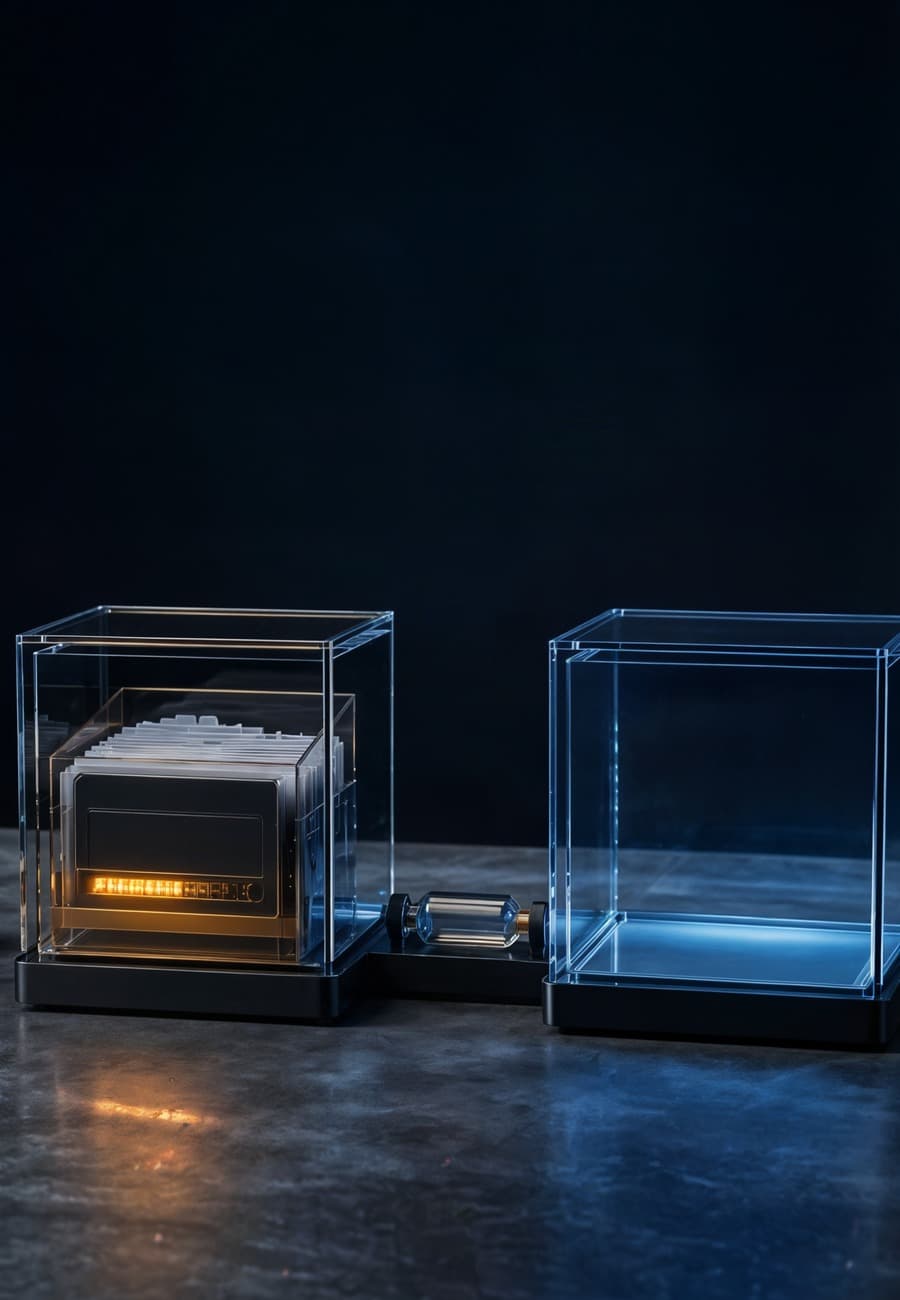
OpenAI's updated Agents SDK can run agents in controlled workspaces, preserve their state, and restore that state in a fresh sandbox. For a business adopting long-running automation, the important change is not merely that an agent can keep working. It is that a failed or expired runtime no longer has to end the job.
That continuity creates a new release question: can the workflow resume without carrying stale authority, repeating an external action, or quietly changing the answer? This article explains what the product now supports and how to run one interruption test before relying on it.
What did OpenAI add to the Agents SDK?
On April 15, OpenAI announced a model-native harness and native sandbox execution for its Agents SDK. The harness is designed for agents that inspect files, run commands, edit code, and work across many steps. OpenAI says it includes configurable memory, sandbox-aware orchestration, filesystem tools, and snapshotting and rehydration.
The current Agents SDK documentation describes sandbox agents as specialists that work inside isolated environments with manifest-defined files, a selectable sandbox client, and resumable sandbox sessions. The SDK remains a higher-level runtime around the Responses API rather than a replacement for the API itself.
OpenAI says these capabilities are generally available to API customers under standard API pricing based on tokens and tool use. That is an availability and billing statement, not evidence that every restored workflow is reliable. Teams still own the test for their files, tools, side effects, and acceptance criteria.
The distinction matters because a restart joins two different systems. The checkpoint holds enough task state to continue. The new sandbox supplies execution authority: mounted files, tools, network paths, credentials, resource limits, and policy. A correct design restores the first deliberately and reconstructs the second from current policy.
Why is a successful uninterrupted run not enough?
An uninterrupted acceptance test proves the happy path only while one process and environment remain available. Long work also crosses routine operational boundaries: a container expires, a deployment replaces a worker, a network connection drops, a tool times out, or an operator stops a run that is behaving badly.
Snapshotting changes those events from terminal failures into possible pause points. Rehydration then moves the work into a fresh environment. That is useful only if the workflow knows what was completed, what was merely planned, and what must be checked again.
Consider an agent preparing a monthly operations report. It reads source files, calculates totals, writes a draft, and sends the approved version. If the checkpoint records “send report” as the next step but the email service accepted the request just before the runtime failed, a blind resume can send the same report twice. If the checkpoint instead records the send as complete before the service accepts it, a failure in the other direction can suppress delivery.
The model does not solve that ordering problem by remembering more. The workflow needs an external action identifier, a receipt from the destination, and a reconciliation step on resume. This is BaristaLabs' interpretation of the operational requirement; OpenAI does not claim that snapshotting automatically makes external effects exactly once.

What should a checkpoint preserve?
Preserve the minimum verified task state needed to decide the next action. That usually includes the accepted inputs and their versions, completed step identifiers, output artifact locations and hashes, tool receipts, unresolved errors, the next permitted step, and the workflow version that wrote the checkpoint.
Do not treat the checkpoint as a frozen copy of all authority the previous sandbox happened to have. Credentials may have expired or been revoked. A file mount may now point to a newer source. A network destination may no longer be allowed. An approval may apply to one action rather than every retry.
On restoration, rebuild those capabilities from current policy and fail closed when a required capability is no longer available. The OpenAI shell documentation makes the underlying risk explicit: arbitrary shell commands can be dangerous, so execution should be sandboxed, constrained with allow or deny rules where possible, and logged for audit.
A snapshot also differs from business memory. Persistent memory might hold a customer's preferences across many tasks. A checkpoint should explain one run's progress. Mixing them makes deletion, freshness, and scope harder to reason about. If a customer fact changes while the job is paused, the resumed run should retrieve the current fact at the point where the workflow requires it rather than trusting a historical copy by default.
How do you test interruption and resume?
Choose one production-shaped assignment with a known accepted result. Run it once without interruption and keep the inputs, tool trace, external receipts, output artifacts, elapsed time, and cost. This is the comparison run, not proof that the workflow is safe.
Run the same assignment again and interrupt it immediately after a meaningful boundary: after reading source data, after writing an artifact, or while waiting for an external service. Stop the original sandbox rather than pausing it invisibly. Restore from the latest documented checkpoint in a new environment.
Then verify four separate results:
- Task state: The resumed run identifies completed and pending steps correctly. It does not infer completion from a planned tool call.
- Execution authority: The new sandbox receives only the current files, commands, destinations, and credentials required for the remaining work. Revoked access stays revoked.
- External effects: Every send, publish, charge, ticket update, or record write has a stable action identifier and destination receipt. The resume path reconciles uncertain outcomes before retrying.
- Accepted output: The final artifact meets the same business criteria as the uninterrupted result. Compare the substance, not byte equality when the model can produce valid variation.
Repeat the test at the most dangerous boundary, not every possible token. For a read-only analysis, that may be after the source snapshot. For an automation that changes customer records, it is the interval around the external write and its receipt.
Which failure should block release?
Block the pilot if a restored run cannot distinguish completed work from intended work. The same applies if it inherits a credential that current policy would deny, repeats an irreversible effect, skips an effect whose outcome is unknown, or finishes with output that cannot be tied to the restored inputs.
A clean recovery log should identify the original run, checkpoint, workflow version, new sandbox, reconstructed permissions, reconciled actions, and final result. Logs should not copy secrets or sensitive source content merely to prove that recovery happened.
This continuity test complements rather than replaces a sandbox authority-path test. The sandbox test asks whether files, commands, network destinations, and credentials are enforced correctly. The resume test asks whether those controls and the task's progress remain coherent after the original runtime disappears.
It also creates a practical cost signal. A resumed job can repeat model calls, file reads, or tool work even when it avoids a duplicate business action. Measure the interrupted run's total tokens, tool usage, and wall time beside the uninterrupted baseline. “Resumable” does not mean “free to repeat.”
What should the release decision say?
Keep the decision narrow: this workflow, at this version, resumed from this checkpoint class in a clean sandbox and produced an accepted result without stale authority or duplicate effects. Name any interruption boundary that remains untested.
That statement is more useful than saying the agent platform supports persistence. Platform support makes recovery possible. The workflow test shows whether recovery preserves the meaning of the work.
Start with the longest or most consequential agent run your team already operates. Interrupt it at one boundary where the environment could disappear, restore it cleanly, and inspect the four results above. If the continuity path is unclear, BaristaLabs can help review one agent workflow and turn the failure into a testable automation design.
Agent continuity testing
Find out what survives when the runtime does not
BaristaLabs helps teams interrupt one agent workflow on purpose, restore only the state it needs, and compare the resumed result with the accepted uninterrupted run.
Best fit when an agent works across files and tools for long enough that a container, process, deployment, or connection can disappear mid-run.
Turn this idea into a pilot
Which workflow should go first?
Use the readiness check to compare impact, effort, risk, owner, and next step before requesting a review.
- 3-5 minutes
- Deterministic score
- No sensitive data
Practical AI Workflow Notes
Want more practical AI operations ideas?
Get short notes on applying AI inside real small-business workflows — from document handling and customer follow-up to internal reporting, compliance, and automation guardrails.