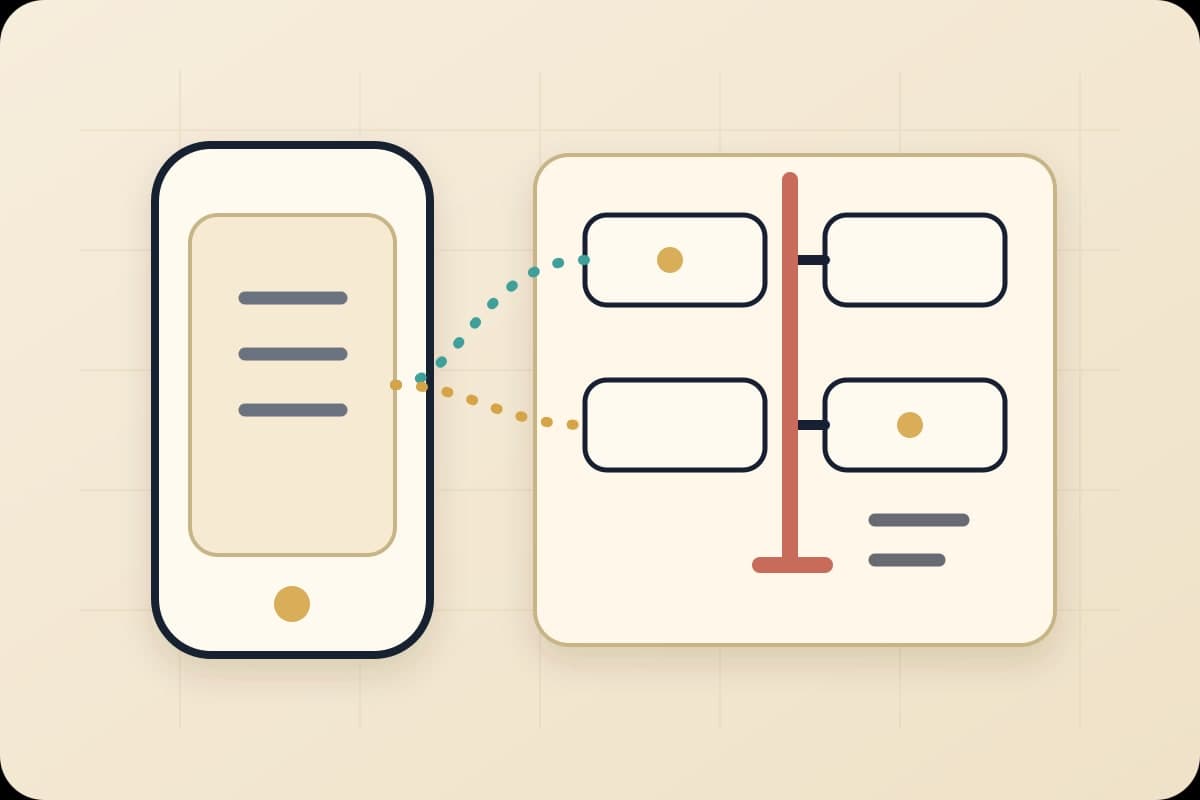

A push notification lands on the lock screen: Ready for review. Under it: the agent's diff, a screenshot of the passing test run, and a merge button. Unlocking the phone takes no more effort than reading a text message. Tapping merge takes about the same.
That's not a mockup. Since June 29, Cursor for iOS has been live in public beta on every paid plan, and that notification is the actual interface. The Verge and The Next Web both covered the launch the same day, and neither called it a mobile code editor. It's closer to a remote control for agents that are already doing the coding.
The convenience case writes itself. The harder question is what happens the first time that phone gets asked to approve something it probably shouldn't.
What Cursor actually shipped
Cursor's announcement and its June 29 changelog entry describe an app built for supervision, not typing. From the phone, a developer can launch an always-on agent in the cloud, choose a repository and a frontier model, and give it instructions by voice or slash command. Cloud agents run in isolated virtual machines with a full development environment, and a session can start on a laptop and hand off to the cloud, or the other way around.
The feature that matters most, though, is Remote Control: the ability to direct an agent running on your own computer from your phone, with a setting that keeps the machine awake so the agent can keep going after you've put the phone down. Cursor's own copy names the use case directly: incident response, customer issues, acting on feedback while away from the desk.
Once an agent is running, the phone becomes the status board. Live Activities and push notifications surface three states: working, needs input, ready for review. In practice, "ready for review" means something concrete. The agent produces demos, screenshots, and logs, and from the app a developer can inspect the diff, leave a follow-up instruction, or merge the pull request directly.
Merge, from a phone.
For Teams and Enterprise accounts, Remote Control isn't on by default. The changelog is specific that an admin has to switch it on from the Cursor Dashboard before anyone on the team can use it. That's Cursor treating this correctly, as a permission decision, not a feature flag.
The gap between supervising from anywhere and approving from anywhere
Nothing about this is unreasonable on Cursor's part. Letting an on-call engineer start an investigation before they're back at a desk is a straightforward win, and it extends a pattern BaristaLabs has written about before: coding agents keep moving from prompt-and-wait tools toward systems that run continuously and surface results for a human to check.
What's different this time is where the checking happens. A cloud agent producing a demo, a screenshot, and a log is doing real evidentiary work. It's the same instinct behind showing what a browser-grounded agent actually saw before trusting its bug report. But evidence that's sufficient on a laptop, at a desk, with the full diff open in a proper viewer, isn't automatically sufficient when it's read on a six-inch screen between one subway stop and the next.
Mobile review isn't inherently worse than desk review. The risk is that "I can approve this from my phone" quietly becomes the default answer for every kind of change, because the app itself doesn't distinguish between them. Cursor built the notification, the artifact, and the merge button. It didn't build the judgment call about which merges belong on a lock screen, and it shouldn't have to.
That's a decision each team has to make for itself, and it only works if it's made before Remote Control gets flipped on. Written down after a bad merge is just a postmortem.
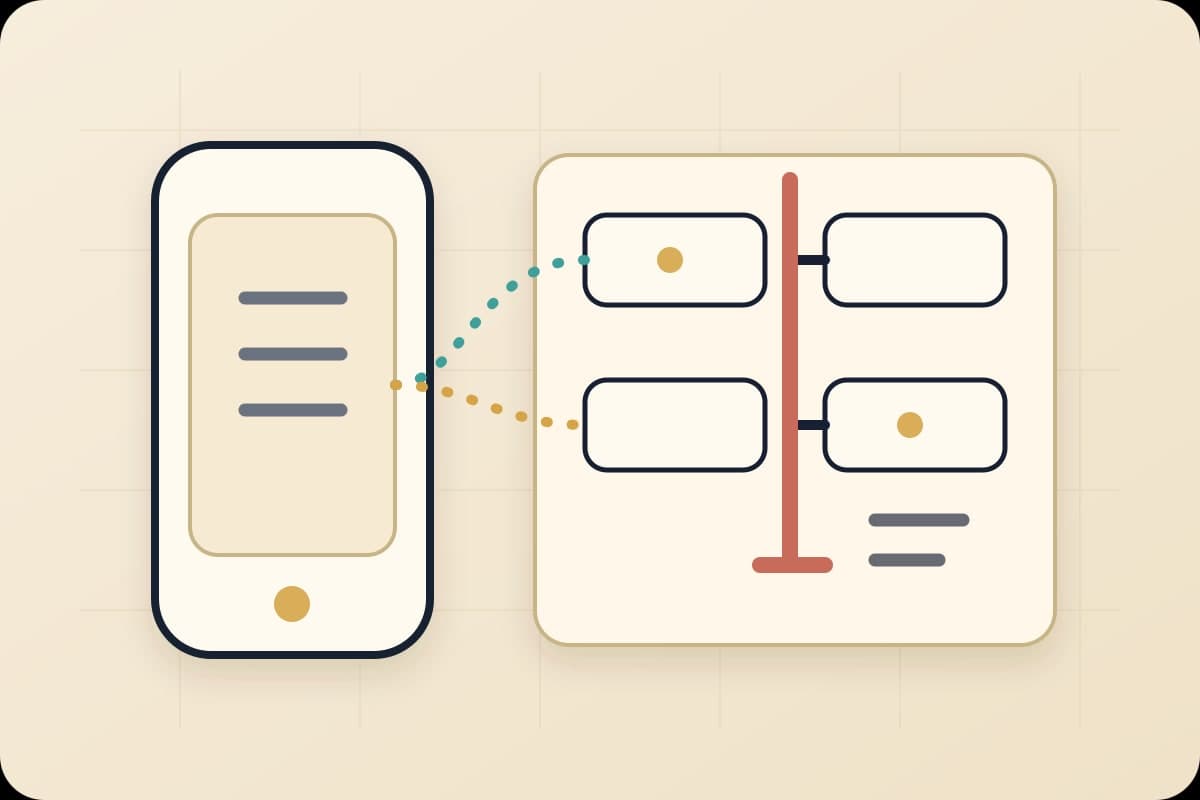
The mobile-agent escalation boundary
Before you enable Remote Control
A four-lane boundary map for mobile-agent review
Sort one engineering workflow into these four lanes before a phone gets the option to launch, review, or merge an agent's work.
Safe to launch from a phone
- Input:
- Incident triage, bug reproduction, log pulls, flaky-test investigation, follow-up instructions, PR comments
- Route:
- Started or steered from the lock screen, no merge authority attached
- Decision:
- Any engineer can kick this off the moment a page or a customer report lands
- Consequence:
- Investigation starts wherever the engineer is, instead of waiting for desk time
- Receipt question:
- Did this action only gather evidence, or did it also change something?
Reviewable on a phone, with evidence
- Input:
- Doc edits, low-risk test updates, isolated UI copy, non-production scripts, dependency bumps with passing CI
- Route:
- Reviewed against a demo, screenshot, log, or diff the agent produced, then merged from the app
- Decision:
- Merge only if the artifact answers the specific question a reviewer would ask on a full screen
- Consequence:
- Small, low-blast-radius work clears without waiting for desk time
- Receipt question:
- Could you defend this merge from the artifact alone, without opening a laptop?
Workstation or second reviewer required
- Input:
- Production fixes, auth or security code, billing and payment paths, customer-communication logic, schema migrations, any diff with missing tests
- Route:
- Flagged from the phone, decided at a full screen with a second set of eyes
- Decision:
- No mobile merge, regardless of how confident the notification looks
- Consequence:
- The highest-cost mistakes still get the review they were always going to need
- Receipt question:
- If this were wrong, would you find out from a customer before you found out from CI?
What has to survive the merge either way
- Input:
- Repo and branch, the task or instruction given to the agent, model used if known, every artifact reviewed, CI result, rollback note, and who approved it
- Route:
- Attached to the PR or ticket, not left in a chat thread or a push notification that disappears
- Decision:
- No exceptions for speed; this is what makes the fast path auditable later
- Consequence:
- A phone-approved merge is defensible in a postmortem, not just fast in the moment
- Receipt question:
- If this shipped a bug, could someone reconstruct exactly what was approved and why?
If a task doesn't have an obvious lane yet, that's the tell it needs a workstation, not a faster thumb.
Pick the workflow your team is most likely to hand a phone-launched agent first: incident response, a customer bug report, a flaky test, doc drift, or a dependency bump. Then sort what that agent can produce into four lanes: what a phone can launch and inspect on its own, what a phone can review and merge if the evidence is good enough, what always needs a workstation or a second reviewer, and what has to be written down no matter which lane the merge came from.
Skip this step and the app will sort it for you by default. Every lane gets the same green checkmark and the same merge button, whether the diff fixes a typo or touches a payments path.
Four lanes, one workflow at a time
Safe to launch from a phone covers incident triage, bug reproduction, log pulls, flaky-test investigation, follow-up instructions, and PR comments. None of it carries merge authority. Any engineer can kick it off the moment a page or a customer report lands, which is exactly where the convenience of Cursor's app pays off.
Reviewable on a phone, with evidence covers doc edits, low-risk test updates, isolated UI copy, non-production scripts, and dependency bumps backed by a passing CI run. These merge from the app only if the demo, screenshot, log, or diff answers the specific question a reviewer would ask on a full screen. If it doesn't, it waits.
Workstation or second reviewer required covers production fixes, anything touching auth or security, billing and payment paths, customer-communication logic, schema migrations, and any diff missing tests. No mobile merge here, regardless of how confident the push notification looks. These are the changes where being wrong costs the most, so they get the review they were always going to need.
What has to survive the merge either way is the paper trail: repo and branch, the instruction given to the agent, the model used if known, every artifact reviewed, the CI result, a rollback note, and who approved it. Attach it to the PR or ticket, not a chat thread or a notification that disappears. That's what makes a fast phone merge defensible in a postmortem instead of just fast in the moment.
The line between the second and third lane is where most of the real disagreement lives. A documentation fix backed by a clean diff and green CI is a reasonable phone merge. A production fix, or anything touching auth, billing, or a migration, needs the kind of attention a small screen structurally can't give it.
Start with the workflow that already interrupts you
The team most likely to get this wrong isn't the one ignoring Cursor's launch. It's the one that turns on Remote Control for everyone the same week the beta drops, without deciding which of these four lanes applies to which kind of change.
A narrower first week works better: pick one workflow that already gets interrupted by pages, bug reports, or support escalations. Write down, in advance, what a phone can launch unsupervised, what it can review and merge with evidence attached, and what waits for a real screen. Turn on Remote Control for that one workflow. Watch what actually gets merged from a phone for two weeks before deciding whether to widen it.
Cursor didn't just move coding onto a phone. It moved a merge button onto one. The convenience is real, and so is the fact that "ready for review," on a lock screen, isn't the same claim as "safe to ship."
If your team has one engineering workflow that keeps getting interrupted by incidents, bug reports, or customer escalations, bring us that workflow. We'll help you sort it into what a phone can launch, what it can review and merge with evidence, and what still needs a workstation or a second reviewer, before Remote Control goes on for the rest of the team.
Mobile-agent escalation boundary
Decide what a phone can approve before Remote Control goes on for everyone
BaristaLabs helps engineering teams take one workflow already interrupted by incidents, bug reports, or customer escalations, and sort it into what a phone can launch and inspect, what a phone can review with evidence, and what still needs a workstation or a second reviewer before it merges.
Best fit for small engineering teams turning on Cursor Remote Control, or any coding agent's mobile review surface, for the first time.
Turn this idea into a pilot
Which workflow should go first?
Use the readiness check to compare impact, effort, risk, owner, and next step before requesting a review.
- 3-5 minutes
- Deterministic score
- No sensitive data
Practical AI Workflow Notes
Want more practical AI operations ideas?
Get short notes on applying AI inside real small-business workflows — from document handling and customer follow-up to internal reporting, compliance, and automation guardrails.