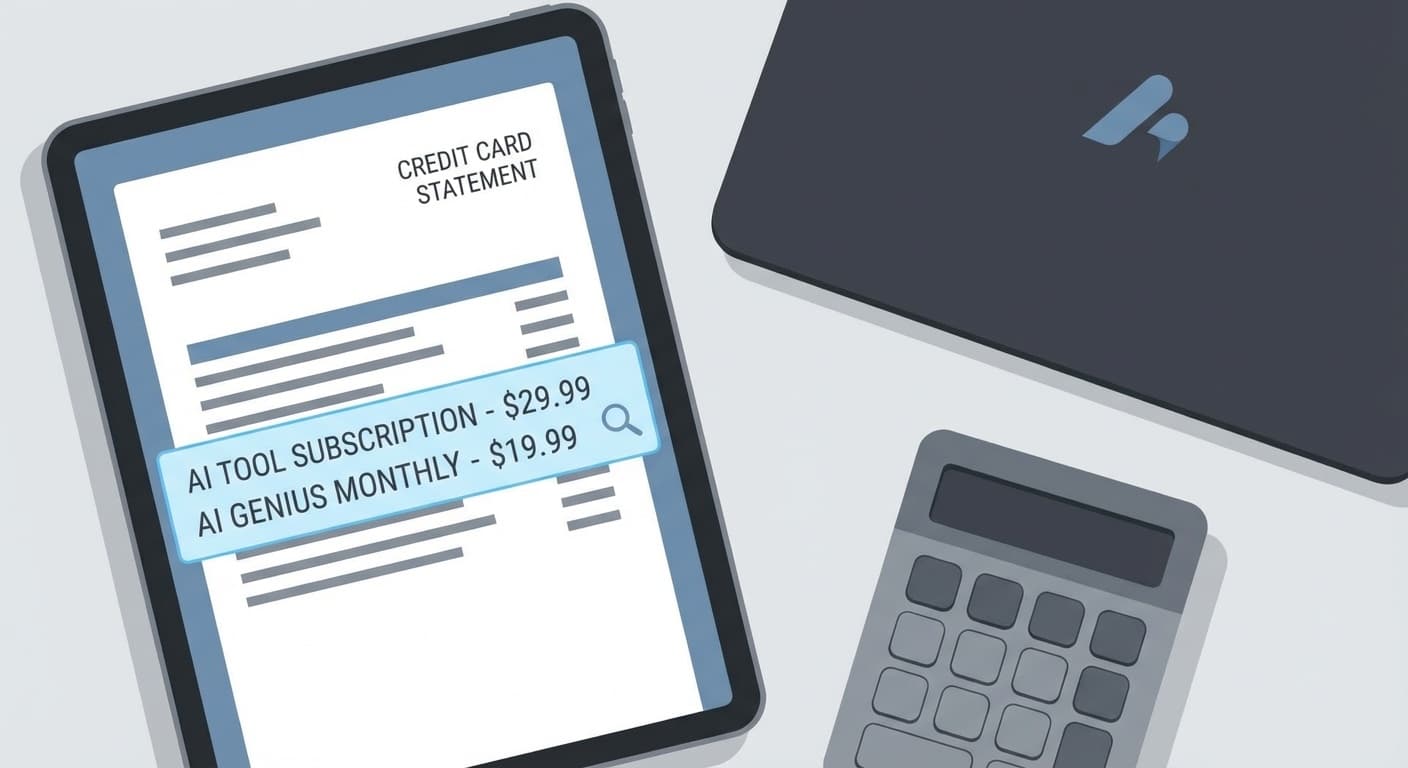

Pull up your company credit card statement from last month. Search for "OpenAI," "Anthropic," "Jasper," "Notion AI," "Grammarly," "Midjourney." Count the line items.
We did this exercise with a property management firm last quarter — eight employees, a reasonably tech-forward team. They found eleven separate AI subscriptions totaling $1,247 per month. Two of those subscriptions overlapped entirely. Three were used by exactly one person, once a week. One hadn't been opened since October.
This isn't a budgeting failure. It's how AI adoption actually plays out at companies with fewer than 50 employees: tool by tool, card swipe by card swipe, until the monthly spend rivals a part-time hire and nobody can say exactly what they're getting for it.
The Anatomy of an $1,200/Month AI Bill
Here's a representative stack for an 8-person team that adopted AI tools organically over the past year. These prices are real — pulled from current plan pages as of March 2026.
Scroll sideways to see all 4 columns.
| Tool | Plan | Monthly Cost | Who Uses It |
|---|---|---|---|
| ChatGPT Team | 8 seats × $30 | $240 | Everyone (sort of) |
| Claude Pro | 3 seats × $20 | $60 | Marketing + founder |
| Grammarly Business | 8 seats × $25 | $200 | Company-wide |
| Jasper | 3 seats × $49 | $147 | Marketing |
| Notion AI | 8 seats × $10 add-on | $80 | Company-wide |
| Midjourney | 2 seats × $30 | $60 | Marketing + design |
| Otter.ai Business | 5 seats × $20 | $100 | Sales + leadership |
| Fireflies.ai | 5 seats × $19 | $95 | Sales + leadership |
| Copy.ai | 2 seats × $49 | $98 | Marketing |
| Descript | 1 seat × $33 | $33 | Marketing |
| Adobe Firefly | 1 seat (Creative Cloud) | $35 | Design |
| Total | $1,148 |
Add the inevitable annual plan someone bought that auto-renewed ($99 here, $149 there), and you're easily at $1,200+.
The assumptions behind this teardown:
- 8-person team with marketing (2-3 people), sales (2), operations (2), and a founder who touches everything
- All prices from publicly listed plans in March 2026
- No enterprise negotiations — these are standard SMB tiers
- Doesn't include API costs, which add another 5-15% for teams running custom integrations
Where the Waste Hides
The waste isn't in any single subscription. It's in the overlap and underuse.
Overlap #1: Writing tools that do the same thing. ChatGPT, Claude, Jasper, Copy.ai, and Grammarly all handle business writing. A marketing coordinator using Jasper to draft a blog post could do the same work in Claude or ChatGPT — tools the company already pays for. That's $245/month ($147 Jasper + $98 Copy.ai) doing work that's already covered.
Overlap #2: Meeting transcription. Otter.ai and Fireflies.ai are both recording and summarizing the same meetings. Pick one. That's $95-100/month back. And both ChatGPT and Claude now handle audio transcription natively — meaning a team already paying for those tools may not need either dedicated transcription service.
Overlap #3: Image generation. Midjourney, Adobe Firefly, and the image generation built into ChatGPT (via DALL-E) all produce marketing visuals. Unless you need Midjourney's specific aesthetic for brand work, ChatGPT's image capabilities cover 80% of what an SMB marketing team needs. That's $60-95/month of overlap.
Underuse: The per-seat trap. Eight Grammarly Business seats at $25 each sounds reasonable until you check usage logs. In most teams we audit, 2-3 people use it daily and the rest open it once a week to fix a typo they could have caught themselves. At $200/month, that's roughly $17 per actual correction for light users.
The Consolidated Stack: $400/Month
Here's what the same team's AI capability looks like after consolidation:
Scroll sideways to see all 4 columns.
| Tool | Plan | Monthly Cost | Replaces |
|---|---|---|---|
| Claude Pro (Team) | 8 seats × $25 | $200 | ChatGPT, Jasper, Copy.ai, Grammarly (writing) |
| Otter.ai Business | 5 seats × $20 | $100 | Fireflies.ai |
| Midjourney | 1 seat × $30 | $30 | Adobe Firefly, DALL-E (for brand-specific work) |
| Notion AI | 8 seats × $10 | $80 | — (workspace-integrated, hard to replace) |
| Total | $410 |
Monthly savings: ~$740. Annual savings: ~$8,880.
That's not a rounding error. That's a part-time contractor. That's a quarter of a junior hire. That's your entire annual spend on a process automation engagement that eliminates manual work permanently.
What changes for the team
The core tradeoff: fewer specialized tools, more reliance on one strong general-purpose model. Claude or ChatGPT (pick one as your primary) now handles writing, brainstorming, data analysis, code review, and basic image work. Specialized tools stay only where they deliver something the general model can't.
For teams under 10: One general-purpose AI subscription (Claude Team or ChatGPT Team) plus one meeting tool covers 90% of daily use. Add a creative tool only if your brand demands a specific visual style. Total: $300-400/month.
For teams of 10-50: You'll want departmental licenses rather than company-wide everything. Engineering gets a coding-focused tool (Cursor or GitHub Copilot). Marketing gets the general-purpose model plus one creative tool. Sales gets the meeting transcription tool. Nobody gets five overlapping writing assistants. Total: $800-1,500/month depending on team composition — still less than the sprawl scenario.
How to Run This Audit in 30 Minutes
You don't need a consultant for the first pass. You need a spreadsheet and 30 minutes.
Step 1: Export your transactions. Pull the last three months from your business card or expense tool. Search for every AI vendor name you recognize. Include annual charges prorated monthly.
Step 2: Map each tool to a capability. Writing. Image generation. Meeting transcription. Code assistance. Data analysis. Most tools touch 2-3 of these categories.
Step 3: Flag the overlaps. If two tools serve the same capability, one of them is a candidate for elimination. The one that stays should be the one already embedded in more workflows — switching costs matter.
Step 4: Check usage. Most SaaS dashboards show last-login data. If a seat hasn't been active in 30 days, it's waste. Cancel it today — you can always re-add it.
Step 5: Calculate your actual cost-per-use. Monthly fee ÷ number of meaningful uses that month. If your $49/month tool gets used four times, you're paying $12.25 per use. Is that worth it compared to spending 90 seconds in a tool you already pay for?
The Anti-Hype Warning
Consolidation has limits. Don't collapse your stack so aggressively that you create a single point of failure. If Claude goes down for four hours (it happens — it happened in January), your entire team shouldn't be dead in the water. Keep access to at least one backup model, even if it's a free tier.
Also: the "one tool to rule them all" pitch from any vendor is marketing. No single AI product genuinely replaces every specialized use case. The goal isn't zero tools. It's zero redundant tools.
The Math That Actually Matters
The real question isn't "how much do we spend on AI?" It's "what's our cost per unit of AI-generated output that we actually ship?"
If your marketing team publishes 12 blog posts a month using $445 worth of AI tools (Jasper + ChatGPT + Grammarly + Midjourney), your AI cost per published post is $37. If they could publish the same 12 posts using $230 worth of tools (Claude + one image tool), that drops to $19 per post. Same output, half the cost.
Run that math for every workflow AI touches: cost per proposal drafted, cost per meeting summarized, cost per support ticket deflected. That's how you turn "we spend a lot on AI" into "we spend the right amount on AI."
Your CFO will thank you. Your team won't notice the difference.
See how we help teams audit and consolidate their AI tooling →
Back-Office Automation ROI Worksheet
Choose the first automation with evidence, not vibes.
AI tools can make almost any workflow look automatable. The ROI worksheet helps you pick the one most likely to pay back quickly. If one workflow rises to the top, BaristaLabs can help decide whether a lightweight tool, integration, or custom pilot is the best next step.
Use broad workflow categories in the form; save specifics for a scoped conversation.
Turn this idea into a pilot
Which workflow should go first?
Use the readiness check to compare impact, effort, risk, owner, and next step before requesting a review.
- 3-5 minutes
- Deterministic score
- No sensitive data
Practical AI Workflow Notes
Want more practical AI operations ideas?
Get short notes on applying AI inside real small-business workflows — from document handling and customer follow-up to internal reporting, compliance, and automation guardrails.