

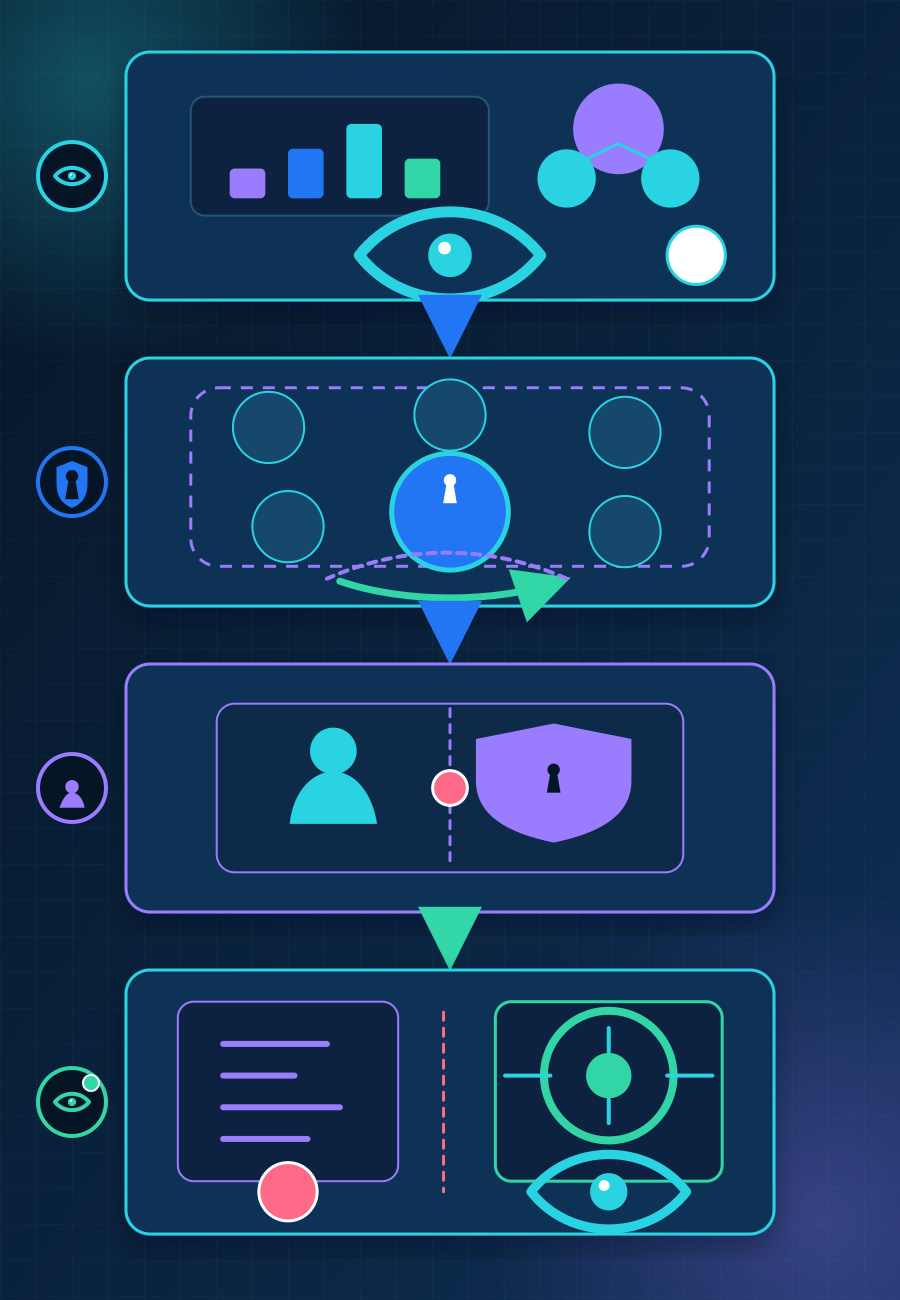
OpenAI introduced an Admin plugin for ChatGPT Work and Codex on August 25. It puts workspace analysis and supported administrative actions in the same conversation: an authorized user can investigate usage or access, request a change, and receive a structured result without moving between reports and settings screens.
That shorter path matters because an admin conversation is no longer only an answer surface. It can become a change surface for members, groups, permissions, usage limits, and spending requests. This article explains what OpenAI says the plugin can do, where its permission boundary sits, and how to stage access so diagnosis does not automatically imply broad write authority.
What can the Admin plugin read and change?
OpenAI’s announcement describes four groups of work. Admins can review adoption and credit usage; add or remove members and update groups; inspect effective permissions and change feature or model access; and adjust usage limits or approve and deny spending requests.
The same plugin can support recurring workflows. OpenAI says a team can route pending usage requests to Slack or Microsoft Teams for an authorized decision. It can also automatically grant feature access when a request meets predefined criteria while sending exceptions to a reviewer.
Those examples join three steps that are often separated in operations: gathering evidence, deciding, and applying a change. The benefit is less tool switching. The control question is whether the same operator and conversation should be allowed to perform all three for every action category.
OpenAI says the plugin maps an instruction to a supported read or write action and returns a structured result. It also says users can see what they requested, whether the action completed, and what changed, with broader-impact actions available for review before application. The public announcement does not provide a complete action matrix, audit-retention specification, rollback guarantee, or plan-by-plan availability table, so teams should inspect the controls in their own workspace rather than infer them from the examples.
Why do existing permissions help without solving the whole problem?
The plugin does not grant a user broader access than their existing role and permissions, according to OpenAI. That is an important boundary: a conversational request is not supposed to bypass the authority already assigned to the person making it.
But “existing permissions” describes the ceiling, not whether the current design is least-privileged. A role created for occasional console work may become much easier to exercise when multiple operations are available through natural language. The authority has not expanded, but the effort and navigation required to use it have changed.
Permission composition also deserves a direct check. OpenAI’s RBAC documentation says ordinary custom roles combine additively for eligible workspaces: if one assigned role grants a permission, an Off setting in another ordinary role does not cancel that grant. Lockdown Mode is evaluated separately and can restrict capabilities, while seat type, plan, and product eligibility still apply.
That RBAC page documents general workspace permission behavior; it is not proof that every listed RBAC setting is controllable through the plugin. It does show why an operator should inspect effective permissions instead of reading one role name and assuming it describes the final access state.
How should a team stage access?
BaristaLabs recommendation: stage the plugin by consequence, not by department or job title.
Start with read and diagnosis. Let a small admin group ask about aggregate activity, credit usage, access problems, and effective permissions. Confirm that answers expose only the data appropriate to the invoking role and that operators know where the underlying report or setting can be checked independently.
Next, add narrow, reversible writes. Choose a low-impact action such as changing a limit for a test group or processing a controlled access request. Record the invoking role, target scope, requested change, expected state, any approval, the returned result, and a separate check of the final workspace state.
Reserve broad or hard-to-reverse writes for an explicit review path. Member removal, group changes that affect many people, model-access changes, automatic grants, and spending approvals can alter availability, cost, or both. The exact set depends on the workspace, but the operating principle is stable: a convenient input method should not erase the review step attached to a consequential action.

A useful pilot table is short enough to review before activation:
Scroll sideways to see all 3 columns.
| Action category | Initial mode | Verification |
|---|---|---|
| Aggregate usage and adoption | Read | Compare with the underlying workspace report |
| Effective-permission diagnosis | Read | Check the person’s direct and group assignments |
| Test-group limit change | Narrow write | Re-read the setting and test the intended scope |
| Feature-access request | Approval-gated write | Confirm requester, criterion, approver, and final access |
| Member or broad group change | Restricted write | Verify membership and downstream access separately |
| Spending decision | Restricted write | Compare the applied limit or decision with billing controls |
This table is a BaristaLabs operating recommendation, not an OpenAI product requirement. The goal is to preserve a distinction between “the plugin returned a completion result” and “the organization independently confirmed the intended state.”
What should verification include?
For each enabled write path, preserve six facts: who invoked it, which role and effective permissions applied, the exact target scope, whether an approval occurred, what result the plugin returned, and what the independent post-change check found. Do not put credentials, prompt content, or unnecessary employee data into that record.
OpenAI notes that RBAC changes are not always immediate, but its public help text does not give a stable propagation window. A verification run therefore needs an explicit timeout and an “unconfirmed” state. Do not repeatedly submit the same write simply because the first read-back has not changed yet.
Automation deserves the same boundary. Routing a request to a human reviewer is different from automatically granting it when criteria match. Before enabling the second path, test the criteria against false-positive and exception cases, define who can pause it, and confirm how an operator can distinguish a pending request from an applied change.
What is the business decision now?
The Admin plugin reduces the distance between a workspace question and a supported administrative action. That can remove routine navigation and make consistent request handling easier. It also makes the quality of roles, scopes, approvals, and verification more visible because those controls now sit directly behind a conversational interface.
Enable diagnosis first. Add one reversible write path only after the invoking role and independent read-back are understood. Keep broad access, membership, automation, and spending changes behind a deliberate review until production evidence shows that the narrower path behaves as intended.
BaristaLabs can review one admin workflow and help separate diagnostic access, narrow writes, approvals, and post-change evidence without collecting prompt content or credentials.
Sources
- OpenAI: Introducing the Admin plugin for ChatGPT Work and Codex, published August 25, 2026.
- OpenAI Help: Role Based Access Controls for ChatGPT Enterprise, accessed August 27, 2026.
OpenAI controls the plugin’s supported actions, availability, permissions, and workspace behavior. BaristaLabs supplies the staging and verification recommendations.
Conversational admin control review
Keep diagnosis useful without making every prompt a change request
BaristaLabs can help define read access, narrow write paths, approval boundaries, and post-change evidence for one workspace administration workflow.
Bring role definitions and sanitized action categories; do not send credentials, employee prompt content, customer data, or production secrets.
Turn this idea into a pilot
Which workflow should go first?
Use the readiness check to compare impact, effort, risk, owner, and next step before requesting a review.
- 3-5 minutes
- Deterministic score
- No sensitive data
Practical AI Workflow Notes
Want more practical AI operations ideas?
Get short notes on applying AI inside real small-business workflows — from document handling and customer follow-up to internal reporting, compliance, and automation guardrails.