
Grok Voice Transcribe 2.0: check the spoken details
Better transcription is useful, but a workflow may depend on one email address, code, or amount. Evaluate those details separately from overall word error rate.

Sean McLellan
Lead Architect & Founder

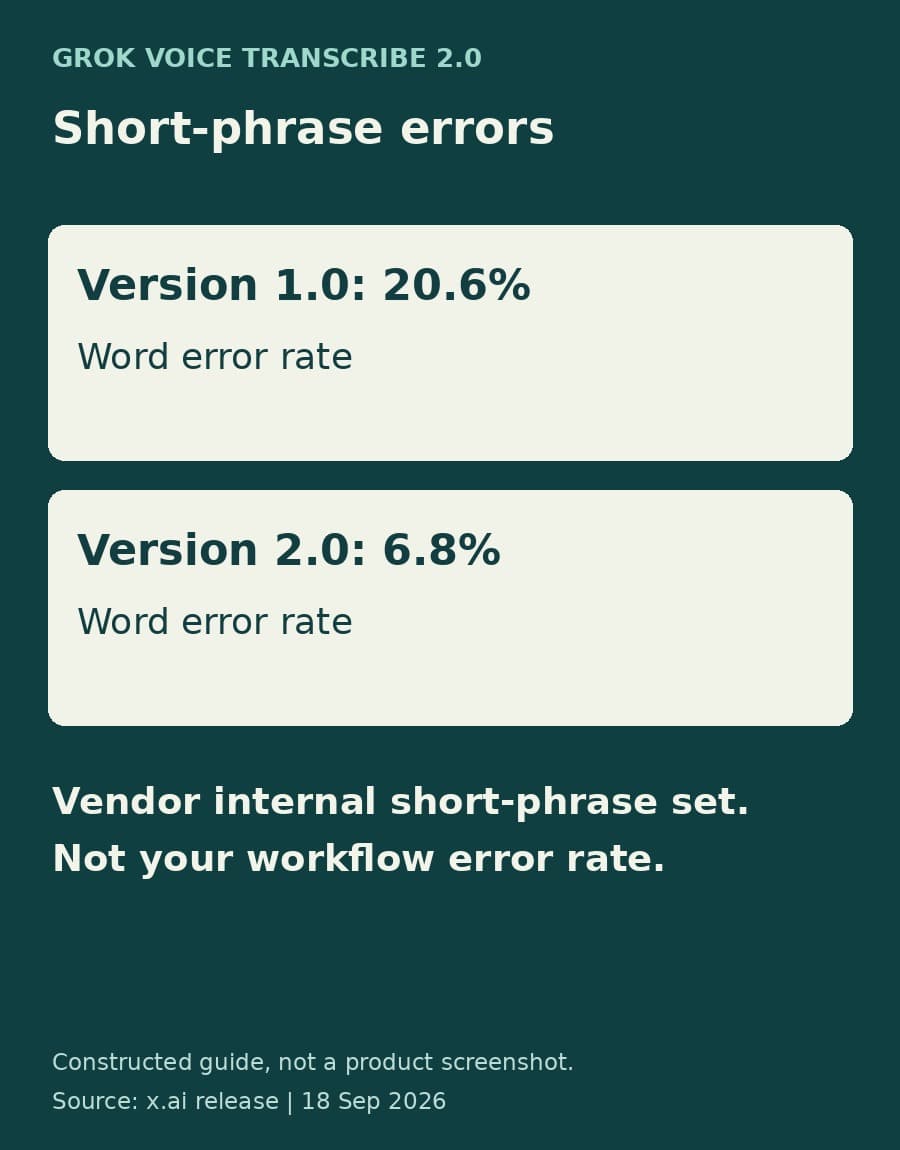
Grok Voice Transcribe 2.0 arrived on September 18 with a useful claim for teams handling calls, voice commands, and recorded instructions: better transcription of short, multilingual speech without a price increase. The release announcement reports that word error rate on the vendor's internal short-phrase set fell from 20.6% to 6.8% compared with version 1.0.
For a business, the next question is more specific than whether the transcript reads better. Did it preserve the email address, account code, or amount that the next step will use? Those details can determine whether an otherwise readable transcript is usable in an automated workflow.
What changed in the transcription model
The release announcement describes automatic language detection and the ability to follow language switches within a recording. It identifies multilingual accuracy as the largest improvement over version 1.0 and notes that short commands give a model little context for identifying a language.
The reported 20.6% and 6.8% figures come from the vendor's internal evaluation. They are not an error rate measured on your calls, and they do not mean that 6.8% of business actions will be wrong. Word error rate concerns errors in a transcript; a workflow may care far more about one incorrect digit than several mistakes in conversational filler.
That is why this release is worth evaluating at the level of the information a workflow consumes. A support operation might use a transcript to locate an account. A team turning recorded instructions into work items might depend on a product name, a deadline, or an amount. Overall transcription quality matters, but it is not the only useful measure.
The vendor lists batch transcription at $0.10 per hour of audio and streaming at $0.20 per hour of audio, unchanged from version 1.0. Diarization, timestamps, and key terms are included in that pricing. Those are transcription charges, not a quote for storing recordings, reviewing mistakes, or running downstream automation.
A readable transcript can still contain the wrong value
A word-level comparison asks whether the spoken words were captured correctly. A field-level comparison asks whether a particular value is usable for its intended purpose. For an email address, that means the complete address, not a transcript that is mostly right around it. For an amount, both the numeric value and the currency may matter.
BaristaLabs' recommendation is to evaluate those outcomes separately. Select recordings your team is authorized to use, including the conditions the workflow actually encounters: short answers, background noise, domain vocabulary, and language switches where relevant. Have someone check the reference text and the important values against the audio before comparing model output.
Use the same recordings and request settings when comparing versions. Otherwise, a difference in formatting or vocabulary hints can be mistaken for a change in recognition quality. Record which important fields were correct, which needed correction, and which were absent. Keep general transcript quality alongside that result rather than replacing it.
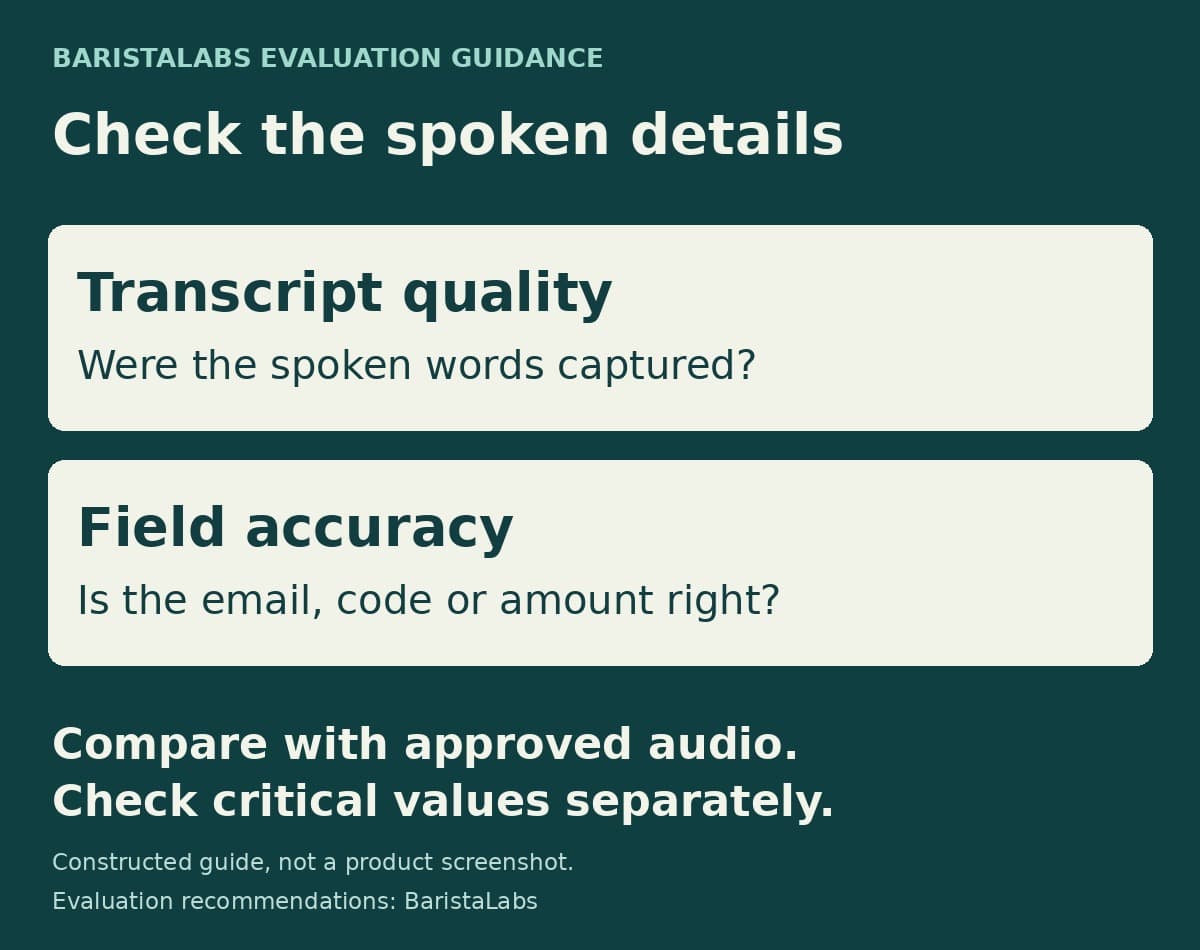
This test can lead to a narrower deployment decision than replacing an entire voice workflow. The new model may be useful for searchable notes while still requiring confirmation before a transcribed identifier triggers an account lookup or an amount reaches another system. The appropriate confirmation depends on the consequence of a wrong value, not just the model's average score.
Request settings change what you are comparing
The Speech-to-Text documentation makes several distinctions that are easy to overlook when reading a polished output.
Text formatting is off by default. Setting format=true enables inverse text normalization, which turns spoken numbers and currencies into written forms. It requires a language value. The documentation says the language parameter enables formatting; it does not restrict transcription to that language. Keep these settings explicit when comparing a spoken amount with the value a business system expects.
The keyterm field can bias recognition toward product names and other domain vocabulary, with up to 100 terms per request. Treat those terms as part of the test configuration. Helpful vocabulary hints do not guarantee that a similar-sounding name or code will be correct.
Speaker diarization is also off by default. Enabling diarize adds speaker labels to words. Those labels distinguish detected speakers; they do not verify a person's identity. If speaker attribution matters to the workflow, check it against the recording rather than treating a label as authentication.
Finally, filler_words defaults to false, removing fillers from both the transcript text and the word array. That may suit readable notes, but a cleaned transcript should not be described as verbatim. Decide which representation the team needs before judging a difference between outputs.
Choose the version explicitly during evaluation
There is a timing difference between the two primary sources. The September 18 announcement says version 2.0 will soon become the API default and that version 1.0 will be deprecated in the coming weeks. The documentation read for this article lists grok-voice-transcribe-2.0 as the default when model is omitted.
Use explicit model names during a comparison instead of relying on an omitted parameter: grok-voice-transcribe-2.0 for the new model and grok-voice-transcribe-1.0 for the old one while it remains available. Neither source supplies an exact retirement date for version 1.0. A temporary pin is a way to make a comparison clear, not a promise of indefinite availability.
Our guide to realtime voice interfaces explains the wider distinction between transcription and systems that respond in speech. This release concerns the transcription step. Before letting better-looking text carry more responsibility downstream, check the spoken details that responsibility depends on.
Sources
- Grok Voice Transcribe 2.0 announcement, September 18, 2026: release claims, internal evaluation, pricing, and transition notice.
- Speech-to-Text documentation, updated September 18, 2026: model selection and request settings. Evaluation recommendations above are BaristaLabs guidance, not reported customer results.
Voice workflow evaluation
Test the details your workflow depends on
BaristaLabs can help select representative audio, define critical fields, and compare transcription output before it feeds another business system.
Bring a workflow description and recordings cleared for this use, not confidential customer audio.
Turn this idea into a pilot
Which workflow should go first?
Use the readiness check to compare impact, effort, risk, owner, and next step before requesting a review.
- 3-5 minutes
- Deterministic score
- No sensitive data
Practical AI Workflow Notes
Want more practical AI operations ideas?
Get short notes on applying AI inside real small-business workflows — from document handling and customer follow-up to internal reporting, compliance, and automation guardrails.