Google Just Made Workspace a Lot More Agentic. Here's What SMBs Should Actually Care About
Google's latest Gemini rollout adds real multi-step AI workflows to Sheets, Docs, Slides, and Drive. For small businesses, the opportunity is less about flashy demos and more about saving time on routine work.

Sean McLellan
Lead Architect & Founder
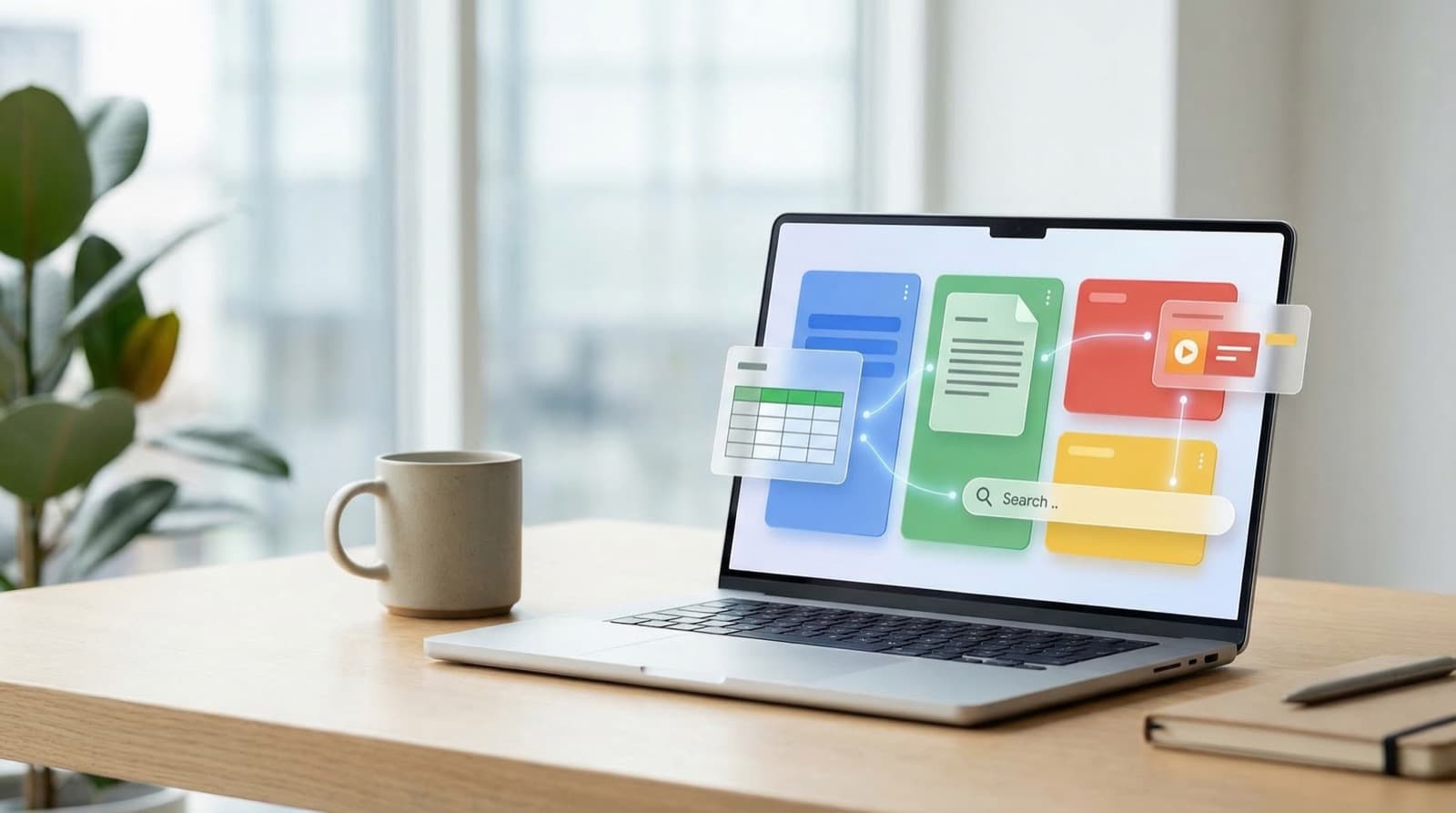
Google is rolling out a much bigger Gemini upgrade across Google Workspace than most business owners will realize at first glance.
This is not just another round of AI sidebars and chat boxes. The meaningful change is that Gemini is starting to act more like a working assistant inside the apps your team already uses: Sheets, Docs, Slides, and Drive.
If you run a small or midsize business on Google Workspace, that matters. It means less jumping between tabs, less copying information from one app to another, and fewer low-value admin tasks sitting on someone's plate. It also means you should be realistic about what is ready today and what still feels early.
What changed inside Workspace
The biggest jump is in Google Sheets.
Google is introducing a more autonomous agent experience for spreadsheet work. Instead of asking for one formula or one chart at a time, you can give Gemini a broader task. It builds a step-by-step plan, shows it to you for approval, and then works through the task while updating a live checklist.
That is a different model from the usual "ask and answer" flow. It is closer to assigning spreadsheet cleanup or analysis work to an assistant who knows how to break the job into pieces.
Early testers say the Sheets agent scored 70.48% on SpreadsheetBench, with humans at 71.33%. Benchmarks are never the whole story, but this one does make the point: Google is aiming for near-human spreadsheet task performance, not just better autocomplete.
Docs is getting more useful too.
Gemini can now co-edit directly on the canvas and show you a preview before making changes. That preview matters. For most SMB owners, the problem with AI writing tools is not getting words on the page. It is controlling the output without making a mess. A preview-and-approve workflow is a much better fit for real business use.
Docs can also pull context from Drive, Gmail, Chat, and the web, and it can match your writing style more closely. In practice, that could make it more useful for proposals, internal memos, client follow-ups, and first drafts that need to sound like your company instead of a generic robot.
Slides is getting a practical upgrade rather than a magic one.
Gemini now generates one slide at a time while looking at nearby slides to match the deck's style, fonts, and colors. That is the right approach. Most businesses do not need AI to build a random presentation from scratch. They need help extending an existing deck without breaking the design.
Drive may end up being the sleeper feature.
Google is adding AI overviews directly into Drive search results, with citations back to your files. There is also a broader multi-turn Gemini experience that can work across Drive, Gmail, Chat, Calendar, and the web. Google is also introducing a Projects feature that groups files and emails into a shared context for teams.
For SMBs, that means a better shot at finding answers buried across documents, messages, and attachments without making someone manually hunt for them.
What this means for a small business workflow
The practical value here is not that Gemini can do everything. It is that it can shrink the amount of coordination work your team does every day.
Think about a normal week in a small business:
- someone cleans up a messy spreadsheet before a meeting
- someone rewrites a proposal draft to match your voice
- someone updates a slide deck with new pricing or service details
- someone searches Drive, Gmail, and Chat to answer a client question
None of this is hard, but all of it takes time. It is the kind of work that fragments a day.
This Gemini rollout is Google trying to collapse those tasks into shorter loops.
Instead of manually fixing formulas, sorting data, and creating summaries in Sheets, you assign the outcome and review the plan. Instead of pasting email context into Docs, Gemini can pull it in. Instead of rebuilding slide styling by hand, Slides can mirror the existing deck. Instead of searching five places for a file or answer, Drive starts surfacing the answer with citations.
That is useful if your company already lives in Google Workspace. It is less compelling if your team keeps customer data in separate systems and only uses Workspace for light communication.
What to try first
If you own or run an SMB, do not roll this out everywhere at once. Pick one workflow in each app where the cost of mistakes is low and the time savings are obvious.
Start here:
1. In Sheets, use Gemini on internal reporting
Give it a task like: summarize monthly sales by service line, flag unusual changes, and build a chart for review.
Do not start with payroll, forecasting, or anything that touches sensitive numbers you cannot afford to misread. Start with management reporting where a human can review the output before anyone acts on it.
2. In Docs, use it for first-pass editing
Try it on internal updates, blog outlines, or proposal drafts. The preview workflow is the point here. Let Gemini suggest revisions, then accept or reject changes selectively.
This is a safer starting point than letting it rewrite important client-facing copy with no review.
3. In Slides, test it on an existing deck
Take a presentation you already use and ask Gemini to add one new slide or restyle one section. That will show you quickly whether it can match your brand well enough to save time.
4. In Drive, test search on a real question
Ask something your team regularly wastes time answering, like "Where is the latest onboarding checklist?" or "Which files mention our Q2 pricing update?"
If Drive can return useful, cited answers, that alone could save a surprising amount of time.
What is not ready yet
This rollout sounds strong, but parts of it are still rough around the edges.
Docs still has an annoying limitation around source settings resetting each session, and custom Gems need to be pasted in manually. That adds friction for businesses that want a consistent workflow or team-wide prompt setup.
Slides has clear boundaries too. It cannot currently edit videos, tables, or custom shapes, and it cannot reference slides by number. That means it will help with deck creation and enhancement, but not with every presentation task.
Drive's broader AI experience is also limited for now. It is currently US-only and English-only. If your team is multilingual or distributed internationally, that matters.
And the biggest limitation is the obvious one: AI still needs review. Near-human spreadsheet performance is not the same thing as error-free. If the output affects money, contracts, compliance, or customers, someone on your team still needs to check the work.
The real takeaway
Google is moving Gemini from assistant mode toward operator mode inside Workspace.
For SMBs, that is the real story. Not that AI can write a paragraph or generate a slide, but that it is getting better at handling multi-step work inside the software your team already pays for.
That is worth paying attention to. Just do not treat it like autopilot.
Use it where the work is repetitive, the review path is clear, and the upside is time saved without adding risk. If you start there, this upgrade could be genuinely useful instead of just another AI feature your team ignores a week later.
Back-Office Automation ROI Worksheet
Choose the first automation with evidence, not vibes.
AI tools can make almost any workflow look automatable. The ROI worksheet helps you pick the one most likely to pay back quickly. If one workflow rises to the top, BaristaLabs can help decide whether a lightweight tool, integration, or custom pilot is the best next step.
Use broad workflow categories in the form; save specifics for a scoped conversation.
Turn this idea into a pilot
Which workflow should go first?
Use the readiness check to compare impact, effort, risk, owner, and next step before requesting a review.
- 3-5 minutes
- Deterministic score
- No sensitive data
Practical AI Workflow Notes
Want more practical AI operations ideas?
Get short notes on applying AI inside real small-business workflows — from document handling and customer follow-up to internal reporting, compliance, and automation guardrails.