


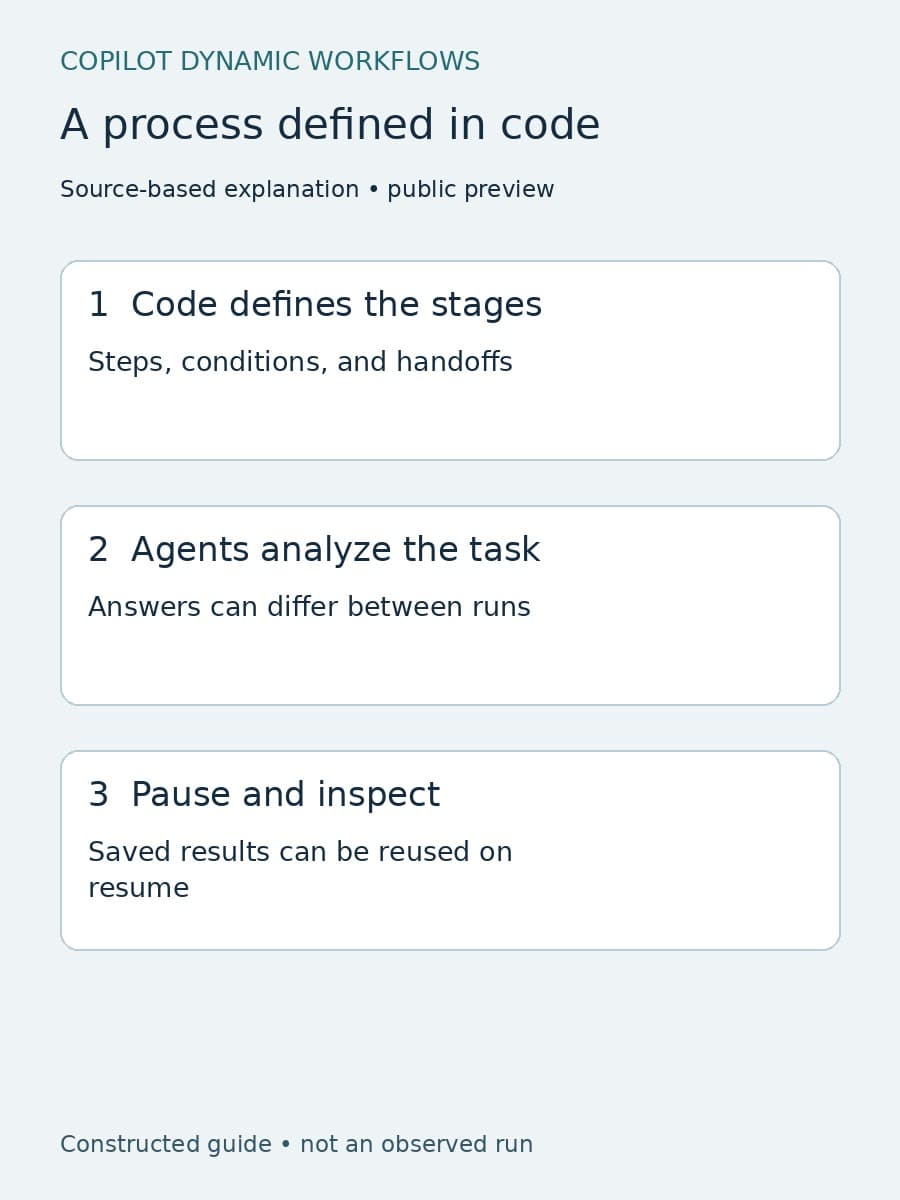
GitHub’s October 1 release adds dynamic workflows to Copilot CLI, the Copilot app, and the Copilot SDK. These are programs that define a task’s steps, conditions, and handoffs in code, while agents handle analysis or judgment. They can run work in sequence or in parallel, pass structured results between stages, and pause at a checkpoint.
For a team planning a long-running job, the important detail is what survives a pause. A resumed workflow can reuse saved results, but its limits do not become a new allowance. That makes the restart decision worth designing before the first large run.
A reusable process is not a repeatable answer
The preview is available on all Copilot plans. GitHub says the app needs no setup for dynamic workflows; the latest CLI requires experimental features through --experimental or /experimental on. The feature is in public preview and may change.
GitHub distinguishes this from /fleet, where Copilot decides how to divide and coordinate work each time. A dynamic workflow’s author defines the process. That can make the intended stages easier to inspect, but it does not make agent conclusions deterministic. The path can change with inputs and findings, and agents can return different answers across runs.
Consider a recurring release investigation. Code can gather the check results, send different failures to separate agents, combine their findings, and pause for a reviewer. This is a proposed use, not a workflow we ran. The value is a known process for collecting and examining evidence, not a promise that every investigation will reach the same conclusion.
Four limits do different jobs
The GitHub documentation describes limits on concurrent agents, total agents launched, active running time, and approximate AI credits. They should not be treated as interchangeable controls.
The concurrency limit makes additional subagents wait until others finish. Reaching it does not stop the workflow. It controls how much agent work happens at once, rather than how many agents the whole run may eventually launch.
The other limits can stop a run while retaining its status and saved results. Active running time includes time used before a pause; paused time does not count. A credit limit is an approximate maximum, not a hard spending ceiling. GitHub reports usage after it occurs, so work already underway can carry the total past the limit.

Limits can be specified in a prompt, in workflow code, or in personal settings. A prompt limit overrides the corresponding code or personal default. Code takes priority over personal defaults. Before a large run, record the effective limits for that invocation rather than assuming the saved workflow definition is the only source of configuration.
Resume with the old usage still in view
When a run stops at a limit, GitHub says to increase that limit to allow more work. The new value is a total for the run, including usage before it stopped—not a fresh allowance. Check the existing usage before choosing the new total.
Saved work matters separately. A resumed workflow can reuse results from completed steps and subagents. Work that was not saved may need to run again. A pause is therefore not a guarantee that every intermediate action or draft is preserved.
Before resuming, review what the run actually retained, which steps remain incomplete, and whether the inputs changed. For a release investigation, a different repository revision or a new set of check results can make an earlier finding stale. Those are BaristaLabs review recommendations, not an automatic freshness check promised by GitHub.
Define what each important stage must save: its input reference, the finding or output, and the evidence needed to inspect it. Use the storage and result mechanisms supported by your extension; this list is not a GitHub API schema. Keep incomplete work visible rather than presenting the retained output as a complete investigation.
A revised definition does not rewrite a paused run
GitHub documents another distinction that can surprise an operator: revising the saved workflow definition affects new runs after the updated extension is loaded. It does not replace saved results in a paused run.
If a pilot reveals that a step needs different instructions, decide whether to resume the old run or start a new run under the revised definition. Do not assume that editing the extension repairs the conclusions already retained by a stopped job. Record the definition version with the run so the reviewer can understand which process produced its evidence.
Sharing a workflow also shares its definition, not the original session’s run history or saved progress. A colleague loading the same extension should not expect to inherit the earlier operator’s investigation state.
Inspect permissions before unattended execution
Workflow subagents inherit the starting CLI session’s permission grants. In an interactive session, an unpermitted action produces a normal permission prompt. A session-wide grant can apply to other subagents that need it.
The direct copilot workflow run WORKFLOW-NAME command does not display permission approval prompts; required permissions must be granted before starting. The documentation also notes that an extension can run its own code directly, outside those prompts. Review extension code and permissions together. A subagent approval mechanism is not a complete sandbox for the extension.
For a first trial, use a small scope, sanitized inputs, and access that cannot change live business records where practical. Inspect actual credit usage after the small run before setting a larger credit limit, as GitHub recommends. A checkpoint helps a person inspect results, but it is not a substitute for restricting what the code can do before that checkpoint.
Test the restart, not only the happy path
A useful pilot should deliberately pause before completion, inspect saved results, and resume. Then revise the definition and start a separate run to verify that the team can distinguish old evidence from new execution. These are suggested acceptance tests, not reported product results.
Track agent usage, elapsed time, reviewer effort, and any repeated work separately. Our canvas break-even guide covers whether a recurring process justifies a custom surface. The HydraFusion cost guide covers the cost of a complete orchestration attempt. This preview adds a different operational question: can your team explain what a stopped run saved, what a resume may repeat, and how much cumulative allowance remains?
Start with one job where those answers can be checked. A code-defined process becomes useful when the operator can inspect its state and make an informed restart decision—not merely because more agents can run in parallel.
Sources
- GitHub: Dynamic workflows in Copilot CLI and the Copilot app, October 1, 2026.
- GitHub Docs: Dynamic workflows, checked October 4, 2026. Live preview documentation can change.
Multi-agent workflow pilot
Make one long-running workflow reviewable
BaristaLabs can help define one workflow’s stages, saved evidence, and restart checks before wider use.
Bring a sanitized process outline, not production credentials.
Turn this idea into a pilot
Which workflow should go first?
Use the readiness check to compare impact, effort, risk, owner, and next step before requesting a review.
- 3-5 minutes
- Deterministic score
- No sensitive data
Practical AI Workflow Notes
Want more practical AI operations ideas?
Get short notes on applying AI inside real small-business workflows — from document handling and customer follow-up to internal reporting, compliance, and automation guardrails.