

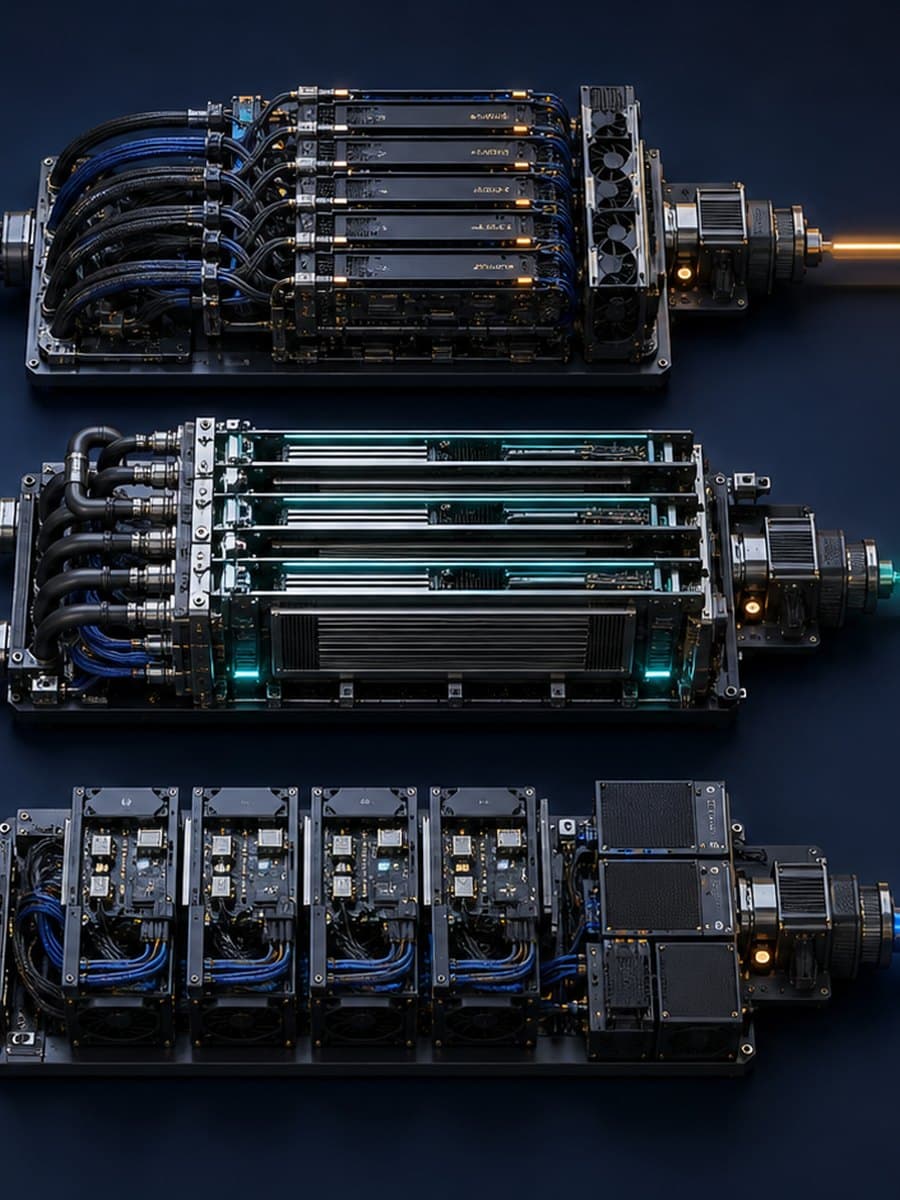
AWS added Generative AI Inference Recommendations to SageMaker AI Studio on August 20, 2026. A team can now choose a generative AI use-case profile and an optimization goal in a visual workflow, then receive ranked serving configurations based on measured tests.
That shortens the path to a useful configuration comparison, but it does not remove the most important design decision: what workload did the job represent? This article explains what SageMaker measures, why the declared request profile controls the result, and what still needs application-level proof before a team deploys the recommended endpoint.
What changed in SageMaker AI Studio?
AWS’s launch announcement places the new experience under Jobs and Inference optimization in SageMaker AI Studio. The underlying generative AI recommendation capability first launched through an API in April 2026; this release adds a guided low-code/no-code route in Studio.
The user selects an Interact, Generate, Summarize, or Custom profile. The user then chooses one primary goal: minimize latency, maximize throughput, or minimize cost. A model can come from JumpStart, Amazon S3, Model Registry, or an existing SageMaker model.
AWS says the job benchmarks several configurations on GPU infrastructure with NVIDIA AIPerf. It can apply serving optimizations aligned to the goal, including speculative decoding for throughput or kernel tuning for latency. The resulting configurations are ranked using time to first token, inter-token latency, throughput, and cost, and the user can compare them before deploying a real-time SageMaker endpoint.
These are measured recommendation-job results, not estimates derived only from a model card. That makes them more useful than choosing an instance from parameter count or vendor benchmark tables. The result is still bounded by the model, configurations, requests, traffic pattern, objective, and service conditions included in that job.
The request profile controls what the result means
A generative AI serving workload has at least two lengths: the input tokens sent to the model and the output tokens it generates. A short classification prompt and a long document-summary request can use the same model while putting very different pressure on memory, computation, and request queues.
Concurrency and arrival pattern matter too. Ten requests spread evenly through a minute are not the same test as ten requests arriving together after a scheduled batch starts. A recommendation obtained with the first pattern cannot establish how the endpoint behaves under the second.
The four Studio profile names provide a starting point, but the team still owns the connection to production. For a custom workload, preserve representative distributions rather than one convenient average. Record normal and long inputs, normal and long outputs, expected concurrent requests, bursts, repeated prefixes, and any streaming behavior. If an important request type is absent, the ranking does not describe that part of the service.

Do not send sensitive production prompts merely to make a test realistic. A team can often build sanitized or synthetic requests with the same token-length, modality, and concurrency characteristics. Content quality needs a separate representative evaluation set with an approved data boundary.
One optimization goal does not settle every trade-off
Minimizing latency, maximizing throughput, and minimizing cost are different objectives. A configuration that serves the most tokens per unit of time may not produce the fastest first token for an interactive user. A low measured cost under steady load may be a poor economic choice when demand is intermittent or when the application needs spare capacity for bursts.
Read the winning row as the highest-ranked tested configuration for the selected goal, not as a universally optimal endpoint. Keep the next few viable configurations visible. A near-tie may favor the option that is easier to operate, has available quota, or behaves more predictably under the application’s actual traffic.
The metric boundary also matters. Time to first token measures how long a user waits before generation begins. Inter-token latency describes the pace after that first token. Throughput measures work completed over time. None of those, alone, establishes whether the answer is correct, whether a retrieval step was slow, or whether the user received a complete response within the application’s target.
The cost statement has two parts
AWS says there is no additional charge for generating recommendations. The same announcement says standard compute charges apply for optimization jobs and endpoints provisioned during benchmarking. “No additional charge” therefore does not mean the benchmark consumes no billable infrastructure.
Capture the job duration, instance types, endpoint lifetime, and resulting AWS charges. Then keep benchmark cost separate from expected production cost. The production record can include idle capacity, autoscaling behavior, traffic variation, data transfer, logging, monitoring, retries, fallbacks, and the engineering work required to keep the endpoint healthy.
The general Inference Recommender documentation says the service considers instance count, container parameters, model optimizations, maximum concurrency, and memory size. Those dimensions can materially change serving cost. They do not account for every surrounding application expense.
What should the recommendation record preserve?
Save the model and artifact version, serving container, tested instance configuration, optimizations, Region, date, request profile, primary objective, and the measured metrics. Also preserve the job identifier or exported result that lets another reviewer trace the comparison.
Attach the source of the workload profile. A useful note explains which production period or forecast supplied the input lengths, output lengths, concurrency, and arrival pattern. If those values were guessed for an early experiment, label them as assumptions rather than measured production facts.
AWS announced Studio availability in seven Regions: US East (N. Virginia and Ohio), US West (Oregon), Europe (Ireland and Frankfurt), and Asia Pacific (Singapore and Tokyo). Region belongs in the record because service availability, quota, network distance, data requirements, and price can differ. Check the current regional and pricing pages before a new run; the August announcement is a dated launch record, not a promise that the list will remain unchanged.
What still needs proof before deployment?
First, run the selected configuration against the complete application path. Measure the time spent in authentication, input preparation, retrieval, model serving, tool calls, moderation, output processing, and delivery to the user. A strong endpoint result can coexist with a slow application when another dependency dominates the request.
Second, check output quality on the same model and serving optimization. A performance improvement is not useful if the selected configuration changes answer quality outside the workflow’s acceptance boundary. The public AWS announcement describes performance ranking; it does not report quality results for a particular company’s task.
Third, test peaks and failures. Exercise the expected burst, a request near the supported size boundary, a dependency timeout, a failed instance, and the fallback or manual path. Recommendation-job measurements do not establish the application’s availability, recovery behavior, or operational ownership.
Finally, compare an observed bill with the estimate under a bounded staging run. Keep the endpoint alive only as long as the test requires, and record who can stop it. Production approval should identify the workload owner, service owner, cost owner, quality reviewer, and the condition that sends traffic back to the previous path.
Use the ranking as evidence, not as the approval
SageMaker AI Studio now makes a measured configuration comparison available to teams that do not want to begin with an API workflow. That is a meaningful improvement: the serving choice can start with observed time-to-first-token, inter-token latency, throughput, and cost data instead of intuition.
The recommendation answers a bounded question: which tested configuration best matched the declared objective under the benchmark workload? Production approval answers a larger one: does this configuration deliver acceptable quality, end-to-end performance, resilience, and total cost for the real application?
If those two questions are still mixed together, BaristaLabs can review one inference workload and help turn the recommendation into a source-traceable application test. Bring sanitized request-shape statistics and current measurements rather than customer prompts or credentials.
Sources
- AWS: Generative AI Inference Recommendation for Amazon SageMaker now available in SageMaker AI Studio
- Amazon SageMaker Inference Recommender documentation
AWS controls the product behavior, supported inputs, metrics, pricing statement, and launch-region claims attributed to its announcement and documentation. BaristaLabs supplies the interpretation of the recommendation boundary, the suggested evidence record, and the application-level verification steps.
Model serving review
Test the recommendation in the application that will use it
BaristaLabs can help turn one representative request mix into serving, quality, cost, peak-load, and failure checks for a production decision.
Bring sanitized request-shape statistics and current application measurements, not customer prompts, credentials, or production data.
Turn this idea into a pilot
Which workflow should go first?
Use the readiness check to compare impact, effort, risk, owner, and next step before requesting a review.
- 3-5 minutes
- Deterministic score
- No sensitive data
Practical AI Workflow Notes
Want more practical AI operations ideas?
Get short notes on applying AI inside real small-business workflows — from document handling and customer follow-up to internal reporting, compliance, and automation guardrails.