


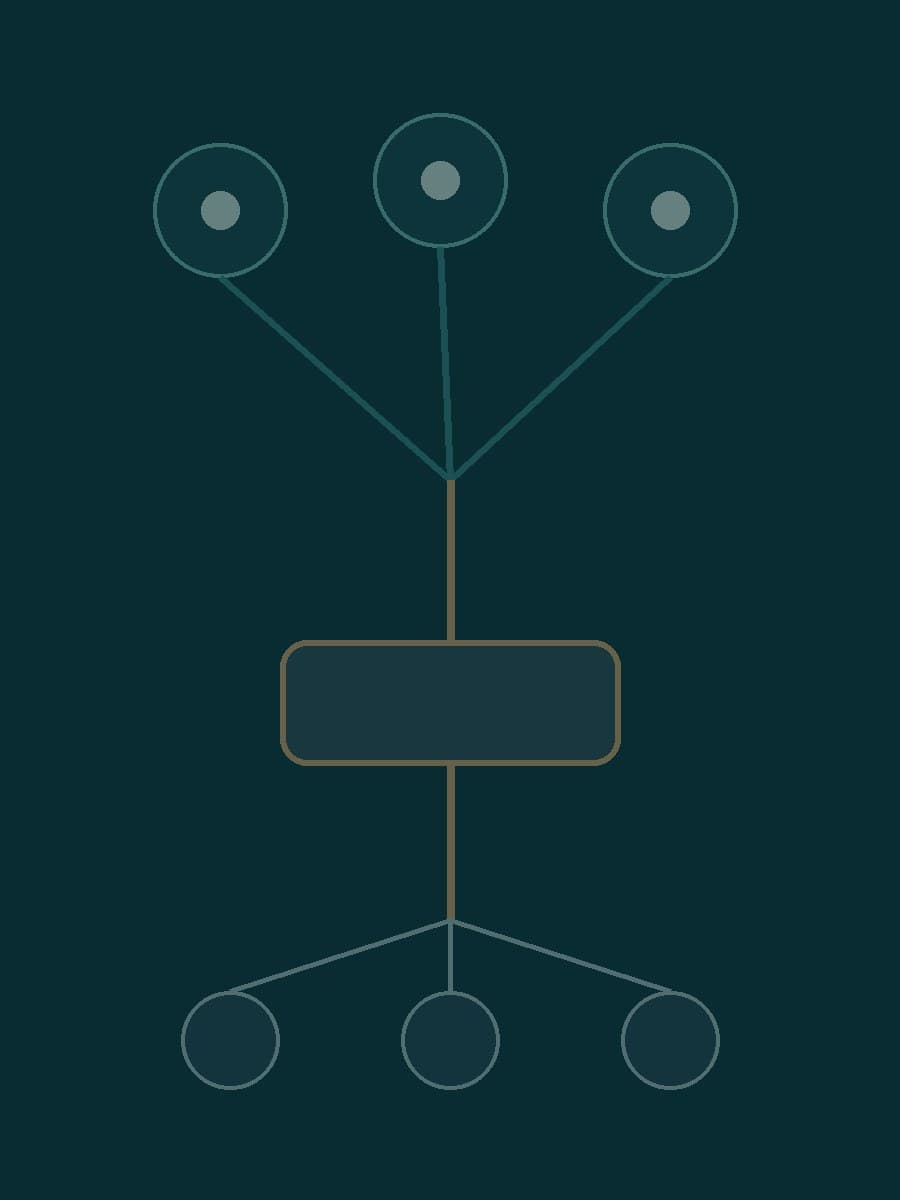
OpenAI introduced dots on September 29: agents that can keep working between conversations, use their own cloud computers, and access apps a user connects. A dot can research those apps even when its owner has not sent a new message. That changes the decision a business makes when it connects an account. The question is no longer only what the assistant may read during a requested task, but what it may continue to learn afterward.
The initial rollout is gradual. OpenAI says dots are reaching Pro and Business Premium users in eligible markets, while Enterprise access starts as an admin-enabled beta. The setup guide gives more specific geographic and device limits; availability in a particular workspace should be checked there rather than assumed from the launch announcement.
Background research reads; other work can act
OpenAI calls the background behavior proactive research. Its safety explanation says these tasks use read-only tools against permitted connected sources and save private notes for the dot. OpenAI says code-level restrictions prevent that background task from sending messages, changing connected-app content, or controlling a browser or desktop. A finding can prompt later work, but that work must pass the normal action rules and checks.
This distinction is useful, but it should not be flattened into “the dot is read-only.” A user can also assign a task that changes files, sends a message, or uses a browser. OpenAI says a separate Auto-review system checks proposed actions against instructions, Custom Rules, and safety requirements; it may allow a step, block it, or request approval. An approval already given can cover a later action, depending on the rule. The dot's own cloud computer is standard, while connecting a personal computer is optional and initially off.
OpenAI illustrates the product with drafts, software fixes, and invoice work. Those examples describe intended use, not a guarantee that a particular task will be correct. A team should test what a connected app exposes and which actions require a person before granting access to a consequential account.
Disconnecting an app does not remove what the dot learned
Persistent context is the less obvious part of this launch. OpenAI says removing an app connection stops new sharing through that connection, but information the dot already acquired remains in its context. The setup guide says resetting the dot deletes its conversations, saved memories, and scheduled tasks; simply disconnecting an app does not delete previously obtained information.
For a business pilot, that makes account selection more important than a broad promise to disconnect later. Start with a narrow source whose contents the agent can safely retain, then inspect its useful findings and mistaken inferences before connecting customer records or internal communications. Define which actions need approval in Custom Rules and check the actual behavior with a harmless test. This is a proposed evaluation method, not a claim that OpenAI's controls have been independently audited here.
The two boundaries should be reviewed separately: what the dot can keep reading and remembering, and what it can do with what it finds. BaristaLabs helps teams examine those boundaries for one agent workflow, including connected accounts, retained information, and action permissions. Discuss an agent access review before extending a pilot to sensitive systems.
Practical AI Workflow Notes
Want more practical AI operations ideas?
Get short notes on applying AI inside real small-business workflows — from document handling and customer follow-up to internal reporting, compliance, and automation guardrails.