
A support lead pulls up the worst ticket first. A customer asked for a refund and got a cheerful "glad I could help" - ticket closed, no refund issued. It's dramatic enough that the team rallies around it: rewrite the closing prompt, ship the fix, move on. Two weeks later, tickets are still closing early, just in a different pattern, and nobody can say whether it's the same bug wearing a disguise or a second one that showed up at the same time. The team debugged a story. What they needed was a headcount.
That's the exact trap OpenAI describes walking into with a piece of its own infrastructure, and the way out is worth borrowing before your team automates one more workflow.
The crash that looked like one problem
OpenAI's engineering blog lays out a case from Rockset, the data-search system it acquired in 2024 and now runs as part of the infrastructure ChatGPT leans on to pull relevant data at inference time. Something in Rockset kept crashing. Ordinary C++ functions were returning to addresses that made no sense: some to NULL, some to a stack pointer that had drifted 8 bytes off where it belonged. Any one of those crashes, examined on its own, reads like a corrupted stack trace and not much else. An engineer opens the core file, squints at the registers, forms a theory, and moves to the next fire.
OpenAI calls that "doctor mode," treating each crash as a patient with its own chart. It's the instinctive response, and it's also how the team spent a long time not solving the problem. What looked like one bug turned out to be two, unrelated, coincidentally active at the same time: silent hardware corruption on a single misbehaving Azure host, and a race condition sitting inside GNU libunwind that had shipped, unnoticed, for eighteen years. Two different diseases, one shared symptom, and no way to tell them apart by staring at individual cases.
From doctor to epidemiologist
The turn that actually worked was methodological, not clever. OpenAI stopped diagnosing crashes one at a time and started building a dataset of all of them. The team had a script, written with help from ChatGPT, pull a prefix of every core file from the past year of Rockset's production traffic, extract the registers, filter out known false positives using existing logs, and sort each crash into one of three buckets: return-to-null, misaligned-stack, or other. Then they ran it in parallel across the entire population.
That's the move worth sitting with. Nobody asked a model to diagnose the bug. They asked it to help build a clean, complete count of every instance of the symptom, and let the shape of that count do the diagnosing.
Once the population existed, the two hidden diseases separated on their own. The misaligned-stack crashes clustered in one region, started on a specific date, and traced to a single physical machine. Pull that host out of service, and that entire cluster vanished, cleanly, all at once, the way a real fix behaves and a coincidence doesn't. The return-to-null crashes told a different story: scattered across many clusters, all tangled up with exception-based unwinding, which pointed the team toward the actual eighteen-year-old bug, a one-instruction race window in _Ux86_64_setcontext where a signal could arrive after the stack pointer moved but before the return address was read, corrupting a stack-allocated structure in a window OpenAI measured at roughly a hundred picoseconds. That window was too narrow to hit twice by accident. But OpenAI's fleet delivered signals constantly, at a scale where a hundred-picosecond gap could get hit anyway - enough to produce more than a dozen crashes a day. As the team put it: "Once we had accurate and complete population data, the structure of the problem became obvious."
The fix that followed was almost anticlimactic next to the hunt: switch from GNU libunwind to libgcc's unwinder, upstream a reproducer and patch to libunwind itself, and confirm other unwinders in use weren't carrying the same defect. The hard part was never the patch. It was building a dataset good enough that the patch became the obvious next step instead of a guess.
Your AI workflow crashes at fleet scale too
Nobody running an AI-assisted support queue, lead-scoring pipeline, or internal ops agent is staring at core dumps and signal handlers. But every one of those workflows produces the same shape of problem: a symptom that shows up across enough surface area that no single example tells you what's really going on. A prompt update, a new tool integration, a shift in the customer segment hitting the workflow, a model routing change, or a batch of inputs shaped differently than the training examples anyone tested against can produce failures that look alike on the surface and come from entirely different causes underneath.
We've written before about what happens when teams treat an AI assistant as an answer machine instead of a diagnostic partner, and about why a green-looking dashboard can still be missing the failure that matters. This is the same gap, one level upstream. Before you can decide whether a workflow's output quality is drifting, you need to know whether "it failed" means one thing or five different things wearing the same complaint. A team that fixes the loudest example first, the way OpenAI's engineers might have if they'd stopped at the bad host, will ship a real fix for half the problem and declare victory while the other half keeps running.
The habit that prevents this isn't a smarter prompt or a bigger model. It's refusing to explain any single failure until you've counted enough of them to know what you're looking at.
The failure population ledger
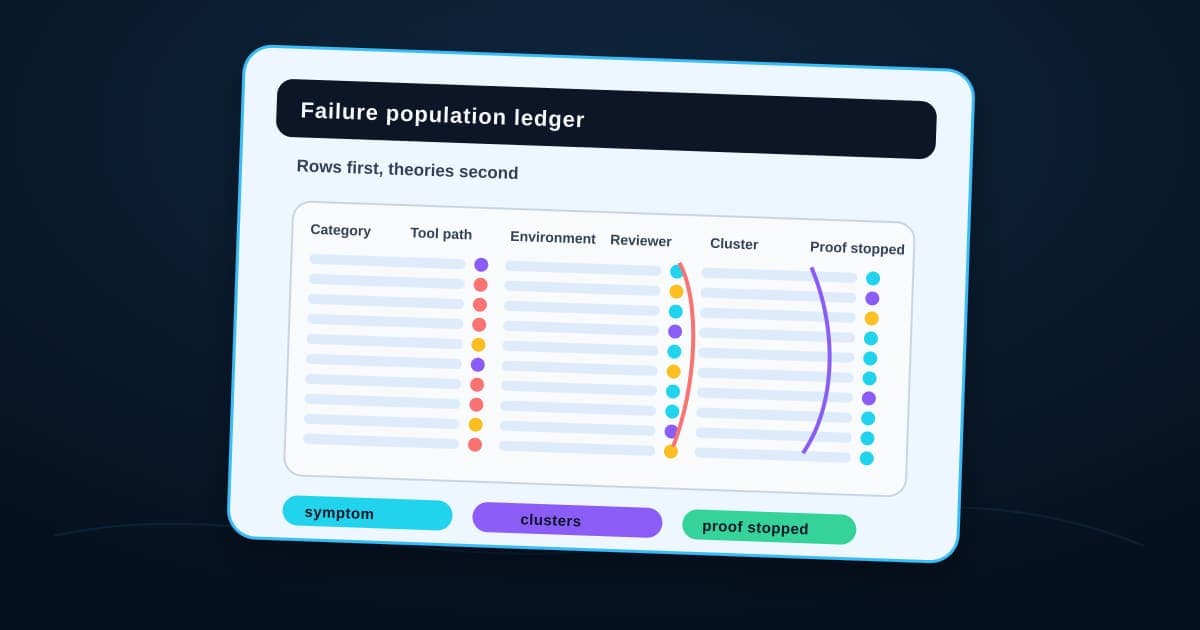
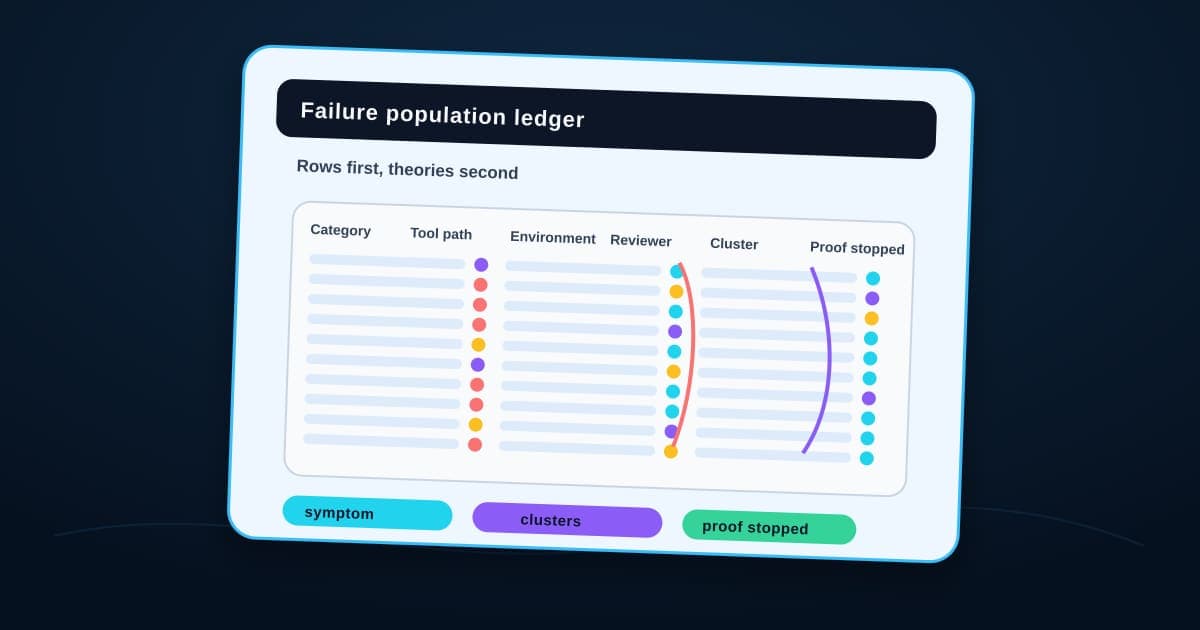
Here's the practical version of OpenAI's epidemiologist mode, sized for a team that isn't running a data-infrastructure company. Every time an AI-assisted workflow fails, or does something a reviewer flags as off, log it. Not a full incident report, just enough structured detail that thirty of these side by side tell you something a lone screenshot never could.
AI workflow diagnostic packet
Failure population ledger
Before you explain any single AI failure, log enough of them that you can tell whether you're looking at one problem or two.
- 01
Category
Pins down: Wrong output, tool call failure, timeout, silent skip, hallucinated fact, human override
Why it matters: A grab-bag label like "AI messed up" hides whether you have one failure mode or five.
- 02
Timestamp and surface
Pins down: When it happened and which workflow, channel, or customer-facing surface it touched
Why it matters: Clusters reveal themselves in time and place before they reveal themselves in cause.
- 03
Input type
Pins down: The shape of what triggered it: a message, a document, a form field, an upload
Why it matters: Two failures that look identical can come from completely different inputs.
- 04
Tool or action path
Pins down: Which model, prompt version, tool call, or integration was in the chain
Why it matters: This is the column that tells you whether a change you shipped is the actual cause.
- 05
Environment
Pins down: Model version, routing tier, region, account segment, load conditions
Why it matters: The bug that only shows up under one condition is invisible until you record the condition.
- 06
Reviewer label
Pins down: A human's plain-language read on what went wrong, written at the time
Why it matters: Six months later nobody remembers what "weird one" meant. Label it while it's fresh.
- 07
Recurrence cluster
Pins down: Does this match an existing pattern in the ledger, or is it new
Why it matters: This is the question the whole ledger exists to answer, and it only works once you have enough rows.
- 08
Suspected cause and mitigation
Pins down: Your working theory, and what you changed because of it
Why it matters: Writing the theory down is what lets the next failure confirm or kill it.
- 09
Proof of disappearance
Pins down: Evidence the cluster actually stopped after the fix, not just went quiet
Why it matters: A cluster that goes quiet for two weeks and comes back was never fixed. It was paused.
One weird case is an anecdote. Thirty labeled failures are a diagnosis.
Notice what the ledger isn't. It isn't an approval queue deciding what an agent gets to do next, and it isn't a receipt proving what already happened on a single run, the kind of record we described in agent receipts for customer-facing work. Those tools govern individual actions. The ledger governs your understanding of the whole population of actions, which is a different job and needs to exist even if every individual action is already logged somewhere else. The receipts and ledgers shelf in the AI workflow artifacts library keeps those records separate by the decision each one has to support.
Start with thirty rows, not one more theory
You don't need a dashboard, a data team, or a year of history to start. Pick the AI workflow closest to a real customer, the one where a wrong answer costs the most, and commit to one rule: the next time it fails, log it in the ledger before anyone proposes a fix. Do that for the next thirty failures, however long that takes, before you touch the prompt again.
Most teams will find what OpenAI found: the failures that felt identical from the front row split into two or three distinct groups once they're actually counted, and at least one of those groups has a cause nobody guessed from the dramatic example that started the conversation. We build that discipline into every process automation engagement we run: a workflow doesn't graduate to running on its own until someone has counted its failures instead of just narrating them. If you want help standing up that ledger against a live workflow, or turning it into part of a broader responsible AI control set for how your team reviews and rolls back agent behavior, bring us the workflow that keeps producing failures nobody can quite explain and we'll help you build the count before you write the next fix.
Implementation help
Turn scattered AI misses into a diagnostic ledger
BaristaLabs helps teams turn repeated workflow failures into structured rows, recurrence clusters, mitigation notes, and evidence that a fix actually stopped the pattern.
Turn this idea into a pilot
Which workflow should go first?
Use the readiness check to compare impact, effort, risk, owner, and next step before requesting a review.
- 3-5 minutes
- Deterministic score
- No sensitive data
Practical AI Workflow Notes
Want more practical AI operations ideas?
Get short notes on applying AI inside real small-business workflows — from document handling and customer follow-up to internal reporting, compliance, and automation guardrails.