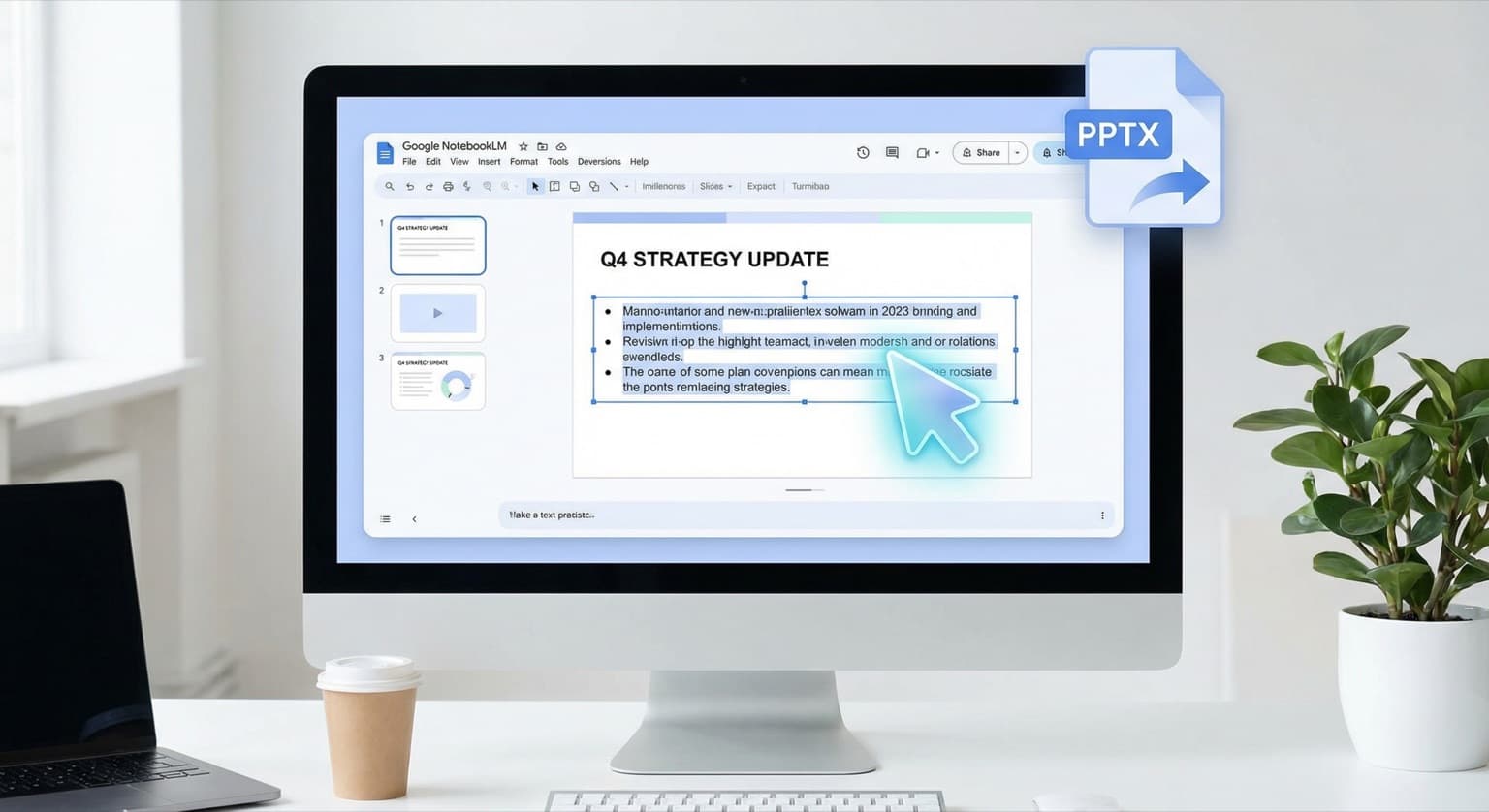

Google just shipped the two features that NotebookLM users have been asking for since slide decks launched: prompt-based slide revisions and PPTX export. The update, announced February 17, transforms NotebookLM from a tool that generates presentations into one that actually lets you refine and deliver them.
If your business creates client decks, internal reports, or sales presentations, this is the update that makes NotebookLM worth integrating into your real workflow -- not just experimenting with on the side.
What Changed and Why It Matters
Until now, NotebookLM's slide deck feature had a frustrating limitation. You could feed it your notes, research, and documents, and it would generate a complete presentation. But if one slide missed the mark -- wrong emphasis, weak framing, too much text -- you had to regenerate the entire deck from scratch. There was no way to fix a single slide without losing everything else.
That changes today. You can now select any individual slide and describe the revision you want using a natural language prompt. Want to tighten the language on slide three? Reframe the takeaway on slide seven? Add a data point you forgot? Just tell it what to change, and only that slide updates.
The second feature is equally practical: you can now export your finished deck as a PPTX file. That means your NotebookLM presentation opens directly in Microsoft PowerPoint -- the format most businesses actually use for meetings, client deliverables, and internal reviews.
Google also confirmed that Google Slides export is coming next, though no firm date has been announced.
How This Fits Into a Real Business Workflow
Here is the workflow this enables, and why it matters more than it sounds:
Step 1: Research in NotebookLM. Upload your source material -- meeting notes, market research, financial data, competitive analysis, customer feedback. NotebookLM ingests it all and makes it queryable.
Step 2: Generate a first draft. Ask NotebookLM to build a presentation from your sources. Choose between Detailed Deck or Presenter Slides depending on whether this is a read-ahead document or a stage presentation. Specify length and language.
Step 3: Iterate slide by slide. This is the new part. Instead of starting over when your CEO wants the executive summary rewritten or your client asks for different framing, you prompt individual slide changes. Each revision cycle takes seconds instead of minutes.
Step 4: Export to PPTX. Download the deck and open it in PowerPoint. Apply your company's branded template, add speaker notes, adjust formatting, and deliver.
The time savings compound fast. If you are building two to three presentations per week -- a common cadence for consultants, sales teams, and agency professionals -- shaving 30 to 45 minutes off each deck adds up to hours recovered monthly.
The Limitations You Should Know About
This is not a full PowerPoint replacement, and being honest about the boundaries will save you frustration:
You cannot directly edit text or visuals within slides. NotebookLM generates slides as AI-rendered images, not as editable text boxes and shape layers. You can prompt changes to content, layout, and emphasis, but you cannot click into a text box and retype a word. For pixel-level tweaks, you still need to do that in PowerPoint after export.
Prompt-based revisions are currently limited to paid tiers. The feature is rolling out first to Google AI Ultra and Pro subscribers. Free users will get access "in the coming weeks," but if you need it today, you will need a subscription. Google AI Pro starts at $20 per month -- comparable to what most businesses already spend on productivity tools.
Layout consistency can drift. As you revise individual slides, the spacing, title formatting, and visual style may shift between edited and unedited slides. The more revisions you make, the more you may need to clean up consistency in PowerPoint afterward. This is a common issue with AI-generated content and worth watching as Google refines the feature.
How NotebookLM Compares to Other AI Presentation Tools
NotebookLM is not the only tool generating presentations from AI. Canva, Tome, Gamma, and Beautiful.ai all offer AI-assisted slide creation. Microsoft Copilot can generate PowerPoint decks directly inside the Office suite. So why does this update matter?
The differentiator is NotebookLM's source-grounded approach. Unlike tools that generate slides from a prompt alone, NotebookLM builds presentations directly from your uploaded documents. Every claim, data point, and recommendation traces back to your actual source material. For businesses where accuracy matters -- financial services, consulting, healthcare, legal -- that grounding is the difference between a useful first draft and a hallucination liability.
The addition of PPTX export also removes the last major friction point that kept NotebookLM out of enterprise workflows. Previously, getting a NotebookLM deck into a shareable format required screenshots or manual recreation. Now it is a single click.
What to Do Next
If you have not tried NotebookLM for presentations yet, this is the right time to start. Here is a practical test:
-
Pick a real upcoming presentation. Not a throwaway test -- something you actually need to deliver this week.
-
Upload your source materials. Meeting notes, research documents, data exports, previous presentations on the same topic. The more relevant context NotebookLM has, the better the output.
-
Generate a first draft and iterate. Use the new prompt-based revisions to refine individual slides until the deck tells the story you need.
-
Export to PPTX and finish in PowerPoint. Apply your template, add speaker notes, check formatting consistency. Measure how long the full process takes compared to building from scratch.
For teams already using Google Workspace, this update pairs naturally with the Gemini features rolling out across Gmail and Chrome. Google is methodically embedding AI into every step of the knowledge work pipeline -- research, writing, communication, and now presentations. The businesses that integrate these tools early will have a structural speed advantage over those that wait.
And if you are evaluating AI tools for your team more broadly, the latest model releases from Anthropic and the open-source options from Alibaba mean the cost of AI-assisted productivity is dropping fast. NotebookLM's slide deck update is one piece of a much larger shift toward AI-augmented knowledge work that every business should be planning for.
Need help choosing the right AI tools for your team's workflow? Contact BaristaLabs -- we help small and mid-size businesses cut through the noise and implement AI tools that actually save time.
Back-Office Automation ROI Worksheet
Choose the first automation with evidence, not vibes.
AI tools can make almost any workflow look automatable. The ROI worksheet helps you pick the one most likely to pay back quickly. If one workflow rises to the top, BaristaLabs can help decide whether a lightweight tool, integration, or custom pilot is the best next step.
Use broad workflow categories in the form; save specifics for a scoped conversation.
Turn this idea into a pilot
Which workflow should go first?
Use the readiness check to compare impact, effort, risk, owner, and next step before requesting a review.
- 3-5 minutes
- Deterministic score
- No sensitive data
Practical AI Workflow Notes
Want more practical AI operations ideas?
Get short notes on applying AI inside real small-business workflows — from document handling and customer follow-up to internal reporting, compliance, and automation guardrails.