Google Maps Just Changed How Customers Find You: What SMBs Need to Do Now
Google's new Gemini-powered Ask Maps lets customers ask natural language questions to find local businesses. Here's what small business owners need to update before their competitors do.

Sean McLellan
Lead Architect & Founder
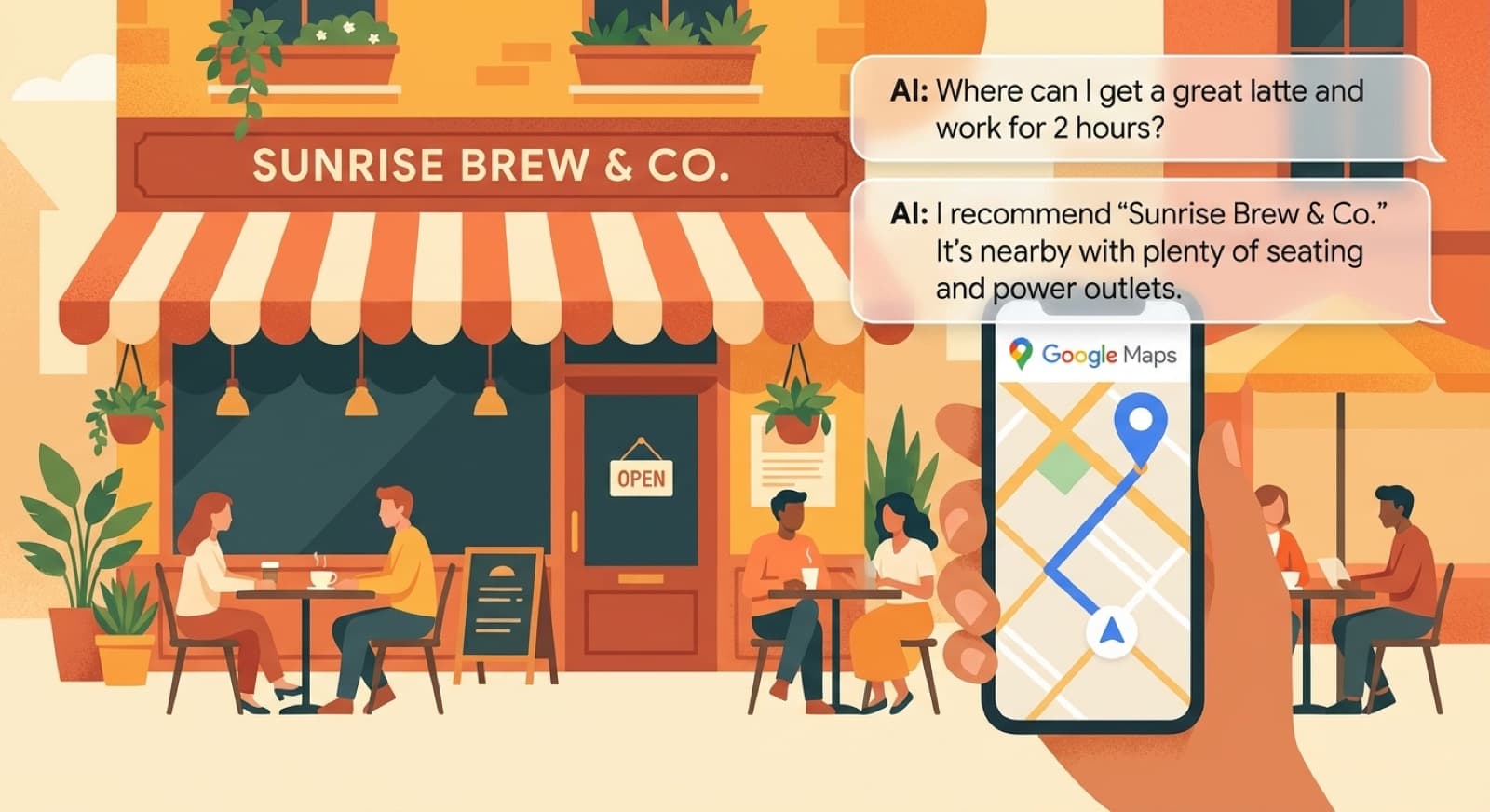
Google just turned Maps into a conversational discovery engine.
On March 12, the company announced a new Gemini-powered Ask Maps feature that lets people search the way they actually think. Instead of typing stiff keywords like “coffee shop near me,” they can ask full questions such as “Where can I get a great latte and work for 2 hours?” or “Is there a cozy spot with a table for four at 7 tonight?”
For small and midsize businesses, that matters a lot more than it may seem at first glance.
When customers ask those kinds of questions, Google is no longer matching only against basic category labels and a handful of keywords. It is trying to understand intent, context, and personal preferences, then recommend places that fit. That means your Google Business Profile is becoming less like a directory listing and more like training data for how Google describes your business.
If your profile is thin, outdated, or vague, you are more likely to get skipped. If it is rich, specific, and aligned with real customer questions, you have a better shot at showing up.
What Google Announced
The headline feature is Ask Maps, a conversational layer inside Google Maps powered by Gemini. Google says users can ask complex real-world questions, including things like:
- “Is there a public tennis court with lights on that I can play at tonight?”
- “My phone is dying, where can I charge it without waiting in a long line for coffee?”
- “I’m headed to the Grand Canyon, Horseshoe Bend, and Coral Dunes, any recommended stops along the way?”
Ask Maps can also personalize results using signals like saved places and past searches. It can build multi-stop trips, surface ETAs, and include tips from real people.
Google is rolling it out now in the U.S. and India on Android and iOS, with desktop coming soon.
The company also announced an upgraded Immersive Navigation experience with a more visual 3D view, nearby buildings and terrain, lane details, crosswalks, traffic lights, stop signs, and more natural voice guidance. Drivers can preview destinations with Street View, see likely parking options, spot building entrances more easily, and understand route trade-offs like faster with tolls versus slower with less traffic.
Google Maps VP Miriam Daniel said the goal is “taking the guesswork out of trips.” That is a clean summary of what is happening here. Maps is becoming more useful before, during, and after route planning.
Why This Changes Local SEO for SMBs
This is the part business owners should care about.
For years, a lot of local SEO advice centered on stuffing categories, repeating keywords, and chasing surface-level ranking signals. Some of that still matters, but Ask Maps raises the bar. If a customer asks for a “quiet coffee shop with strong Wi‑Fi and outlets,” Google needs signals that your business actually fits that description.
Those signals often live inside your Google Business Profile:
- your business description
- your primary and secondary categories
- your services and attributes
- your photos
- your Q&A section
- your reviews and the language customers use in them
- your hours, including special hours
In other words, Google is shifting from matching simple search phrases to answering real customer needs.
That is good news for businesses that genuinely know their audience and communicate clearly. It is bad news for profiles that have not been touched in a year.
What SMBs Should Do Right Now
If you run a local business, this is not a “wait and see” update. There are a few practical moves worth making this week.
1. Rewrite your Google Business Profile description
Do not write it for Google’s 2018 keyword parser. Write it for the questions people actually ask.
A weak description says:
Example
Local coffee shop serving drinks and pastries.
A better description says:
Example
Neighborhood coffee shop with fast Wi‑Fi, plenty of outlets, indoor and patio seating, and house-made pastries. Great for remote work, casual meetings, and quick grab-and-go orders.
That second version gives Google much more to work with when someone asks about Wi‑Fi, work-friendly seating, or meeting space.
2. Audit your categories and attributes
Make sure your primary category is correct, then tighten up secondary categories and attributes.
If you are a restaurant with outdoor seating, delivery, takeout, reservations, or vegan options, those details should be accurate. If you are a salon that accepts walk-ins and offers specific services, spell that out. If you are a service business with emergency availability, financing, or weekend appointments, include it.
Ask Maps will be strongest when it can connect natural language requests to structured profile data.
3. Seed your Q&A with real customer questions
This is one of the most underused parts of Google Business Profile.
Add and answer the questions customers already ask you:
- Do you have parking?
- Is there outdoor seating?
- Do you take same-day appointments?
- Is your space good for small groups?
- Do you have gluten-free options?
- Is your Wi‑Fi reliable enough for Zoom calls?
That content mirrors the way people will use Ask Maps. If the question exists in your profile, you are giving Google a cleaner answer source.
4. Update your photos to match intent
Your photos should not just prove you exist. They should help a customer decide.
Show seating, ambiance, menu highlights, parking access, storefront visibility, workspaces, treatment rooms, waiting areas, and anything else tied to common customer questions. A cozy interior shot can support “quiet place to meet.” A clear storefront photo can help with wayfinding. Good parking photos reduce friction before arrival.
5. Mine reviews for language you should be using
Look at your best recent reviews and notice the phrases customers repeat.
Do they mention “friendly staff,” “easy parking,” “great for families,” “quick service,” “beautiful patio,” or “clean and quiet”? Those phrases are not just compliments. They are the vocabulary real customers use to describe why they choose you.
That language belongs in your profile, your website, and your local landing pages.
6. Fix the basics before AI amplifies the mess
AI search does not forgive sloppy data.
Make sure your hours, phone number, website link, service area, categories, and business description are current. If your holiday hours are wrong or your appointment link is broken, Ask Maps may still surface you, but the experience after the click will disappoint the customer.
The Bigger Shift
Google Maps is moving closer to recommendation mode. People will ask for outcomes, not just places.
They will ask for the best place to work between meetings, the easiest dinner spot for picky kids, the florist that can do a same-day arrangement, or the mechanic that feels trustworthy and close to the highway.
That means local visibility will increasingly belong to businesses that describe themselves clearly, prove the experience with photos and reviews, and keep their data fresh.
If your Google Business Profile still reads like a forgotten directory listing, fix it now. Your competitors probably have not moved yet either. That window will not stay open for long.
If you want help tightening your profile, local pages, and AI search visibility, contact Barista Labs.
Back-Office Automation ROI Worksheet
Choose the first automation with evidence, not vibes.
AI tools can make almost any workflow look automatable. The ROI worksheet helps you pick the one most likely to pay back quickly. If one workflow rises to the top, BaristaLabs can help decide whether a lightweight tool, integration, or custom pilot is the best next step.
Use broad workflow categories in the form; save specifics for a scoped conversation.
Turn this idea into a pilot
Which workflow should go first?
Use the readiness check to compare impact, effort, risk, owner, and next step before requesting a review.
- 3-5 minutes
- Deterministic score
- No sensitive data
Practical AI Workflow Notes
Want more practical AI operations ideas?
Get short notes on applying AI inside real small-business workflows — from document handling and customer follow-up to internal reporting, compliance, and automation guardrails.