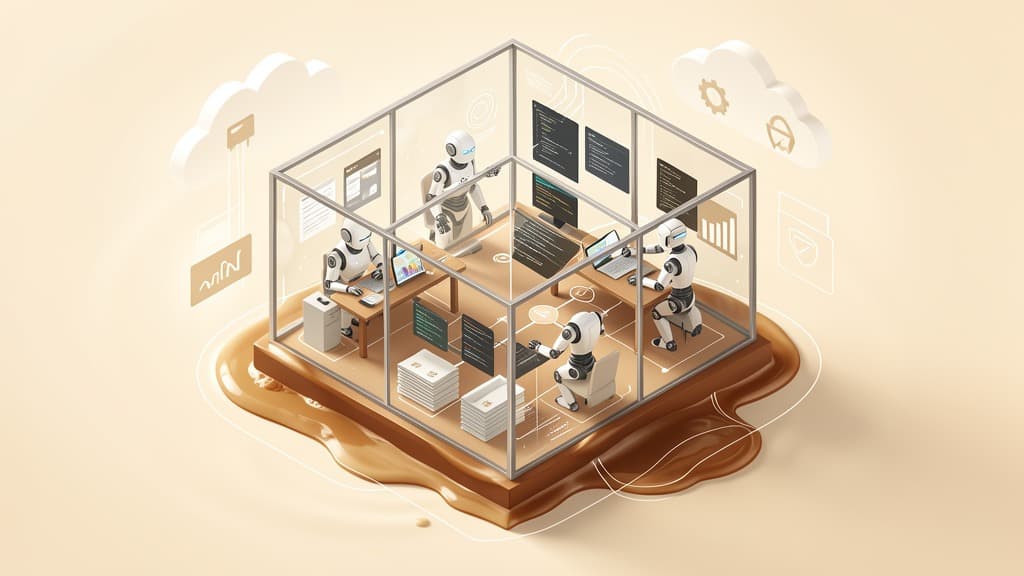

Google's new Managed Agents in the Gemini API are easy to mistake for another developer announcement from Google I/O. They are more useful than that.
In its May 19 announcement, Google said Managed Agents in the Gemini API let developers create an agent with a single API call, give it a managed Linux environment, and let it reason, use tools, execute code, manage files, browse the web, and continue work across interactions.
For business leaders, the technical details matter less than the shift they point to: hosted agent sandboxes are becoming part of the operating model for automation.
The question is no longer only "Can we build an AI agent?" It is becoming "Where should that agent run, what should it be allowed to touch, who reviews its work, and how do we prove what happened?"
That is a planning issue for operations teams, software teams, compliance-minded leaders, and small businesses trying to automate real work without creating avoidable risk.
What Google actually shipped
Google introduced Managed Agents as part of a broader set of I/O 2026 developer announcements and its wider I/O 2026 AI roundup.
The core idea is straightforward: instead of asking developers to wire together their own runtime, tool execution layer, file system, browser access, and session management, Google provides a managed environment for agents inside the Gemini API.
According to Google, the first version is powered by the Antigravity agent and Gemini 3.5 Flash. It is available through the Interactions API and Google AI Studio. Google also says custom managed agents can be defined with Markdown files such as AGENTS.md and SKILL.md, then registered.
That detail matters because it points toward repeatable agent design. Instead of relying only on one-off prompts, teams can package instructions, procedures, and operating context into reusable agent definitions.
Google's Gemini Interactions API documentation frames Interactions as the new recommended API standard for Gemini projects, especially agentic workflows, multi-turn conversations, server-side state, observable execution timelines, and long-running or background tasks. There is a useful caveat: the same docs still say generateContent remains recommended for stable production workloads or for features not yet available in the Interactions API.
The Managed Agents environment documentation explains the sandbox model. Environments are managed Linux sandboxes that can execute code, persist files, install dependencies, mount sources or repositories, and configure network access and credentials. The environment parameter can create a fresh remote sandbox, reuse an environment ID, or create a configured sandbox. To continue work across interactions, Google says teams should reuse both the environment ID and the previous interaction ID. The feature is marked Preview.
Google also published May 2026 Interactions API breaking changes. One practical change is that the legacy outputs array becomes a steps array, giving developers a more structured execution timeline. Google says the v1beta changes support future capabilities such as mid-flight steering and asynchronous tool calls.
That is a lot of developer plumbing. The business version is simpler: agents are getting a more formal place to work.
Why hosted sandboxes matter
Most businesses do not need an AI agent that can talk endlessly. They need one that can do useful work inside boundaries.
That often means handling files, checking data, producing a draft, running a script, comparing records, researching a source, or preparing a report. Those are not single-message chatbot tasks. They are multi-step workflows with inputs, intermediate artifacts, and outputs that need review.
A hosted sandbox gives the agent a temporary workbench.
That workbench can contain source files, generated files, logs, code, browser state, and task instructions. It can let an agent perform a series of actions without turning every step into a custom integration project.
For a small business, this could eventually reduce the gap between "we have a manual process" and "we have a working automation prototype." Instead of building a full internal app before learning whether the workflow is valuable, a team might test an agent-assisted process in a bounded environment first.
That is directly relevant to process automation and integration. Many automation projects fail not because the task is impossible, but because the team jumps too quickly from a messy manual process to a brittle production workflow. Hosted agents may create a better middle step: a reviewable automation workspace where teams can test what should be automated, what should stay human-led, and where controls are needed.
Sandbox does not mean safe by default
The word "sandbox" can create false comfort.
A sandbox is a boundary, not a complete safety strategy. If an agent can read sensitive files, access credentials, browse the web, or write outputs that humans later trust, the business still needs governance.
The practical questions are familiar:
- What data is allowed inside the environment?
- Can the agent access customer records, financial files, private documents, or credentials?
- Can it send data to external websites?
- Can it install packages or run arbitrary code?
- Can it write back to production systems?
- What logs or traces show what happened?
- Who approves the final output before it affects customers, money, or operations?
This is where AI automation overlaps with data security and responsible AI. The technology may be new, but the operational discipline is not. Teams still need least-privilege access, approval checkpoints, audit trails, error handling, and clear accountability.
For low-risk work, such as summarizing public research or formatting a report draft, the review process can be lightweight. For workflows involving regulated data, customer communications, contracts, billing, security settings, or production software, the controls need to be much stronger.
The right lesson is not "avoid hosted agents." It is "design the workflow before trusting the agent."
How to evaluate a hosted-agent workflow
A useful test is to describe the job before describing the technology.
Start with the business task. For example:
- Reconcile two spreadsheets and flag mismatched records.
- Turn meeting notes into a draft project plan.
- Check a folder of invoices for missing fields.
- Produce a weekly marketing performance summary.
- Review support tickets and cluster recurring issues.
- Prepare a first draft of internal documentation.
Then map the workflow in plain language.
What are the inputs? Where do they come from? What should the agent produce? What systems should it never touch? What does a human need to review? What would count as a bad outcome?
From there, decide whether the task belongs in a hosted sandbox.
Good candidates tend to be file-heavy, repetitive, and reviewable. They involve enough steps that a single prompt is not enough, but not so much risk that the agent needs unchecked production access.
Poor candidates are vague, high-stakes, or hard to verify. "Handle customer refunds automatically" is not a good first workflow. "Review refund requests and prepare a summary for a manager" is much more realistic.
A practical evaluation checklist looks like this:
- Define the job in one sentence.
- List approved inputs and prohibited inputs.
- Decide what tools the agent can use.
- Limit access to the minimum needed.
- Require a trace or log of material actions.
- Add a human checkpoint before external impact.
- Test failure cases, not just happy paths.
- Decide what happens when the agent is uncertain.
This kind of planning is not bureaucracy. It is how teams turn AI experiments into durable business systems.
Where this fits for small and mid-sized businesses
For SMBs, the immediate opportunity is not replacing whole departments with autonomous agents. It is removing friction from repeatable knowledge work.
A hosted agent could help an operations manager clean up messy CSV exports before they reach a reporting dashboard. It could help a marketing team turn campaign notes, analytics exports, and source links into a draft performance brief. It could help a software team inspect logs, reproduce a bug, or prepare a pull request summary.
It could also help with document workflows: extracting fields, checking consistency, flagging missing information, and preparing drafts for review.
The key is that the agent should work inside a defined lane.
That lane should include clear data boundaries, known source systems, expected outputs, and a human review point. If the workflow later proves reliable, parts of it can move into deeper integrations. If it does not, the business has learned before over-investing in a fragile automation.
This is similar to the pattern we discussed in our piece on OpenAI, Dell, Codex, and hybrid enterprise agents: the direction of travel is not just smarter models. It is more structured places for agents to work, with clearer lines between local systems, cloud infrastructure, enterprise data, and human oversight.
Google's Managed Agents are another signal that agent infrastructure is becoming a serious part of the automation stack.
The business planning takeaway
Managed Agents make it easier for developers to run useful agents without building every part of the environment themselves. That is meaningful.
But the bigger implication is organizational.
If agents can run code, handle files, browse the web, and persist work, then businesses need to treat agent workflows like operational systems. They need owners, boundaries, review processes, and security assumptions. They need to know which workflows are safe to test, which require tighter controls, and which should wait.
For most teams, the best starting point is not a sweeping AI transformation plan. It is a short list of repeatable workflows where an agent can assist, a person can review, and the business can measure whether the process actually improved.
Hosted sandboxes may lower the technical barrier. They do not remove the need for judgment.
If you are evaluating where AI agents fit into your business operations, BaristaLabs can help you identify the right first workflows, define the guardrails, and turn promising experiments into practical automation. Start with a focused consultation.
Implementation help
Keep the workflow inside a visible boundary
BaristaLabs helps teams turn one candidate AI workflow into scoped data boundaries, reviewer evidence, receipts, and rollback paths before production use.
Best fit when the team can name one workflow, one owner, and the evidence a reviewer needs before the agent acts.
Turn this idea into a pilot
Which workflow should go first?
Use the readiness check to compare impact, effort, risk, owner, and next step before requesting a review.
- 3-5 minutes
- Deterministic score
- No sensitive data
Practical AI Workflow Notes
Want more practical AI operations ideas?
Get short notes on applying AI inside real small-business workflows — from document handling and customer follow-up to internal reporting, compliance, and automation guardrails.