Cloudflare's New /crawl API Lets Small Businesses Scrape Any Website in One Line
Cloudflare's new /crawl endpoint turns site-wide scraping into a simple API workflow. For small businesses building AI tools, that's a big reduction in cost and complexity.

Sean McLellan
Lead Architect & Founder
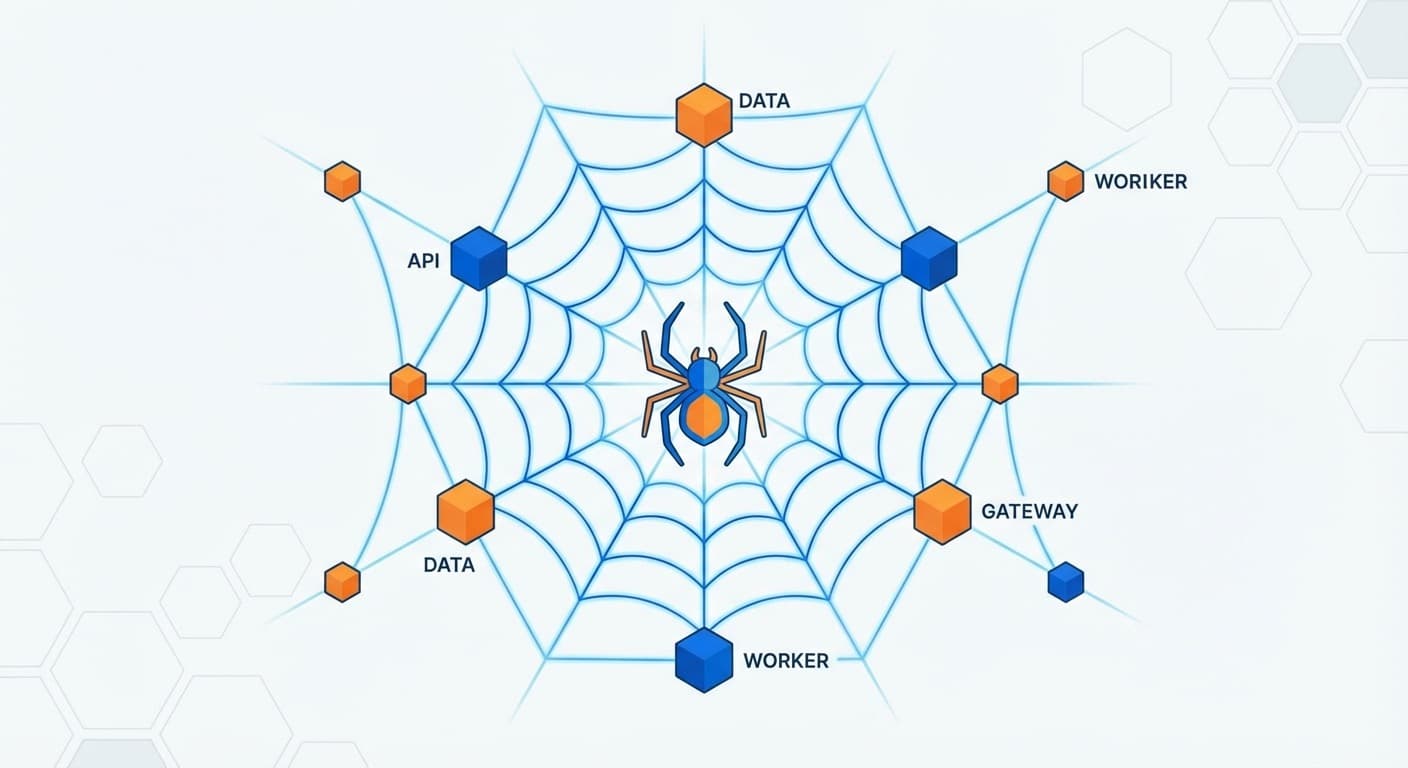
Cloudflare quietly shipped something on March 10 that is going to save a lot of small teams from building a scraping stack they never wanted in the first place.
The new /crawl endpoint inside Cloudflare Browser Rendering lets you point at a starting URL and crawl an entire site through a single API workflow. The output can come back as HTML, Markdown, or JSON. In plain English: instead of stitching together headless browsers, queue workers, parsers, retry logic, and storage, you can now ask Cloudflare to do the ugly part for you.
That matters because web data has become the raw material for a huge slice of AI work. If you want to build a support bot, a retrieval system, a market-monitoring tool, or an internal knowledge assistant, you usually need fresh website content from somewhere. Until now, getting that content reliably has been much more annoying than people on AI Twitter like to admit.
What Cloudflare's /crawl endpoint actually does
According to Cloudflare's Browser Rendering docs, /crawl starts from one URL, follows links across the site, and stores the crawl as an asynchronous job. You send a POST request to create the job, get back a job ID, then request results with a GET call. So the marketing version is "one API call," but the practical workflow is closer to "one setup request and one retrieval step." That is still dramatically simpler than running your own crawler.
The useful part is the control you get without much complexity. Cloudflare lets you set:
- a page limit up to 100,000 pages
- a crawl depth
- whether URLs come from links, sitemaps, or both
- output formats including HTML, Markdown, and JSON
- whether pages should be fully rendered with JavaScript or fetched faster without rendering
That last point is a big one. Modern websites are messy. A lot of important text does not exist in the raw HTML anymore. It appears only after JavaScript runs. Small businesses that have tried scraping competitor sites or documentation portals usually discover this the hard way. Browser rendering fixes that, but running headless Chrome at scale is exactly the sort of plumbing most SMBs should avoid owning.
Cloudflare is basically saying: keep the data, skip the browser babysitting.
Why this is unusually useful for small businesses
Large companies can afford custom scraping infrastructure. Small businesses usually wind up with a fragile Python script, a contractor's old Playwright job, or a founder manually exporting pages into a folder every few weeks. None of those age well.
This endpoint lowers the bar for a few very real use cases.
1. Competitor monitoring without a custom crawler
If you want to track a competitor's pricing pages, feature pages, documentation, or product catalog, you do not need a whole data engineering project. Crawl the site, store the Markdown or JSON output, then compare it against the last run.
That gives a smaller company something it usually lacks: a systematic way to notice changes before sales calls expose them.
2. Building a knowledge base for RAG apps
A lot of small businesses want an AI assistant trained on their own website, help center, policy pages, or partner docs. The hard part is not the chatbot UI. The hard part is getting clean source material into the retrieval pipeline.
Markdown output is especially useful here. It is easier to chunk, embed, and index than a pile of inconsistent page HTML. If your team is building a customer support bot or internal Q&A assistant, /crawl can become the ingestion layer instead of a one-off scraping script someone has to maintain forever.
3. Keeping your website chatbot honest
This one is more practical than flashy. A lot of website chatbots get dumb fast because the content behind them goes stale. Someone updates service pages, pricing, FAQs, or onboarding docs, but the chatbot's source data does not get refreshed.
With a crawl job, you can re-pull your own site on a schedule and feed the latest content into your AI stack. That means fewer hallucinated answers and fewer "let me check with the team" moments on basic questions your website already answers.
4. Pulling structured data for niche monitoring tools
Cloudflare's docs note that JSON output can leverage Workers AI for extraction. That opens the door to more than just copying webpage text. A small business could crawl industry directories, supplier sites, event listings, or partner pages and pull structured data for alerts, dashboards, or lead qualification.
That used to be a "maybe later" project. Now it is much closer to a normal API integration.
How to get started
If you already use Cloudflare, this is one of the more accessible product launches they have made in a while.
Start with the Browser Rendering docs and the specific /crawl endpoint documentation. The endpoint lives at Cloudflare's Browser Rendering API and requires an account-scoped request to:
/accounts/<account_id>/browser-rendering/crawl
The basic flow looks like this:
- Send a
POSTrequest with a startingurl - Receive a crawl job ID
- Poll the job status with a
GETrequest - Pull the results when the job is complete
- Store the returned Markdown, HTML, or JSON wherever your app expects it
Cloudflare's docs also spell out limits, pagination, and job retention. Crawl jobs can run for up to seven days, and completed results stay available for 14 days. On the free plan, there are extra crawl-specific limits, so teams should read the limits page before assuming they can point this at a giant ecommerce catalog and walk away.
One note: I did not find a dedicated Cloudflare blog post for this launch on the public blog homepage at the time of writing. The product appears to be live in the docs and promoted through the official @CloudflareDev announcement.
Why this matters right now
RAG is no longer an experimental acronym people throw into pitch decks. Small businesses are actually using it to power customer support, proposal search, internal documentation lookup, and vertical AI tools. The demand is real.
The bottleneck has been data preparation.
Scraping has always had an annoying mismatch between how simple it sounds and how ugly it gets in production. Static pages are easy. Real websites are not. They paginate strangely, render client-side, rate limit unpredictably, change layouts, and fail at the worst possible time. Every layer of scraping infrastructure creates another thing to monitor.
Cloudflare's move matters because it compresses that operational mess into an API product from a company that already runs a large chunk of the internet's edge. That will not solve every scraping problem, and it definitely does not remove the need to respect site terms, robots policies, and legal boundaries. But it does make responsible web extraction much easier to operationalize.
For SMBs, that is the real story. Not "AI will change everything." More like: one annoying technical job just got a lot less annoying.
If your business wants to turn web content into something useful, whether that is a chatbot, a monitoring system, or a retrieval pipeline that stops wasting your team's time, contact Barista Labs. We help small businesses build AI systems that work in the real world, not just in screenshots.
Turn this idea into a pilot
Which workflow should go first?
Use the readiness check to compare impact, effort, risk, owner, and next step before requesting a review.
- 3-5 minutes
- Deterministic score
- No sensitive data
Practical AI Workflow Notes
Want more practical AI operations ideas?
Get short notes on applying AI inside real small-business workflows — from document handling and customer follow-up to internal reporting, compliance, and automation guardrails.