Chrome 146 Drops the Extension Requirement for AI Browser Agents
Chrome 146 adds a native path for AI coding agents to control your browser, which cuts setup friction for small businesses testing browser automation.

Sean McLellan
Lead Architect & Founder
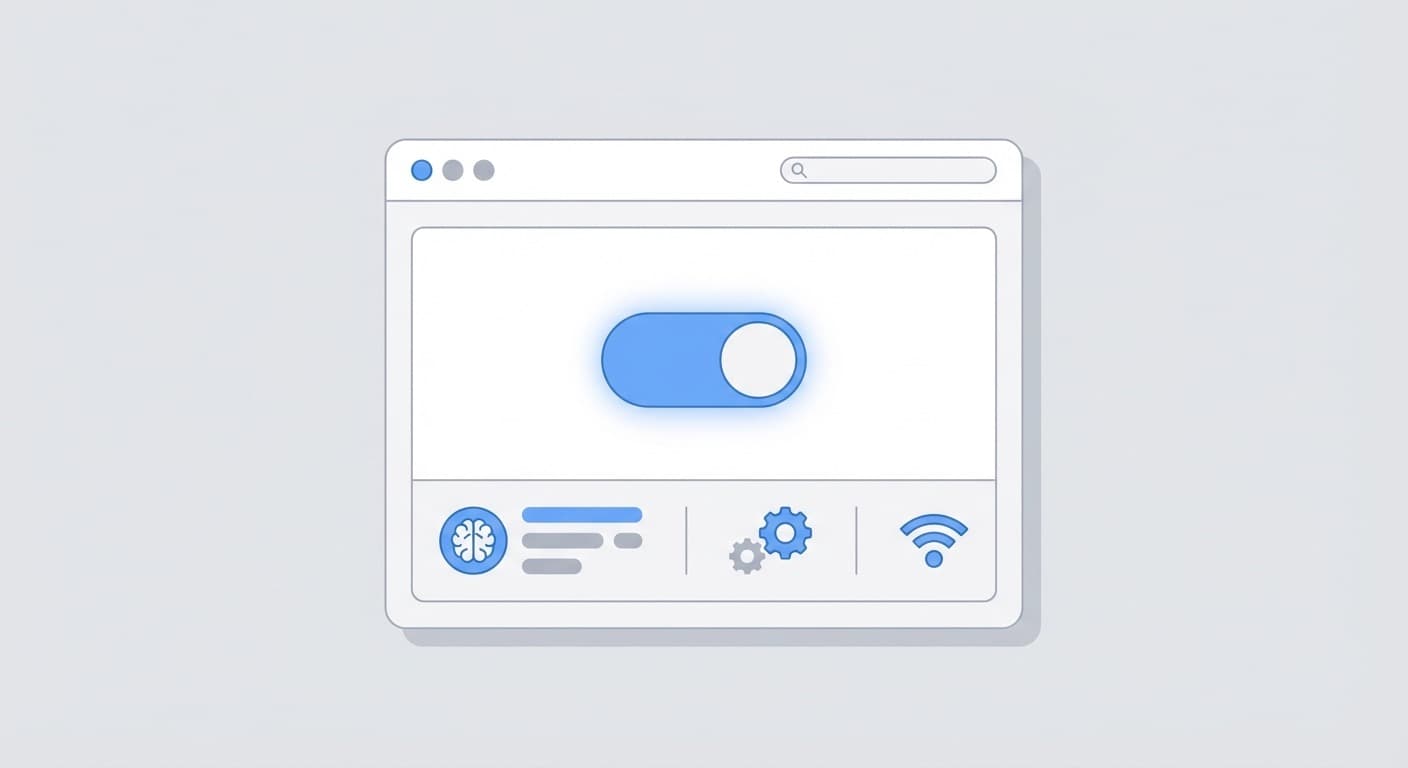
Chrome 146 may end up being remembered for a small checkbox.
That is not a joke. For businesses testing AI browser agents, the biggest improvement is not a smarter model or a flashier demo. It is that Chrome now has a native way to let coding agents control the browser without installing a separate extension first.
That matters because setup friction is what kills a lot of otherwise useful automation projects.
Until now, the usual path looked clunky. If you wanted Claude Code, Codex, Gemini CLI, or another agent to work inside a real browser session, you often had to install a browser extension or rely on a special relay. That extra step was not hard for a developer. It was hard for a business owner, an operations lead, or a five-person team trying to test whether browser automation could actually save time.
Chrome 146 makes that simpler.
According to Google’s official Chrome 146 DevTools update, the Chrome DevTools MCP server now supports improved agent workflows, and Google’s own documentation for the MCP server says Chrome 144 and newer can automatically connect to a locally running Chrome instance after remote debugging is enabled at chrome://inspect/#remote-debugging. In plain English, Chrome is now offering a native permission flow for agent access instead of forcing teams to start with extension setup.
Why the no-extension part matters for SMBs
Small and midsize businesses do not usually fail at AI automation because the model is bad. They fail because every workflow starts with one more install, one more account, one more thing IT has to explain.
Removing the extension step lowers the cost of trying browser agents in the first place.
That changes who can experiment. A local service business with one operations manager can test an agent on a customer portal. A small ecommerce team can let an agent check inventory pages and submit updates. A back-office admin can automate repetitive form entry without turning browser setup into its own mini project.
If you read our earlier post on why browser agents need a separate profile, that point still stands. Isolated browser contexts are still useful. Chrome 146 does not erase the need for operational boundaries. What it does is remove one layer of ceremony between “this looks interesting” and “we can test this on a real workflow today.”
What this opens up in practice
For SMB teams, the obvious use cases are not science-fiction agents. They are boring tasks that burn staff hours.
One example is customer service work. An AI agent that can open the support dashboard, check order status, pull shipping details, and draft a response becomes easier to pilot when the browser connection is built in.
Another is back-office automation. Think invoice portals, insurance forms, benefits systems, vendor dashboards, or supplier websites that still expect someone to click through the same sequence every week.
There is also straightforward web data collection. If a team needs pricing checks, directory monitoring, competitor page snapshots, or repeated extraction from sites that do not offer clean APIs, native browser control makes those tests easier to stand up.
And then there is form entry, which is still a quiet tax on a lot of small businesses. New customer intake, permit applications, listing updates, CRM cleanup, franchise portals, partner systems. These jobs are a terrible use of human attention and a good fit for supervised browser agents.
What changed technically
The cleanest official explanation comes from Google’s Chrome DevTools MCP documentation. It says automatic connection is available in Chrome 144 and newer, and the setup happens through Chrome’s own remote debugging UI. The Chrome DevTools MCP server then connects with the --autoConnect option, and Chrome shows a permission dialog for the user.
That is the key shift.
The browser is becoming the thing that grants access. The extension is no longer the main bridge.
For developers, that means fewer moving parts. For business teams, it means a shorter path from idea to pilot. That is why several developers on X called Chrome 146 “a huge unlock for web agents.” The hype is easy to overdo, but the practical point is solid: less setup usually means more real adoption.
What SMB owners should take from this
If you run a small business, the takeaway is simple. Browser agents just got easier to test in a normal operating environment.
That does not mean every company should rush to automate browser work next week. It does mean the barrier to trying useful workflows is lower than it was a month ago.
If your team spends time moving data between web apps, checking portals, filling forms, updating records, or collecting information from systems with no API, Chrome 146 makes those tasks more approachable for agent-based automation.
The winners here will not be the companies with the loudest AI branding. They will be the ones that pick one repetitive browser task, test it in a controlled way, and keep the workflow if it actually saves time.
Verifiable sources
- Google Chrome for Developers, What’s new in DevTools (Chrome 146), published March 10, 2026
- Google Chrome for Developers, Chrome 146 release notes, stable release date March 10, 2026
- Chrome DevTools MCP documentation on GitHub, which documents
--autoConnectfor Chrome 144+ and setup throughchrome://inspect/#remote-debugging: https://github.com/ChromeDevTools/chrome-devtools-mcp
AI Pilot Readiness Checklist
Turn the idea into a pilot you can defend.
AI agent articles are easy to bookmark and hard to operationalize. Use the readiness questions as a shared way to decide whether a workflow is specific enough, safe enough, and measurable enough to pilot. If they surface a strong candidate, BaristaLabs can review it with you and help shape a first version that fits your systems, approval process, and risk tolerance.
Please do not submit PHI, customer records, credentials, or confidential workflow exports.
Practical AI Workflow Notes
Want more practical AI operations ideas?
Get short notes on applying AI inside real small-business workflows — from document handling and customer follow-up to internal reporting, compliance, and automation guardrails.