
The invoice email arrives at 8:42 a.m. It uses the vendor's real project name. The purchase order format looks right. The grammar is clean enough that nobody jokes about it in Slack. It does not open with a strange greeting, misspell the company name, or ask for gift cards. It simply says the banking details changed before the next payment run.
That is the problem.
For years, most phishing training taught people to distrust the ugly email: the typo, the urgent punctuation, the logo copied badly from a website, the sender domain that almost matched but not quite. Those clues still matter. But AWS's July 2 writeup on using Amazon Bedrock to catch AI-generated phishing makes a more uncomfortable point: modern phishing can now arrive with "perfect grammar, appropriate context, and personalized details."
AWS puts the shift in one line worth pinning to every security training deck: "The threat is no longer identifiable by what it looks like, but what it knows."
The old smell test is failing
The smell test was never a control. It was a bargain with a sloppier era of attackers. If a fake message looked fake, a busy person had a chance to catch it before the attachment opened, the password reset landed, or the payment change moved downstream.
Generative AI changes that bargain because it improves the attacker's writing before it improves the employee's review process. AWS describes social engineers using generative AI and open-source intelligence to map relationships, hierarchy, and public digital footprints, then produce messages that sound like they belong. The email is not more dangerous because it says something wildly new. It is more dangerous because it says an ordinary thing in an ordinary way.
That means the question for operators is no longer, "Can our staff spot a weird email?" The better question is, "Which ordinary-looking requests deserve a second route because they can move money, credentials, access, or customer data?"
Authentication proves the route, not the request
AWS's proposed workflow still starts with the normal email-authentication checks: SPF, DKIM, and DMARC. Those checks matter. They help confirm that the sending server is authorized to send on behalf of the domain and that the message was not tampered with in transit.
But a message can pass the route test and still fail the relationship test.
A legitimate vendor domain can be compromised. A lookalike process can be initiated from a real account. A familiar sender can ask for something they have never asked for before. Authentication says the message traveled through a defensible channel. It does not say the payment-change request belongs to the relationship.
That is where AWS's Bedrock pattern gets interesting. The blog does not frame the model as a magic inbox bouncer. It places model analysis after ordinary authentication, looking for word choice, communication-style deviations, and the contextual appropriateness of the request. In other words: does this message behave like this sender usually behaves when this kind of request is real?
That is a different job than typo detection. It is closer to relationship accounting.
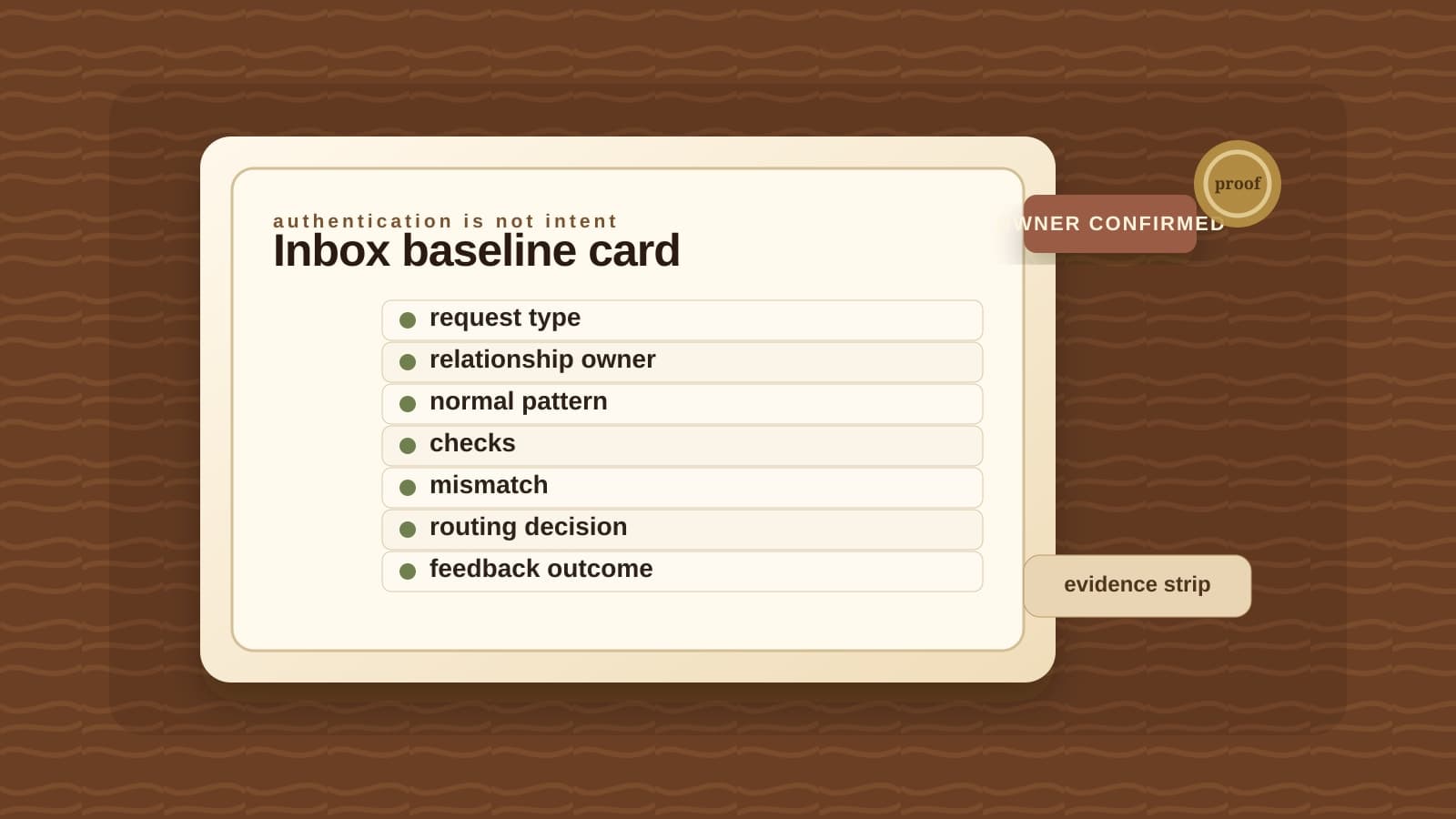
The inbox behavior-baseline card
Before a model or a person can say a message is abnormal, the business has to write down what normal means. Not for every email. That would become theater by Friday. Start with the handful of request categories where a plausible mistake hurts: vendor payment changes, credential resets, refund approvals, customer-data exports, file-access requests, and account changes.
Then fill in the card before the next polished email arrives.
Before a polished request moves money or access
Inbox behavior-baseline card
Use this for the few email request types where a plausible message can change money, credentials, customer data, or account access.
- 01
Request category
Required
Pins down: Payment change, credential reset, refund approval, customer-data export, file access, or account change
Why it matters: You do not need to classify every message first. Start with the actions that can cause damage.
- 02
Relationship owner
Required
Pins down: The person on your team who normally owns this vendor, customer, employee, or partner relationship
Why it matters: A model can compare words. A human owner can say whether the request belongs in the relationship.
- 03
Known normal request
Required
Pins down: What this sender usually asks for, at what cadence, and through which channel
Why it matters: A polished email is not proof. A request that appears in the wrong channel or at the wrong time still deserves a hold.
- 04
Authentication result
Required
Pins down: SPF, DKIM, DMARC, and sender-domain checks
Why it matters: These checks matter, but they prove the route more than the intent. Passing them should not end review for high-risk requests.
- 05
Behavior mismatch
Required
Pins down: Tone, urgency, amount, channel, attachment, or requested next step differs from the baseline
Why it matters: AWS's Bedrock workflow is aimed at these context and behavior signals, not just typos.
- 06
Review tier
Required
Pins down: Deliver, hold for owner confirmation, quarantine, or block and alert
Why it matters: The point is not to stop every weird email. The point is to create a route before someone improvises under pressure.
- 07
Feedback outcome
Required
Pins down: Confirmed legitimate, confirmed phishing, false positive, or baseline update needed
Why it matters: The baseline only gets useful if legitimate edge cases and confirmed attacks both teach the next review.
Do not ask every employee to become a forensic analyst. Route the handful of emails that can hurt you.
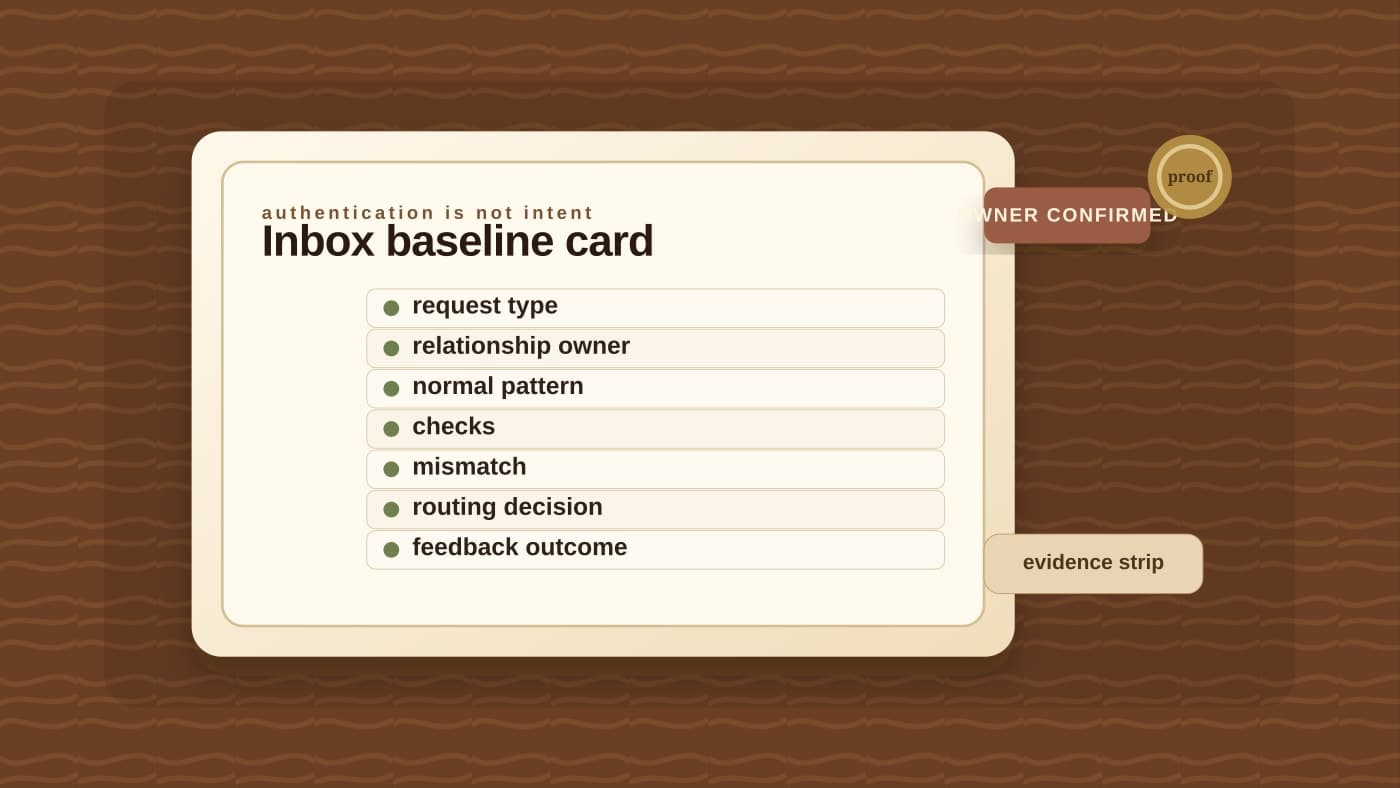
A message that passes authentication can still fail the relationship test. That is the gap the card is built to catch.
Where AI helps, and where it should stop
AWS's workflow suggests a useful structure: content anomaly score, behavioral deviation score, and context alignment score roll into a 0 to 100 risk score. Safe messages deliver. Suspicious messages go to quarantine for review. Dangerous messages are blocked and alert the security team.
That is a sensible shape, with one caveat: the score is not the decision. It is the routing signal.
The most useful AI-assisted security workflows do not ask the model to declare truth from a single email. They ask the model to assemble a reason to slow down. This request is unusually urgent. This sender normally uses a portal, not an attachment. This vendor has never changed payment instructions by email. This reset request arrives from a channel the employee does not normally use.
That kind of analysis can reduce noise because it gives humans fewer messages to inspect and better reasons to inspect them. It can also create false confidence if the review lane is not explicit. AWS notes that Guardrails need careful configuration and calibration. Overly restrictive settings can prevent legitimate security analysis; overly loose settings can leak sensitive content or allow vague outputs. The point is not to admire the guardrail. The point is to decide what the guardrail is allowed to read, redact, score, and learn from.
That is the same operating discipline BaristaLabs applies when we help teams build approval queues before AI-assisted work becomes action. The route matters as much as the model. A suspicious-but-plausible email should not disappear into one person's judgment at the worst possible moment. It should land in a lane with an owner, a confirmation path, and a recorded outcome.
Start with the emails that can hurt you
Do not begin by trying to classify every message in the company inbox. Begin with one lane.
Vendor payment changes are the obvious first candidate because they combine urgency, authority, and money. Credential resets are next because the consequence is access. Refund approvals and customer-data exports deserve the same treatment because they turn a message into an action a customer or auditor may later ask you to explain.
For each lane, write the baseline in plain language. Who owns this relationship? What does a normal request look like? Which channel is normal? What amount or urgency would be unusual? Who confirms out-of-band? What evidence gets attached? What happens when the message is legitimate but unusual, so the baseline needs updating?
The last question matters. AWS's feedback loop adds confirmed phishing to a knowledge base, and legitimate messages update sender baselines and examples. That is the right instinct. Security workflows decay when every false positive becomes a private shrug. They improve when review outcomes change the next route.
This is also why the article should not be read as "use AI to fight AI." That phrase is too neat. The better move is narrower: use AI to notice when a polished request does not fit the relationship, then route the message to the person who can confirm the relationship before anything irreversible happens.
The new phishing training is a workflow
People still need phishing training. They still need to pause before opening suspicious links, verify unexpected requests, and avoid sending credentials or payment information into an email thread just because the message looks official. The FTC's consumer guidance is still right about slowing down, checking the sender, and avoiding links or attachments you did not expect.
But businesses need to stop treating awareness as the whole control. Awareness asks every employee to perform a tiny investigation in the middle of other work. A behavior-baseline lane moves the investigation to the request types that deserve it.
The phishing email looks perfect now. That does not mean every inbox needs a bigger warning banner. It means the few emails that can change money, credentials, access, or customer data need a small card that says what normal looks like and who gets to confirm when normal breaks.
If your team already has spam filtering and email authentication in place, the next question is not whether the security stack is modern enough. It is whether a polished high-risk request has somewhere to go besides a busy person's gut feeling. Start with one lane: vendor payment changes, credential resets, refunds, or customer-data exports. BaristaLabs can help you map the baseline, confirmation path, review tier, and feedback loop before the next perfect-looking email arrives. Start with our process automation work, or use our AI workflow controls to decide what an AI-assisted review lane is allowed to inspect, score, and learn from.
Before the next polished payment-change email arrives
Bring one high-risk inbox lane
BaristaLabs will help you map the sender baseline, owner confirmation path, review tier, and feedback loop for vendor payment changes, credential resets, refunds, or customer-data requests.
Best fit for teams that already have email security basics, but still rely on humans to spot plausible high-risk requests under pressure.
Turn this idea into a pilot
Which workflow should go first?
Use the readiness check to compare impact, effort, risk, owner, and next step before requesting a review.
- 3-5 minutes
- Deterministic score
- No sensitive data
Practical AI Workflow Notes
Want more practical AI operations ideas?
Get short notes on applying AI inside real small-business workflows — from document handling and customer follow-up to internal reporting, compliance, and automation guardrails.