
Salesforce in Claude: what to test in the sales beta
Salesforce brings CRM context and actions into Claude. Start with a supported sales task, check the answer against records, then evaluate updates separately.

Sean McLellan
Lead Architect & Founder

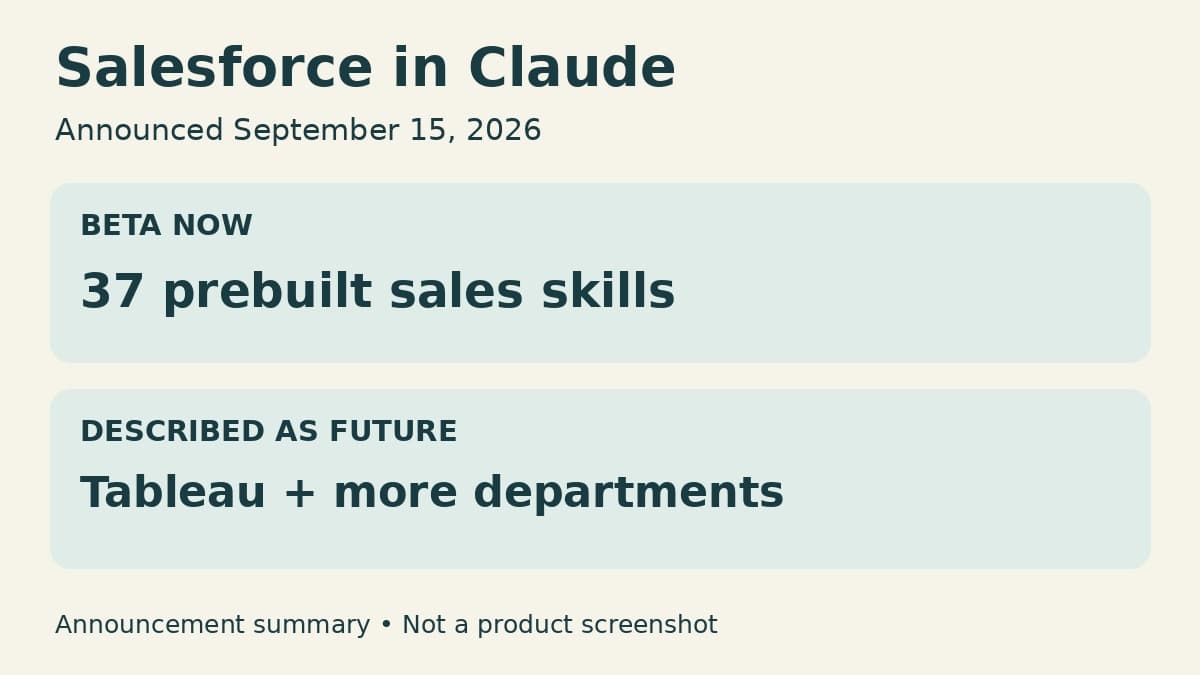
Salesforce says Salesforce in Claude is now available to all customers in beta, with 37 prebuilt sales skills covering work from prospecting to pipeline hygiene. The September 15 announcement gives sales teams a concrete starting point for using CRM information inside Claude, rather than copying records into a separate conversation.
The useful decision is which sales task deserves a trial. A rep preparing for a customer conversation needs accurate, current context. A rep changing an opportunity needs the right record updated. Those tasks belong in the same workflow, but they need different evidence before a team relies on them.
How Salesforce reaches Claude
Salesforce in Claude is part of Claudeforce, one of the launch offerings under AIforce, Salesforce's new interface layer. AIforce also launches with Slackforce and Agentforce Coworker. The company describes a way to bring Salesforce data, business logic, permissions, and actions into the interface where someone already works.
For Claude, Salesforce packages that connection as a prebuilt Model Context Protocol server. MCP is a protocol through which an AI application can work with external tools and context. In this case, the value of the connection is not simply access to CRM text: Salesforce says requests use its existing permissions and business rules, and actions route back through Salesforce.
That is the company's description of the architecture, not a result from a BaristaLabs product test. It does, however, explain the intended difference from pasting an account summary into a chat. The connected experience can work with Salesforce capabilities rather than rely only on the information someone manually supplies.
Sales skills, developer skills, and future scope are different
The launch includes 37 prebuilt sales skills. Salesforce names prospecting and pipeline hygiene as examples. Its announcement does not provide the complete skill list, so a team should check that its intended task is actually supported rather than infer it from the count.
The same announcement describes a separate Salesforce Development plug-in for Claude Code, with more than 40 skills and specialized sub-plug-ins. That is a builder offering. Do not add those skills to the sales count or assume that a sales rep's beta experience includes development tools.
Tableau analytics and skills for service, marketing, commerce, and industries are described as coming in the near future. A sales evaluation can begin without treating that wider departmental scope as already delivered. Likewise, the announcement's customer-wide beta statement does not establish a price, a particular subscription entitlement, or general availability. Confirm access and commercial terms for the actual Salesforce and Claude environment before scheduling the trial.
Our earlier Salesforce AI Harness analysis examined reuse of existing integration investments and a broader planned rollout. This announcement presents a narrower near-term choice: try the named sales experience on work a rep already performs.
Begin with a question the rep can verify
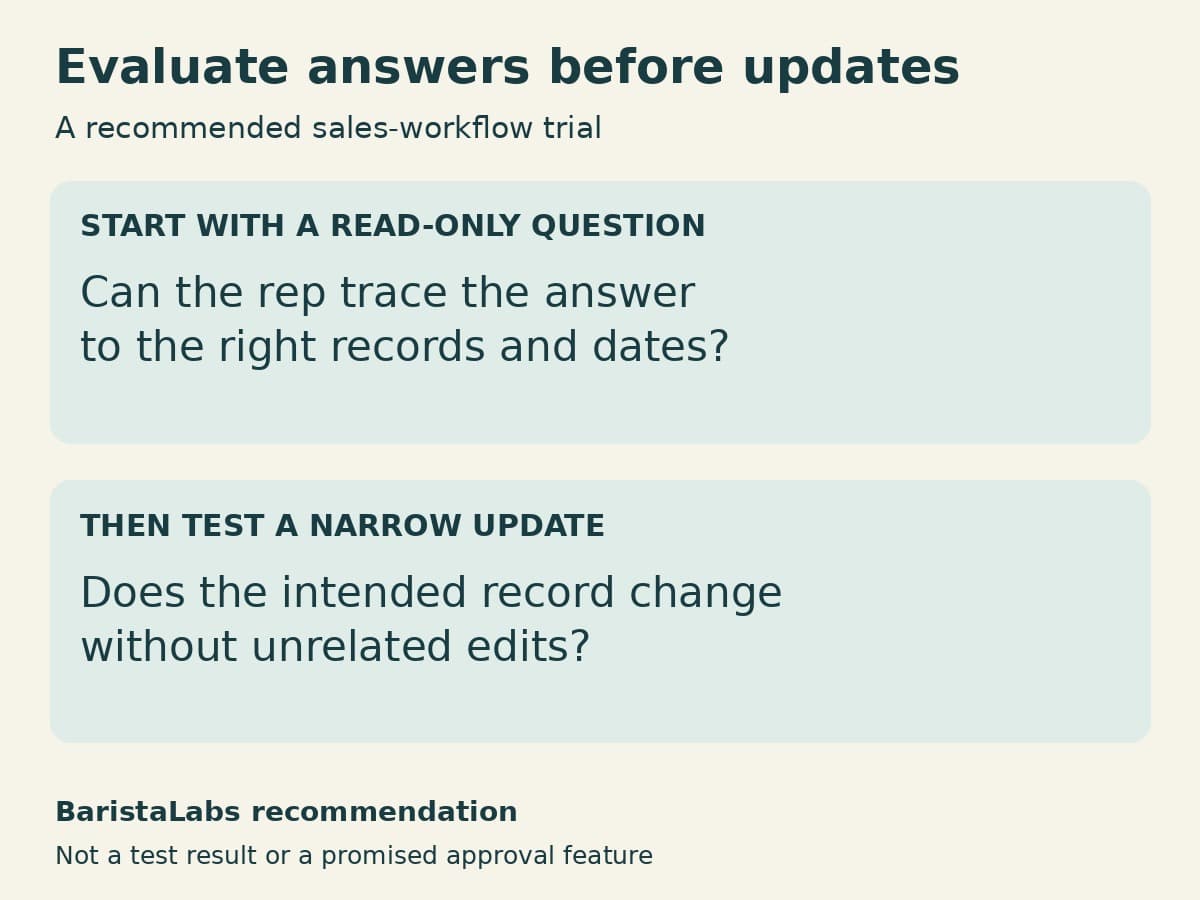
Our recommendation is to start with account preparation or another supported read-only task. Choose a question for which the sales team can check the underlying records. The first evaluation should establish whether the answer is useful, not how impressively the assistant handles an open-ended prompt.
Ask the rep to compare the answer with the relevant records and dates. Does it distinguish recent activity from old notes? Does it omit something that would change the conversation with the customer? Can the rep locate the information behind an important statement? These are proposed evaluation questions, not claims that the beta provides a particular citation interface.
Include records the team knows are incomplete. A useful assistant should make gaps visible rather than turn missing context into a confident account narrative. If a summary requires extensive checking and correction, record that effort alongside any reduction in navigation or preparation work. A fluent answer is only helpful if the rep can use it responsibly.
Evaluate record changes separately
Once the read-only task is useful, select one supported, reversible update in an appropriate test environment. Define the intended record and change before submitting the request. Afterward, inspect Salesforce itself to see what changed, rather than accepting the assistant's success message as the only evidence.
Use the permissions of an intended sales user, not just an administrator. Salesforce says the connected experience retains existing permissions; a trial should include both an allowed request and a request that user should not be able to perform. Permission inheritance also makes the existing access configuration worth reviewing. The new interface does not decide whether the organization's current permissions are appropriate.
Keep any required human approval explicit in the trial design. The announcement's promise that actions route through Salesforce does not describe a universal confirmation step for every write. Check the controls available for the selected action before allowing customer-facing or consequential changes.
The beta is worth evaluating where it can remove a specific interruption in sales work: leaving a conversation to collect CRM context, reconcile notes, or perform a routine update. Start with one supported task, retain the records used to judge it, and expand only when the sales team can explain why the result is dependable. The skill count tells you there is a packaged starting point; the trial tells you whether that starting point helps your team.
Source
- Salesforce Unveils AIforce, Bringing the Full Power of Its Platform to Any Interface, September 15, 2026. Product scope, beta availability, skill counts, and architecture statements are attributed to Salesforce. Trial recommendations are BaristaLabs' analysis.
Sales workflow evaluation
Test one sales task before expanding access
BaristaLabs can help choose a useful trial, define expected results, and review how connected AI uses CRM records.
Bring a workflow description and examples cleared for sharing.
Turn this idea into a pilot
Which workflow should go first?
Use the readiness check to compare impact, effort, risk, owner, and next step before requesting a review.
- 3-5 minutes
- Deterministic score
- No sensitive data
Practical AI Workflow Notes
Want more practical AI operations ideas?
Get short notes on applying AI inside real small-business workflows — from document handling and customer follow-up to internal reporting, compliance, and automation guardrails.