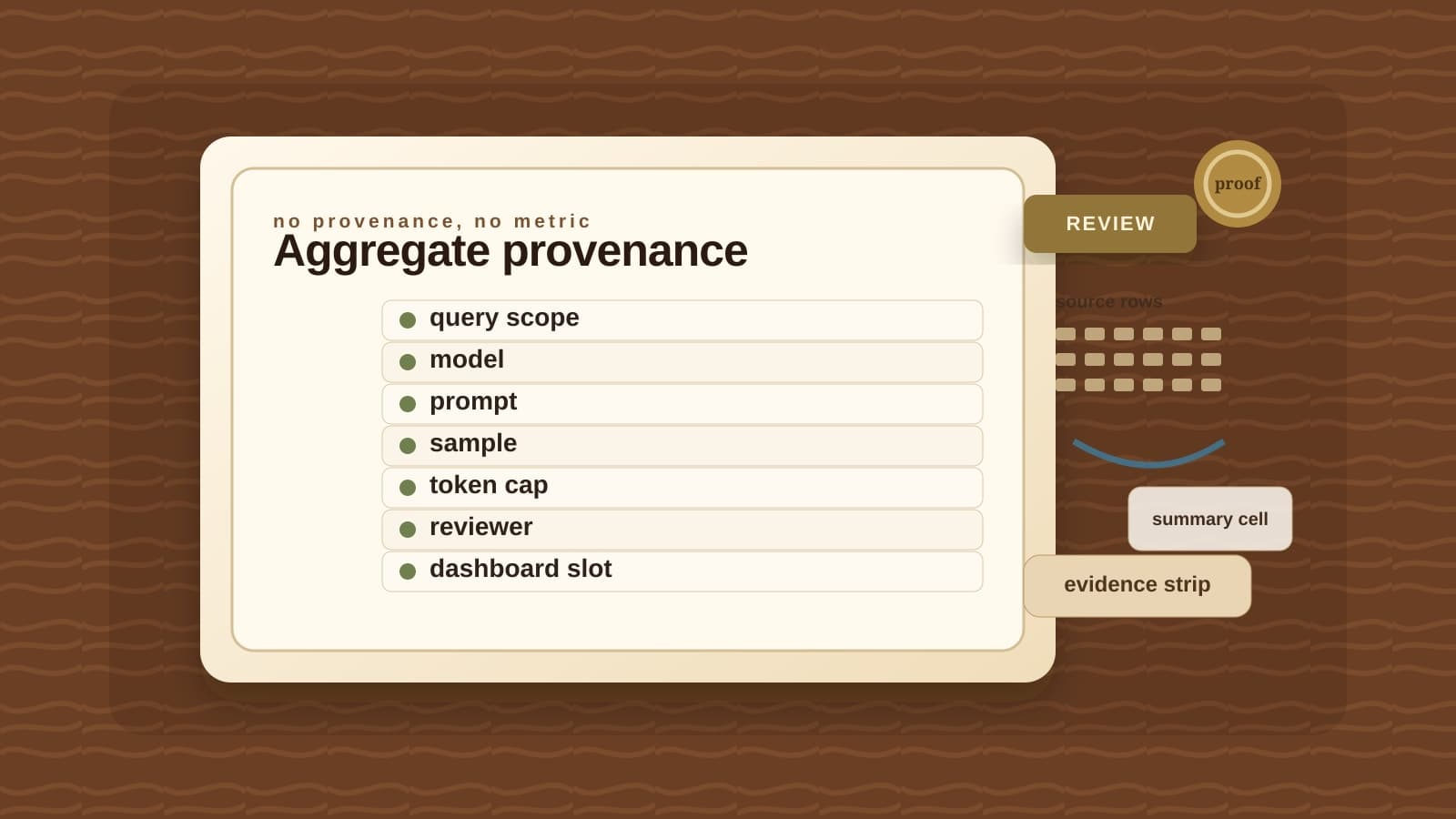

The Monday growth review has a new tile this quarter, sitting between the ones nobody argues about anymore. Weekly active accounts. Trial-to-paid conversion. Refund rate. Same query, same number, every time it runs. Then there's the new one: "Top reasons for this week's 1- and 2-star reviews," rendered as a single clean sentence in the same grid as the counts. It reads like a metric. It sits like a metric. Someone reads it out loud in the meeting the same way they'd read a conversion rate, and it goes on a slide an hour later.
It was written by a model, last Tuesday, by a query that also computed a plain COUNT(*) two columns over.
That's almost exactly the example Google published on June 29, when it posted a deeper look at BigQuery's new AI.AGG() function, now in preview. The pitch is straightforward: write natural-language instructions into a single line of SQL, and summarize or synthesize information across millions of rows of unstructured or multimodal data, without touching a notebook or a pipeline. Google's own examples ask exactly the kind of question a growth or support team already asks by hand: the top feature requests hiding in negative reviews, what kind of errors show up most often in a log stream, the specific scenarios where an automated agent fails to resolve a customer's issue.
One example from Google's post makes the tension concrete without anyone having to invent a scenario for it. Working against a public pet-supply dataset, they run a query that fetches a row count for each product category alongside a synthesized description of what that category has in common:
SELECT
  assigned_category,
  COUNT(*) AS item_count,
  AI.AGG(
    ('Product: ', product_name, ' - Description: ', description),
    'Write a concise, one-sentence summary describing the common characteristics or purpose of the products in this category.'
  ) AS category_summary
FROM
  categorized_cymbal_pets.categorized_products
GROUP BY
  assigned_category
ORDER BY
  item_count DESC;
Two columns, one query, one GROUP BY. item_count is arithmetic. category_summary is a call to a Vertex AI Gemini model, run in batches, capped, and occasionally wrong in ways that don't announce themselves. Printed in the same result set, in the same font, at the same grain, they look like the same kind of fact. They are not.
What actually happens behind that second column
The BigQuery reference documentation is candid about the mechanics, and the details matter more than the pitch. AI.AGG returns one string per group. Under the hood, because a single Gemini call can't hold millions of rows of context at once, the function automatically splits your input into batches, summarizes each batch, and then summarizes the summaries. That's genuinely useful: it's why Google recommends AI.AGG over hand-rolling the same logic with AI.GENERATE. It also means the total number of tokens sent to the model can exceed the token count of your source data, because you're paying for every round of that recursive summarization, not just the raw text.
Then there's failure. If a call to Vertex AI fails, quota exceeded, model unavailable, anything, the function returns partial results and quietly drops the rows behind that failed call from the final answer. If every call fails, or every input row turns out invalid, it returns NULL instead of an error you'd notice. You can see how many rows failed by opening the job statistics, the same place you'd check for any other generative AI function in BigQuery. Nobody opens job statistics for a dashboard tile that already looks finished.
Rows disappear in quieter ways too. AI.AGG concatenates structured fields the way BigQuery's CONCAT() always has: if one field in a STRUCT is NULL, the whole row concatenates to NULL and gets silently skipped, no error, no flag. Google's own writeup catches this against its own example, blank product descriptions vanishing from a category summary until someone wraps the field in IFNULL(). Rows over 10 MiB can throw an internal error. A single row holding ten or more images can get skipped outright. None of this is a bug report. It's in the documentation, filed matter-of-factly next to the syntax.
And the function still writes confidently. Ask it for JSON or Markdown in your instructions and it will usually comply, but Google is explicit that the database engine does not enforce that format. A parser downstream that expects clean JSON is trusting a model's manners, not a schema.
Preview means what it says
None of this makes AI.AGG a bad function. It solves a real problem: reading a haystack of logs, reviews, or support transcripts without hand-writing a MapReduce job to fit them inside a context window. Google's own engineering team says they used it on themselves, running it against their own logs to find edge cases while building the feature.
But the function is explicitly labeled Preview, subject to Google's Pre-GA terms, available "as is," with limited support. That's not boilerplate. It's the same document that governs a feature Google could change, throttle, or reshape before general availability, and it sits directly upstream of a cell your team might already be quoting in a customer email.
The honest comparison isn't AI.AGG versus COUNT(*). It's AI.AGG versus a person reading two hundred reviews and writing a paragraph. Both can be wrong. Only one of them looks, on a dashboard, exactly as certain as an aggregate function that's been correct every single time you've ever run it.
The AI Aggregate Provenance Card
The fix isn't refusing to use AI.AGG. It's refusing to let its output onto a dashboard without the same minimum paperwork you'd want from any new metric, plus a few checks that only apply because this one is a model call and not a formula.
Before the sentence sits next to the number
The AI Aggregate Provenance Card
Fill this in before an AI.AGG result, or anything like it, sits next to a real metric and gets read the same way.
- 01
Business question, written out
Required
Pins down: The exact plain-language question this cell is supposed to answer
Why it matters: A prompt and a slide caption drift apart fast. Write down what the cell claims to answer, not just what it says.
- 02
Source table or view, with snapshot date
Required
Pins down: The exact table queried and the date it was queried
Why it matters: AI.AGG has no built-in versioning. Run the same prompt against next week's table and you can get a different answer with no warning that anything changed.
- 03
Row-reduction step
Required
Pins down: The LIMIT, filter, or materialized table used before the Gemini call runs
Why it matters: Google's own documentation warns that inference is comparatively expensive and that row counts on complex queries can diverge from what you expect. Materialize first or you're guessing at spend.
- 04
Grouping key
Required
Pins down: The GROUP BY column producing one string per group
Why it matters: AI.AGG returns one string per group. Group at the wrong level and you get a confident sentence about the wrong slice of the business.
- 05
Instruction text, verbatim
Required
Pins down: The exact prompt passed to AI.AGG, including any explicit permission to report 'nothing's wrong'
Why it matters: This is a prompt-sensitive function. Reword the instruction and the same rows can produce a different summary.
- 06
Model endpoint and region
Required
Pins down: A pinned endpoint, not the function's default model
Why it matters: Leave the endpoint unset and BigQuery picks a model for you. That choice can change on Google's schedule, not yours, and the same query can start answering differently overnight.
- 07
Expected output shape
Required
Pins down: Plain sentence, Markdown, or a JSON array, and which downstream step parses it
Why it matters: The engine does not enforce the format you asked for. A parser expecting clean JSON will break on a stray sentence of preamble.
- 08
Cost and row-volume guardrail
Required
Pins down: Expected row and group counts checked against Google's own recommended ceilings: roughly 20 million rows and 1,000 distinct groups per query
Why it matters: Batching means the total tokens sent to Gemini can exceed the token count of the source data. An unbounded query is an unbounded bill.
- 09
Job statistics check
Required
Pins down: Confirmation that someone opened the job details to read the failed and skipped row counts
Why it matters: Partial results are the normal failure mode here, not the rare one. Nothing surfaces that unless a person looks.
- 10
Known skip risks for this table
Sample
Pins down: NULL-concatenating struct fields, rows over 10 MiB, or image rows with ten or more images
Why it matters: These are documented ways specific row shapes vanish from the aggregate before the model ever reads them.
- 11
Human sample audit
Required
Pins down: The number of groups a person spot-checked against the underlying rows
Why it matters: AI.AGG is in preview, under Google's Pre-GA terms. Nothing about it is warrantied to be production-accurate yet.
- 12
Refresh cadence
Required
Pins down: When this cell reruns, and whether the prompt version travels with the result
Why it matters: A synthesis frozen from three weeks ago sitting next to a live COUNT(*) is its own kind of stale-data problem, just harder to spot.
- 13
Decision-grade or exploratory
Required
Pins down: A visible label on the dashboard itself, not just in a wiki page
Why it matters: The whole point of the label is to stop an exploratory summary from quietly becoming something a roadmap or a customer email is built on.
No provenance, no trust. A synthesized cell earns its place on the dashboard the same way a metric does: by being checked.
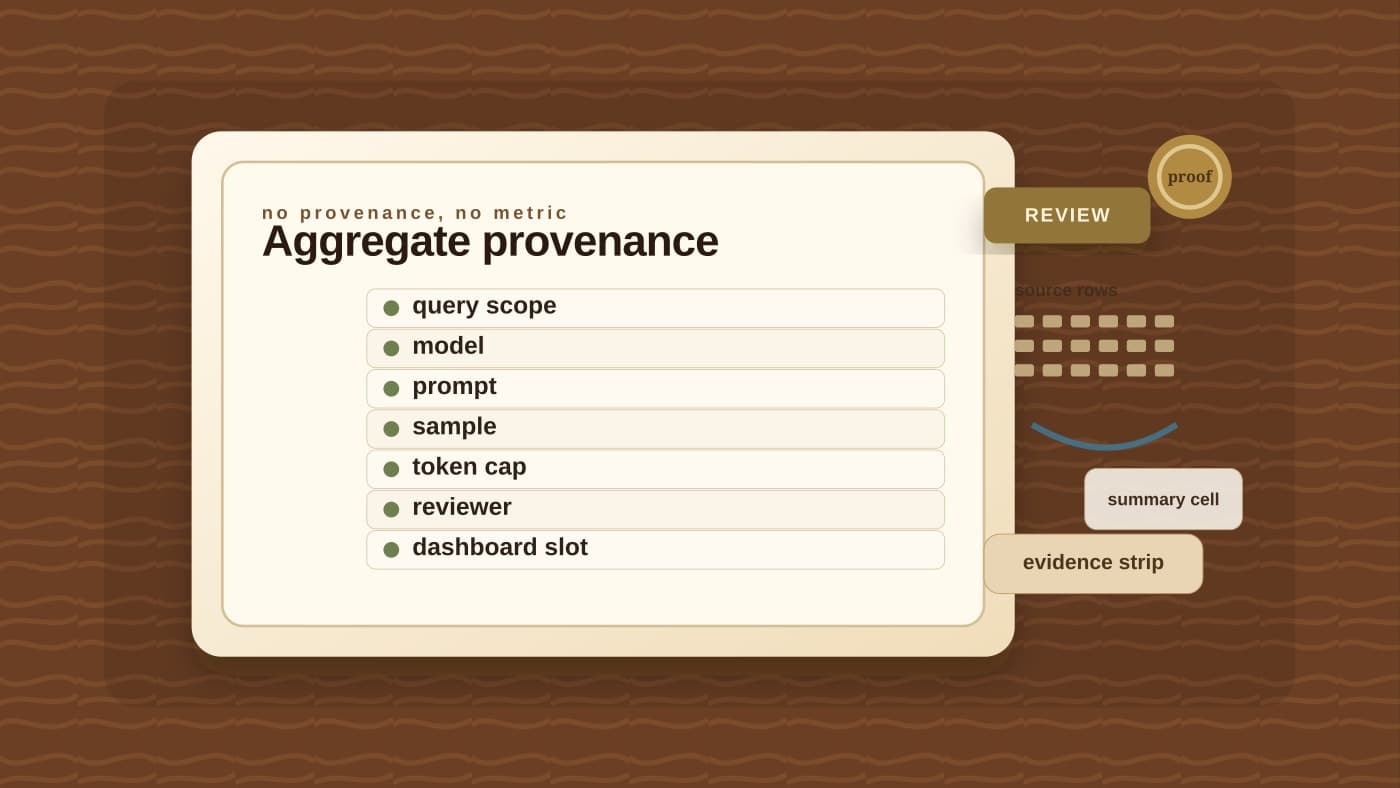
Fields 9 and 11, the job-statistics check and the human sample audit, are the ones a well-formatted cell can never answer about itself. A summary can read cleanly and still be built from a fraction of the rows you meant to include, with the rest dropped by a failed call or a stray NULL. If you can't fill those two lines in, you don't have a metric. You have an unaudited Gemini call with good formatting.
Where this sits next to the metric-ownership problem
This isn't the same governance question BaristaLabs has written about before around who owns a canonical metric definition before an agent answers a dashboard question. That piece is about a single number: whose "active customers" is correct, and who's accountable when the definition drifts. This one is different in kind. AI.AGG doesn't retrieve a metric that already has an owner. It writes new prose from raw rows, on the spot, and the thing being governed is the query itself, not a pre-existing fact somewhere in the warehouse.
Put them next to each other and the boundary gets clearer: a canonical metric needs an owner and a freshness rule. A generated aggregate needs all of that, plus a pinned model, a documented prompt, and a person who has actually opened the job statistics at least once. The second list is longer because there's more that can silently go wrong between the row and the cell.
If your team is piloting BigQuery's generative AI functions on anything that reaches a dashboard, bring one query that mixes a real aggregate with a generated one, and we'll help you fill in the provenance card before that cell gets read the way a COUNT(*) would be. Start with our process automation work, or look at how we think about bounding what a model-backed query is allowed to answer before it earns a permanent seat next to your real numbers.
Before an AI.AGG cell ships to a dashboard
Bring one query that mixes a real aggregate with a generated one
BaristaLabs will help you fill in the provenance card, from row-reduction step to human sample audit, before that synthesized cell gets read out loud in a meeting the way a COUNT(*) would be.
Best fit for teams piloting BigQuery's generative AI functions on production dashboards or reporting pipelines.
Turn this idea into a pilot
Which workflow should go first?
Use the readiness check to compare impact, effort, risk, owner, and next step before requesting a review.
- 3-5 minutes
- Deterministic score
- No sensitive data
Practical AI Workflow Notes
Want more practical AI operations ideas?
Get short notes on applying AI inside real small-business workflows — from document handling and customer follow-up to internal reporting, compliance, and automation guardrails.