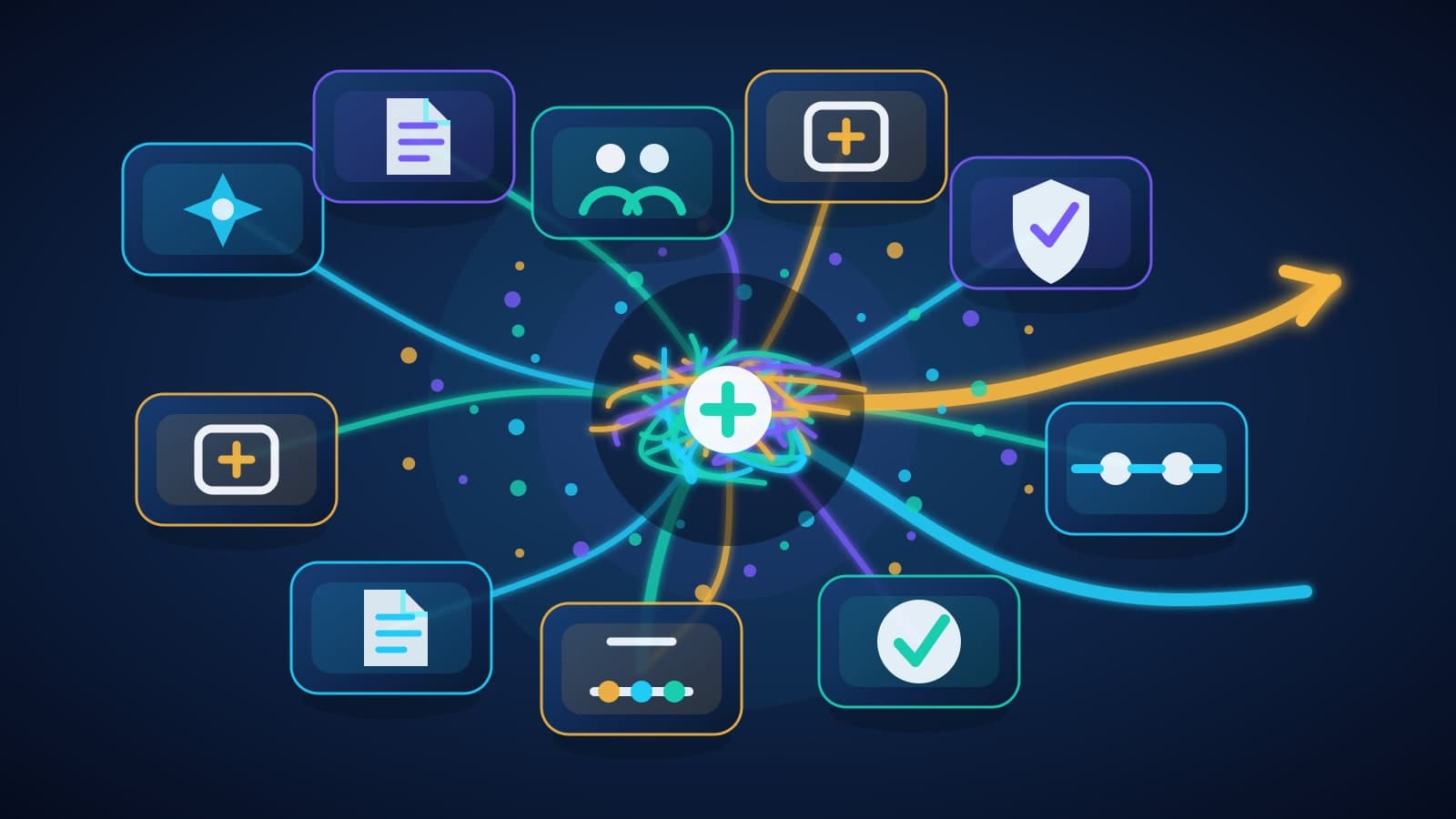

A team usually does not start by choosing a vendor category. It starts with one workflow that keeps causing friction.
A customer intake queue needs cleaner routing. Sales notes need to become follow-up tasks without someone copying fields between systems. A weekly reporting process depends on three spreadsheets and one person who knows the exceptions.
Then the options pile up. Buy a SaaS tool. Ask the internal team to experiment. Hire a freelancer. Call a large consultancy. Bring in a boutique implementation partner.
Any of those paths can be right. The mistake is choosing by logo, hourly rate, or vendor size before you understand the workflow.
Start with the shape of the job.
What the workflow tells you
A useful AI implementation decision starts with six questions:
- What system does the workflow touch?
- What data can the AI read, write, or expose?
- Who reviews the output before anything changes?
- What breaks if the AI is wrong?
- Who maintains the workflow after launch?
- What evidence would make the next investment obvious?
Those questions matter more than whether the provider is large, small, internal, or external.
A drafting assistant for internal notes is one kind of risk. A system that updates customer records is another. A tool that suggests invoice language is different from a tool that sends invoices.
If the workflow has private data, approvals, business rules, and system handoffs, the implementation path needs to account for that. If it does not, a lighter option may be the better call.
When a self-serve tool is enough
Self-serve AI tools are a good first stop when the task is contained and low risk.
Use them for drafting, summarizing, brainstorming, image concepts, meeting notes, internal templates, and other work where the user can review the result before it reaches a customer or system of record.
This path works best when the tool can be used mostly as-is. Your team does not need custom permissions, unusual integrations, model routing, or a new approval layer. Someone can try it, judge the output, and decide whether it saves time.
Watch for the messy middle. A tool may summarize a call well, but it may not know which CRM fields matter, which claims legal has approved, or which customers require special handling.
That does not make the tool bad. It means the workflow has moved beyond simple generation.
When DIY is the right path
DIY makes sense when the team has capacity, ownership, and a clear place to start.
You need someone who can scope the workflow, connect the data, test the output, handle edge cases, and support the system after the first version ships. You also need enough time for mistakes to be useful instead of disruptive.
The easiest DIY wins tend to be internal workflows with clean data access and forgiving failure modes. Think internal ticket classification, draft summaries, research assistance, or a dashboard that helps operators find exceptions faster.
DIY gets harder when nobody owns the last mile.
A prototype can be built in a week and still fail because there is no review screen, no logging, no rollback path, no training plan, and no answer for who fixes it when the business changes.
If your internal team can own those pieces, DIY may be the best option. If not, the work may need outside implementation help even if the first demo looks simple.
When a freelancer or specialist contractor fits
A freelancer can be the right choice when the scope is narrow and the architecture is already clear.
This works well for a defined integration, prompt workflow, data cleanup script, reporting utility, or prototype where your team knows the requirements and can manage the handoff.
The main question is not whether the person is talented. It is whether your organization can supply the missing structure.
Who writes the acceptance criteria? Who reviews security? Who documents the workflow? Who owns the next iteration? Who keeps the system from becoming a one-off build that nobody wants to touch six months later?
A specialist contractor is often a strong option when you already have that management layer. Without it, the lower overhead can turn into hidden coordination work.
When a large consultancy makes sense
Large consultancies are built for situations where the work is bigger than one workflow.
They can be a good fit for multi-department programs, procurement-heavy environments, enterprise governance, change management, platform selection, and integrations that require many stakeholders to agree before anything ships.
That structure has value. If the AI project touches finance, legal, operations, IT, security, HR, and customer support, the project may need a program office as much as it needs a builder.
The tradeoff is weight.
A small business trying to fix one approval queue, reporting process, or customer intake workflow may not need a long transformation plan. It may need a scoped pilot, a senior builder, and a clean handoff.
Use a large consultancy when the organization needs enterprise coordination. Do not use one only because AI feels important.
When a boutique implementation partner fits
A boutique partner fits when the workflow is too specific for a tool, too important for an unmanaged experiment, and too bounded for an enterprise transformation program.
This is the middle lane: one valuable workflow, custom data boundaries, senior architecture, a review model, and a pilot that can produce evidence before the next spend.
For a small business, that might mean automating a customer operations handoff, building a retrieval workflow around internal documents, creating a review queue for AI-drafted actions, or connecting an AI assistant to existing software without giving it unchecked permission to act.
The work should still be bounded. A good partner should help decide what not to automate, where a human review step belongs, what data should stay out of the model, and how the team will maintain the workflow after launch.
This is where BaristaLabs usually fits: focused AI implementation without enterprise overhead. We help teams scope the first workflow, build the pilot, set data and review boundaries, and leave behind a system the business can keep using.
If the work needs a broader strategy conversation before implementation, start with the AI consulting service. If the workflow is already clear, process automation is often the closer match.
A simple comparison table
Scroll sideways to see all 3 columns.
| Path | Choose this when | Watch out for |
|---|---|---|
| Self-serve AI or SaaS tool | The task is low risk, the output is reviewed by a user, and the tool works mostly as-is. | The tool may not handle your data boundaries, approvals, edge cases, or system handoffs. |
| Internal DIY team | You have technical capacity, workflow ownership, clean data access, and time to learn from mistakes. | Prototypes stall when nobody owns testing, monitoring, support, and the last mile of adoption. |
| Freelancer or specialist contractor | The scope is narrow, the architecture is clear, and your team can manage acceptance and handoff. | The work can become a one-off if documentation, security review, and iteration ownership are unclear. |
| Large consultancy | The project spans departments, procurement, governance, change management, and enterprise integration. | The structure may be heavier than a single small-business workflow needs. |
| Boutique implementation partner | One valuable workflow needs custom implementation, senior guidance, data boundaries, and a bounded pilot. | It is not the right path for broad transformation offices or generic tools that require no custom work. |
The decision artifact to create before you contact anyone
Before choosing a path, write a one-page workflow brief.
Include the workflow name, the current manual steps, the systems involved, the people who touch it, the data the AI would need, the actions it might take, and the cost of a wrong answer.
Then add the pilot evidence you need. Faster cycle time? Fewer handoff errors? Better customer follow-up? Cleaner reporting? A safer way to review AI-drafted actions before they reach customers?
That artifact makes the vendor conversation more honest. A SaaS tool either fits the workflow or it does not. A DIY team either has the capacity or it does not. A consultant either understands the boundary or they are selling the wrong project.
For riskier workflows, pair that brief with a quick pass through responsible AI practices and data security boundaries. If you want to see what focused builds look like after the decision is made, review the case studies.
A better first question
The old question was "Should we hire a big firm or a small one?"
That is too blunt.
Ask this instead: "What implementation path matches this workflow's risk, data, integration depth, and owner after launch?"
If the answer is a self-serve tool, use the tool. If the answer is DIY, give the internal team enough ownership to do it properly. If the answer is a large consultancy, make sure the program weight is solving a real coordination problem.
If the answer is a focused custom pilot, compare the paths or request an assessment. Bring the workflow. The useful conversation starts there.
Turn this idea into a pilot
Which workflow should go first?
Use the readiness check to compare impact, effort, risk, owner, and next step before requesting a review.
- 3-5 minutes
- Deterministic score
- No sensitive data